


Welcome!
Have you ever been frustrated at pixelated motifs while you’re creating art? I’ve run across the issue of needing to change sizes in my art, even just motifs. I sometimes need to go larger, and often smaller– and with both, Procreate can pixelate.
Usually, every Wednesday on this blog I post a strategy, process, or reflection for illustration with the iPad app ProCreate, but now I’m adding in Affinity Designer, which I own for both my Mac and my iPad, along with Affinity Photo and Publisher: great apps that replace Adobe products. And, Affinity allows pixel and vector image creation.
Inspiration
A while back I’d taken Skillshare classes on Affinity Designer from Tracey Capone and Liz Kohler Brown. I remembered both explaining that vectors are fill, outline, and math– you can increase and decrease all you want without loosing quality. And so I plan to learn more about Affinity Designer. I joined Liz Kohler Brown’s The Studio, which includes a community and art courses in both Affinity and Procreate: a great combination.
A Process
If I want the ease of drawing motifs in black and white in Procreate, I can vectorize those jpgs with Adobe Capture [free]. Then I can save those .svg to Affinity to colorize and create my art, especially patterns in different sizes and color combinations. I did learn to vectorize my designs from Adobe Capture, which I wrote about here: Periwinkle and Leaves. Or, I can simply use the vector tools that Affinity offers in the app, which is what I did this past week.
Basic Patterns
I started with Liz’s Foundations and Affinity 101 classes to refresh my memory about using Affinity Designer. Here are my first basic repeat patterns using Affinity tools to create the vector motifs.
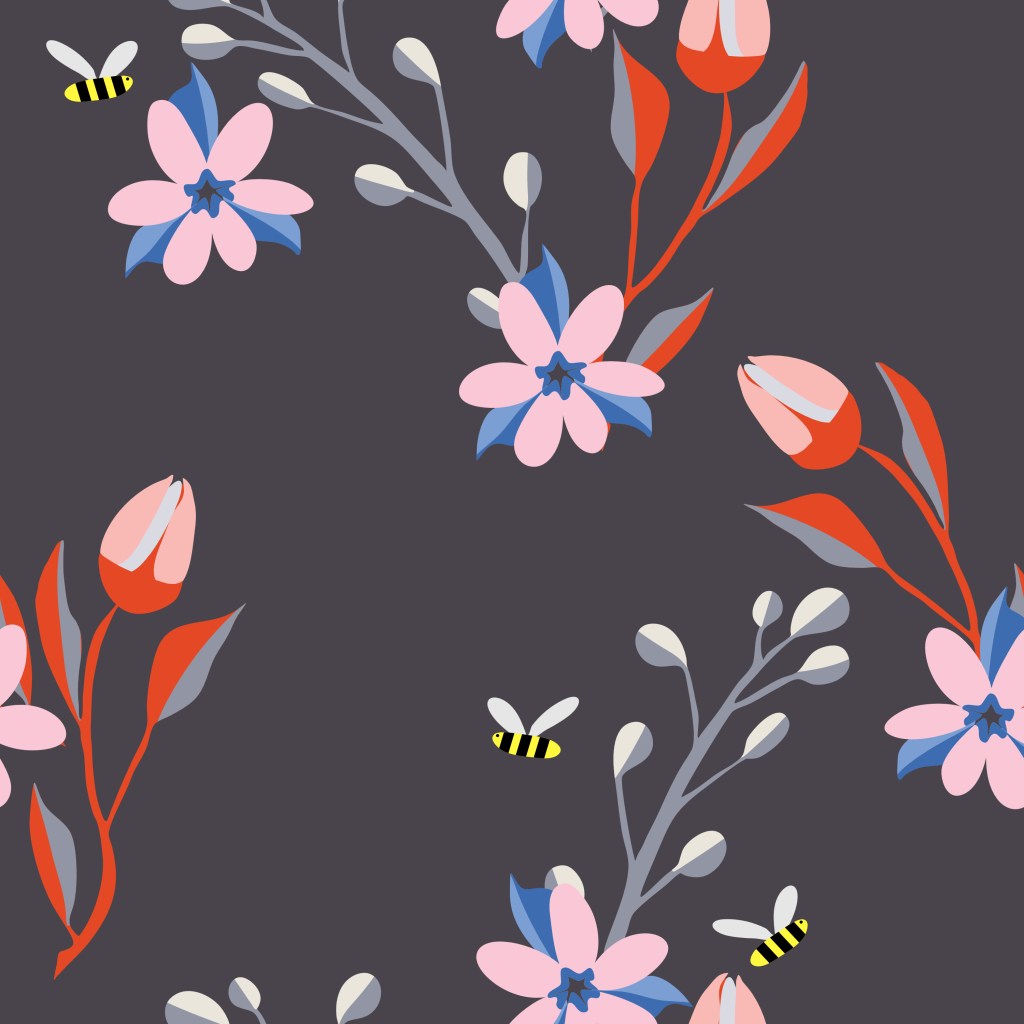
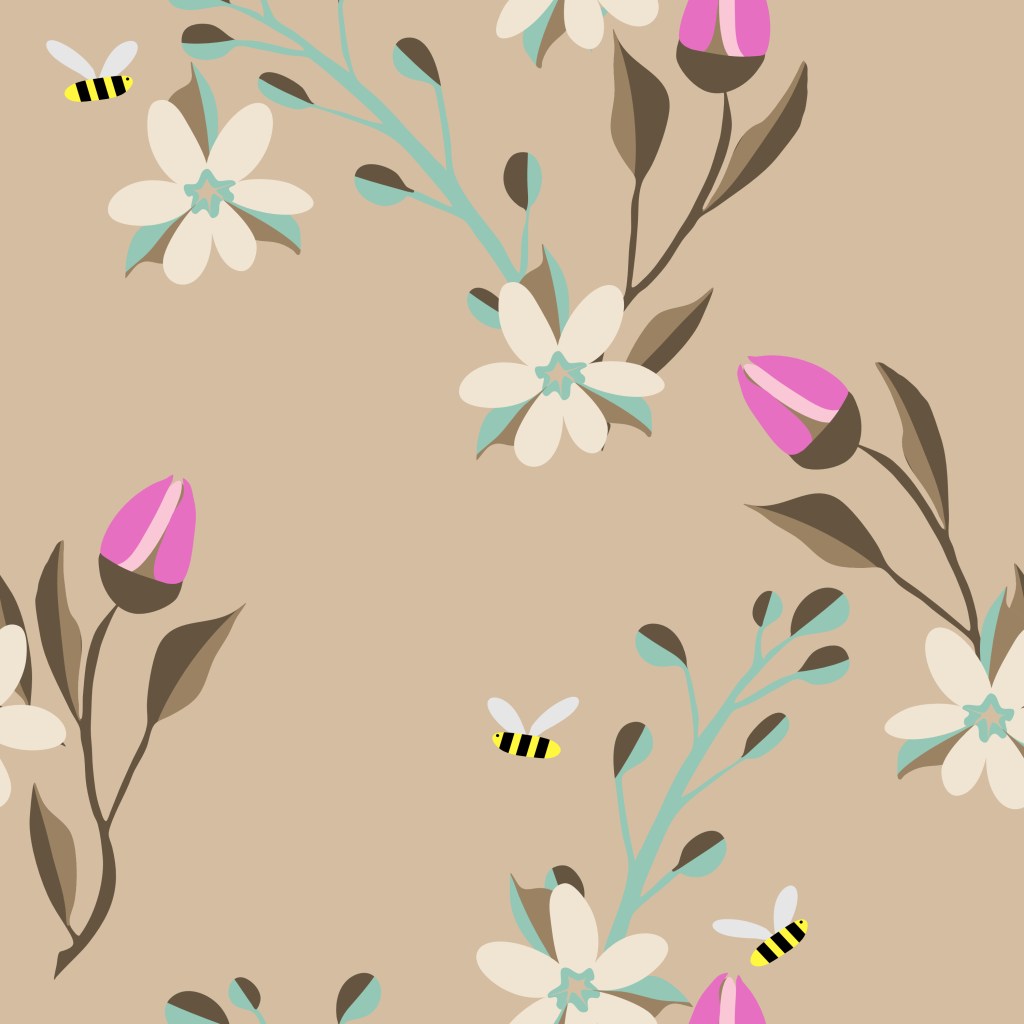
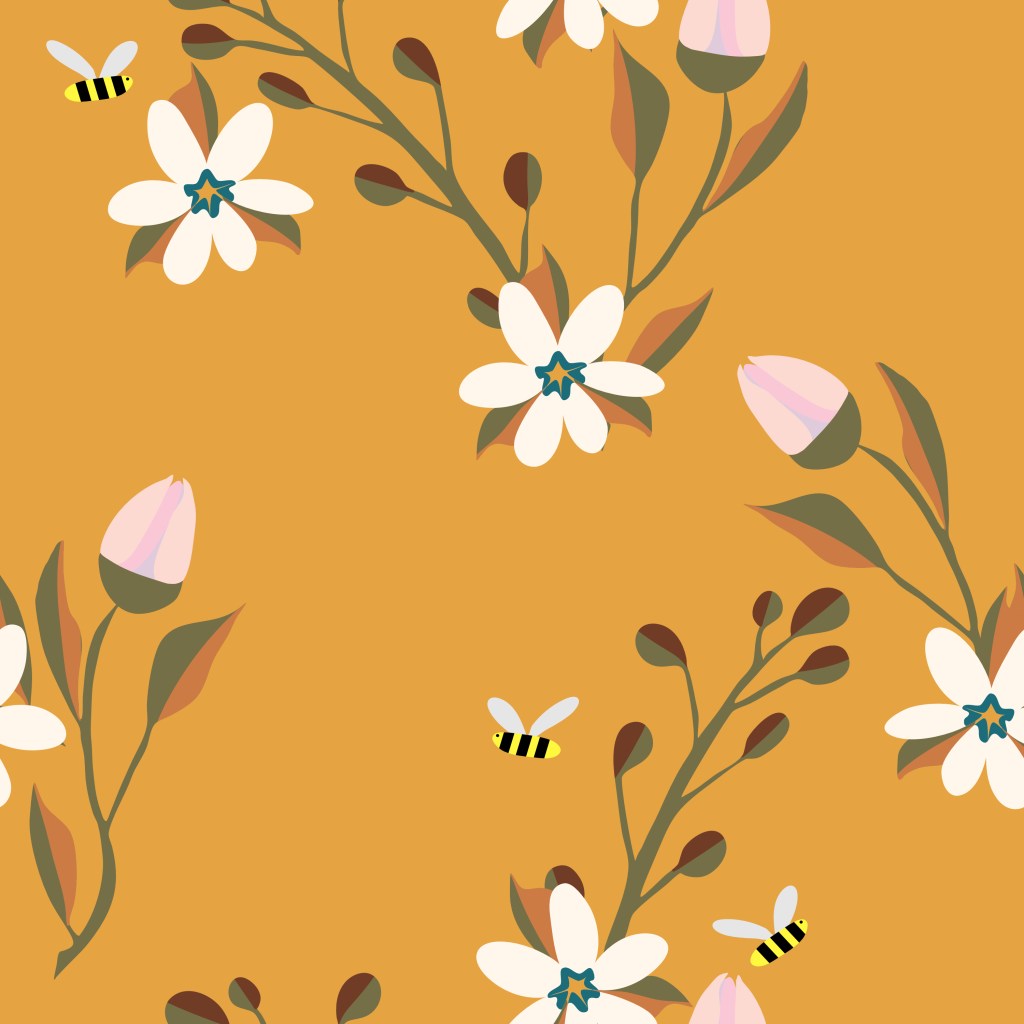
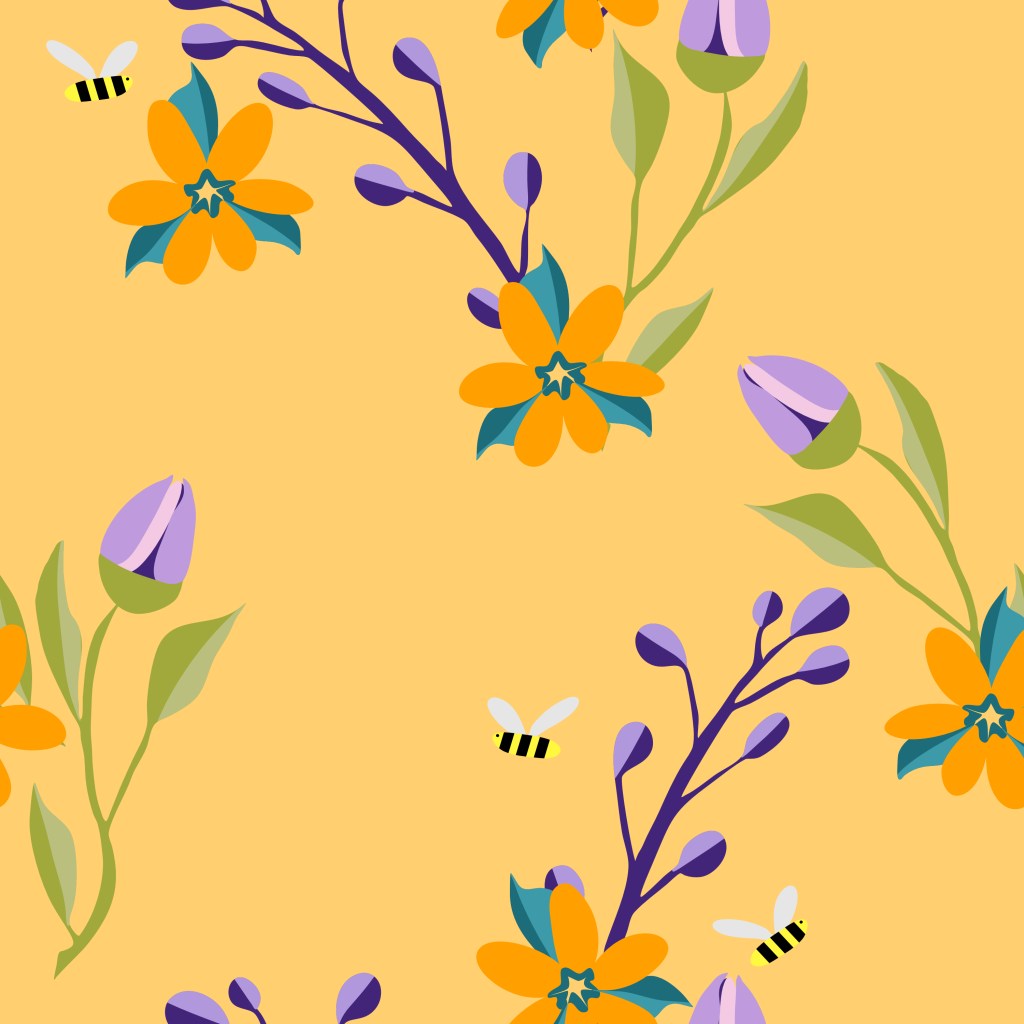
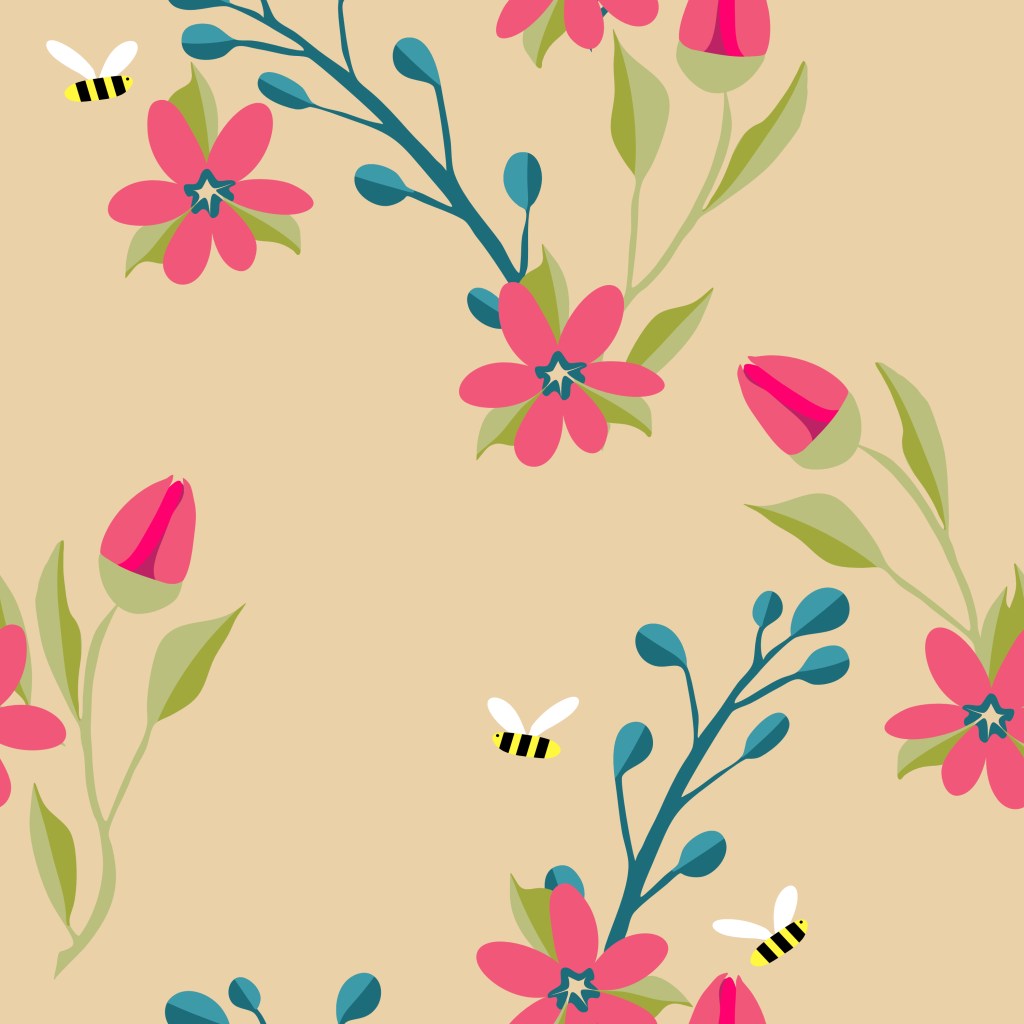
As you can see, they are the same pattern, but with different color palettes, all done fairly quickly in Affinity. The pattern is a basic repeat– you can see how the flowers on the left, match up directly with the flowers on the right. The same is true with top/bottom motifs. My husband loves the yellow one, which is my featured image.
Half Drop Patterns
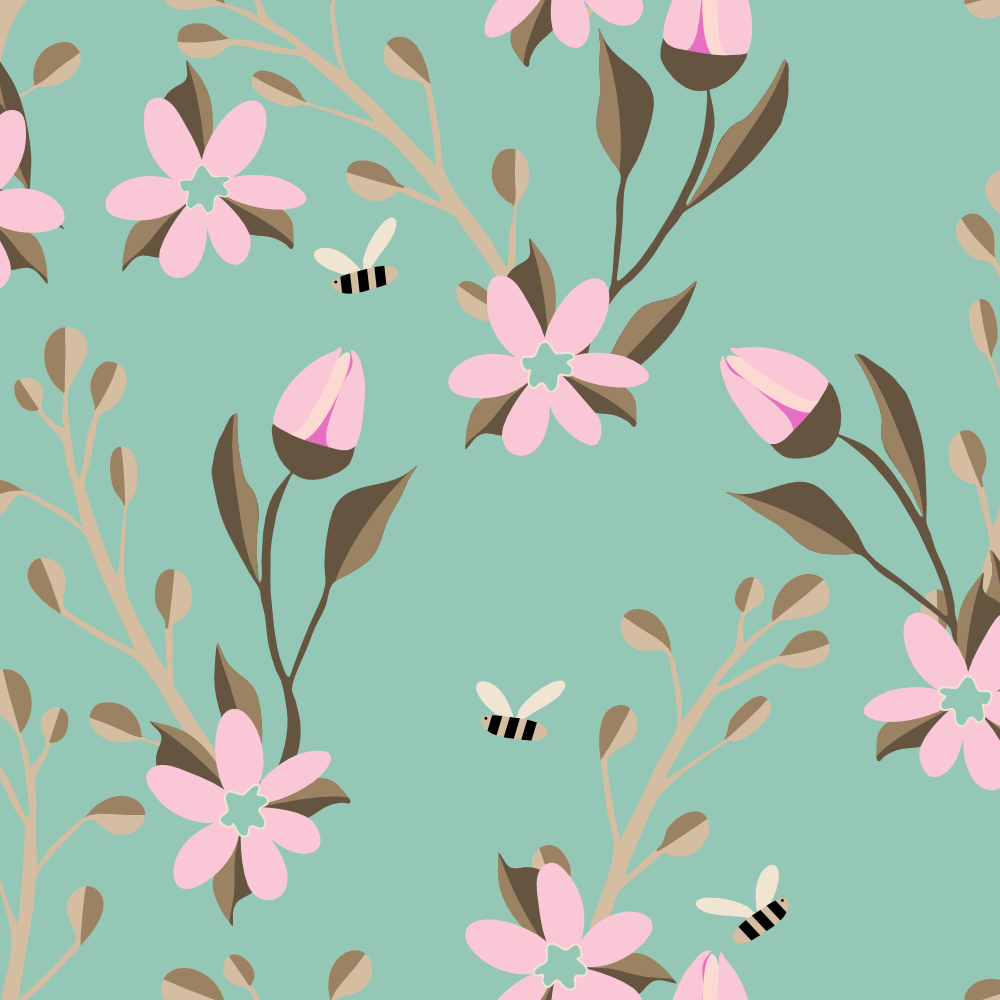
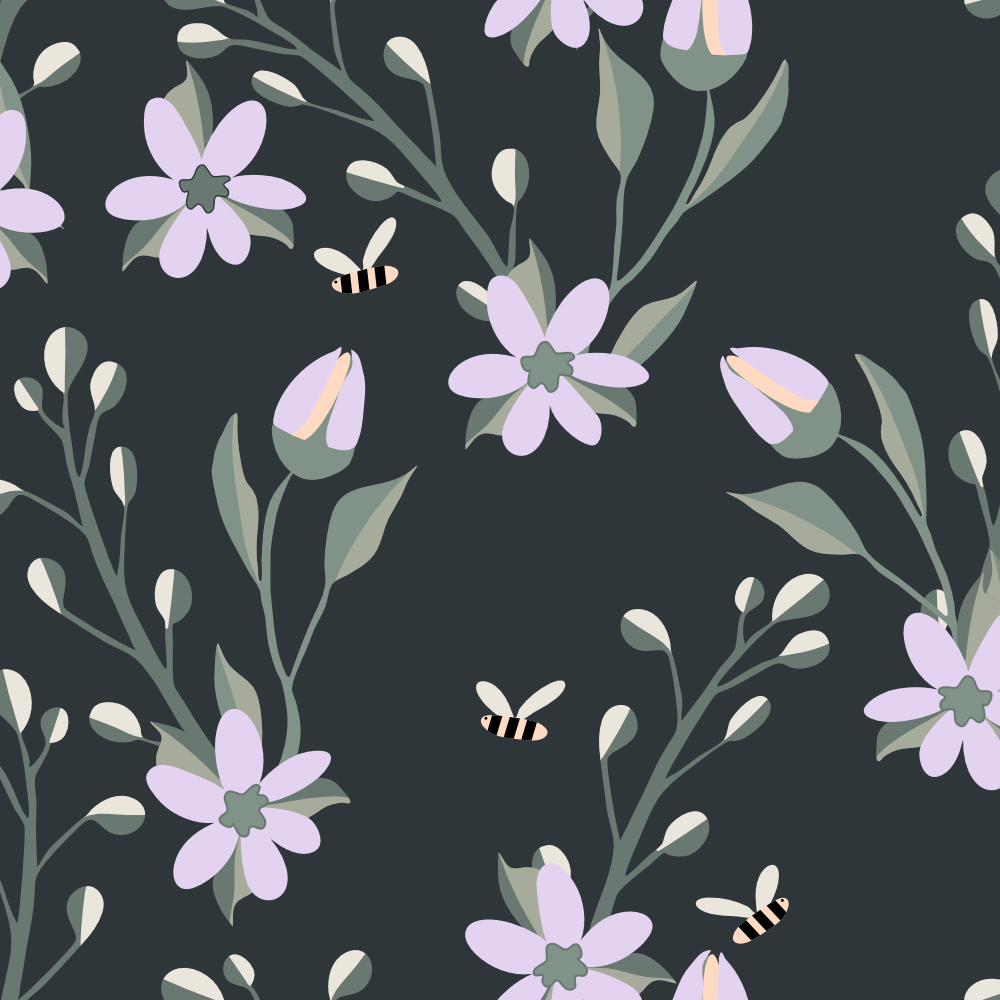
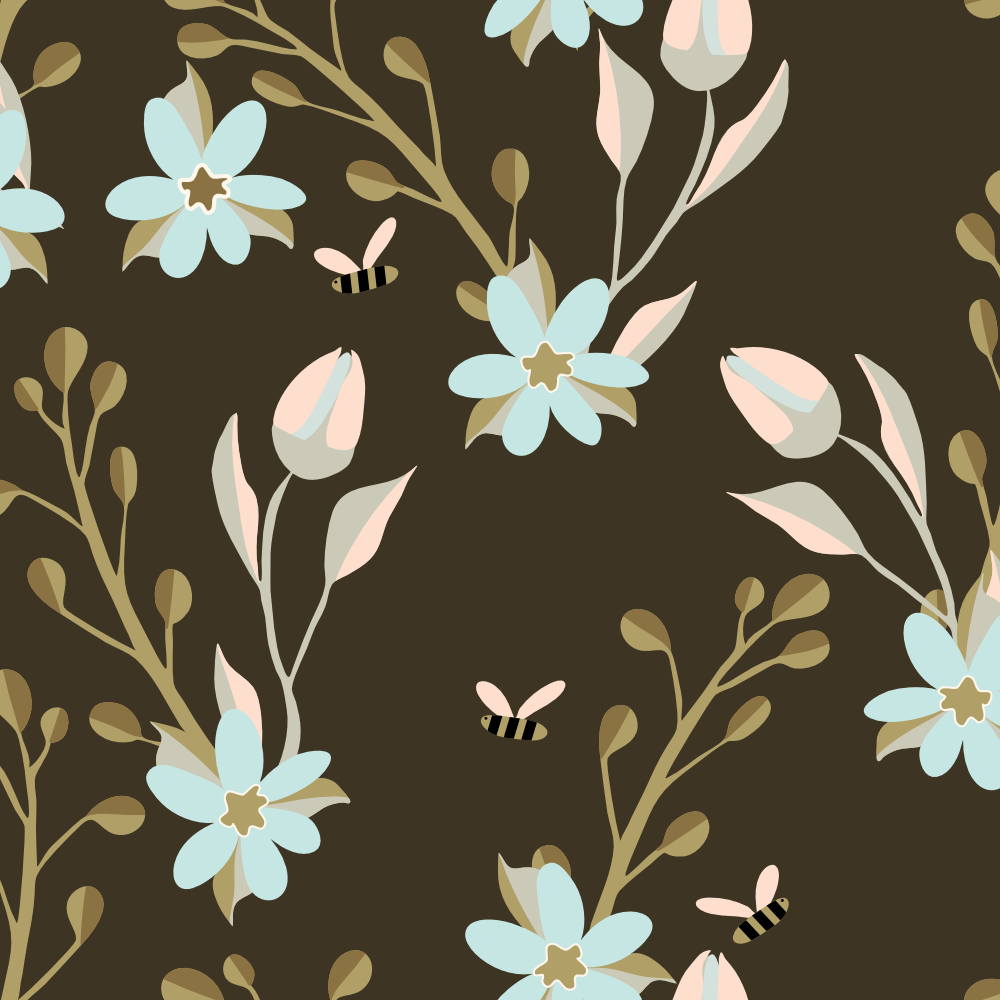
Next I learned and practiced the half drop pattern, which means the pattern does not match up straight across, but rather drops down a half a square. A great place to see this in action is Teela Cunningham’s Pattern Playground. Just click the buttons at the bottom to watch the pattern arrangement change. It’s easy to find a basic repeat pattern, but much harder for half drop and brick patterns, which is why they are so popular.
Here are my half-drop patterns from today– one pattern using the motifs from my basic pattern [now assets in Affinity] and rearranging them into the half drop. Then I simply changed color schemes.


Try it!
Whether you try Procreate or Affinity Designer, give pattern making a try. There are plenty of YouTube videos to get you started. Or join a community like Liz Kohler Brown‘s or Jennifer Nichols to get started or to refine what you already know while belonging to an artist’s supportive community.
I look forward to your sharing your experiences with surface design / patterns and hope this little post on a week of learning inspires you to start designing.
Please continue to be a part of the #warmup4art series to learn and enjoy our work together! See my sharing at IG @42Sheri and Twitter @42Sheri.

 I wonder, if I draw a line...