

Watercolor Teachers
Calvin the Drifter
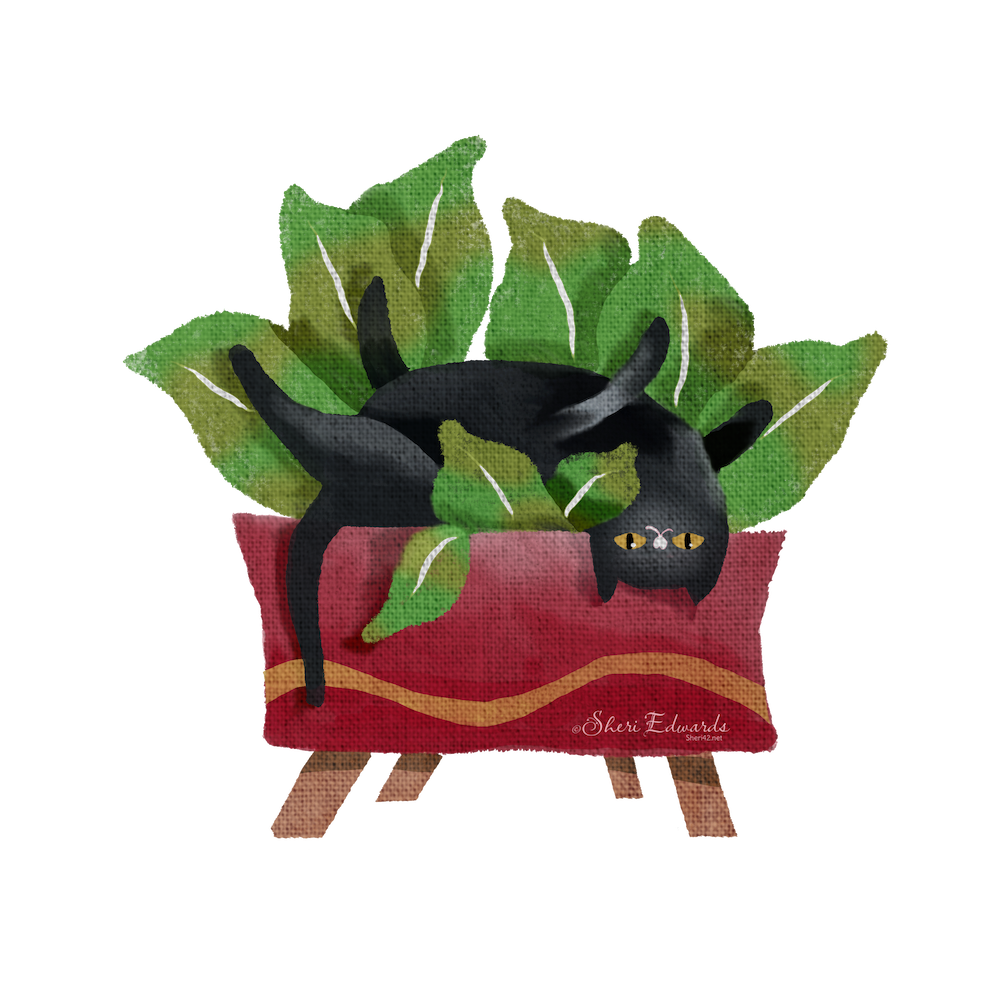
The cat plant I painted after watching Calvin the Drifter’s tutorial, Another Cute Black Cat. I adapted the lesson a bit to make it mine. I used his Aquarelle Brushes 21v1 brush set, which I’d purchased earlier. I’ve taken several of his tutorials on his YouTube channel, so I’m beginning to understand his techniques. I love this style when I’m in need of simply creating art without the pressure of a large project or style. And it always turns out cute. By now, I can add in extras not included in the tutorials because of the many classes I’ve taken. So if you want to learn watercolor in Procreate, here’s a teacher to follow and complete the lessons to develop the flow and adapt to your own style. His watercolor bushes and papers are fantastic.
Lisa Bardot
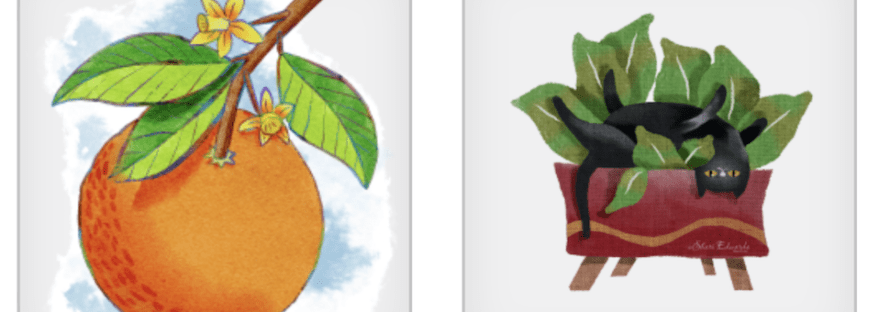
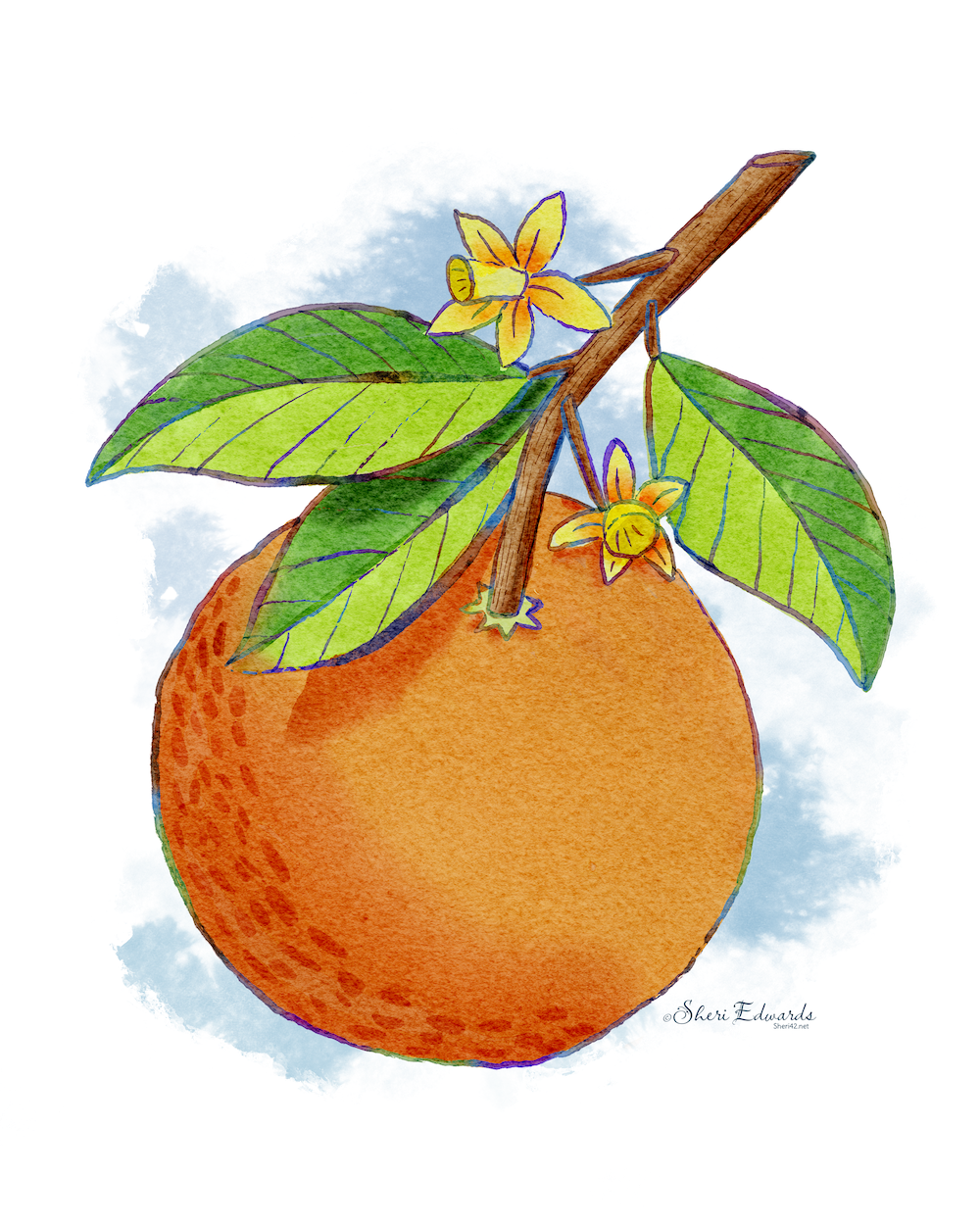
As indicated above, I’m in the mood for single and simple practice watercolor. Lisa Bardot hosts a fantastic community:, Artmakers Club, that includes tons of lessons in her bright and cheerful style. She also makes her own wonderful brushes and papers at BardotBrush. This week and often she offers a free lesson on her YouTube channel. She provides a free set of brushes and sketch for a watercolor orange in her tutorial, Paint a Watercolor Orange. It’s inspiration for her #makingarteveryday challenges.
I’ve also taken many of her classes, so I have a bit of muscle memory for her style as well. So, I watched her lesson all the way through, then completed the model orange on my own. There were a few new techniques in it which I plan to try again. I also purchased the whole set that her free set originates from.
Adaptation
One thing I did differently was to make both illustrations transparent so I could create stickers with them or make them into greeting cards.
I used a technique learned a while ago from Calvin. Here are the steps I take to make the transparent background: Note: Turn off = hide
- Duplicate the canvas textures
- Turn off both canvas textures
- Turn off the background.
- Turn off signature
- With just the layers for the art on, copy all and paste.
- Move copied art to the bottom below all the other layers.
- Turn on “Alpha Lock” on copied art.
- Fill the copied art with white. Duplicate several times and merge, until the copied art is now a solid white. This makes the “watercolor” opaque for a transparency.
- Turn on one of the canvas textures groups.
- In the layer of white art, choose “select” and invert.
- Go to one of the layers of canvas and select “clear” to erase all of the canvas texture but the shape of the art.
- Repeat for each texture layer.
- Turn on signature layer.
- Now your painting is just the art image without filling the whole canvas, like my two examples in the gallery above.
Thank you
I have many Artist Gems for whom I am grateful for their generous teachings. Today I celebrate Lisa Bardot and Calvin the Drifter. Take a few of their lessons and share what you’ve learned and adapted.
And you’re welcome to follow this blog for more art inspiration. We can share with #warmup4art to enjoy our work together! I look forward to your sharing and find me at @42Sheri, on Mastodon Sheri42, on Flickr teach.eagle Sheri 42. See my Home Page for links to all my shops to see what I’ve learned and how it turns out on products. Give a share out for your own work, learning, and shops.

 I wonder, if I draw a line...