


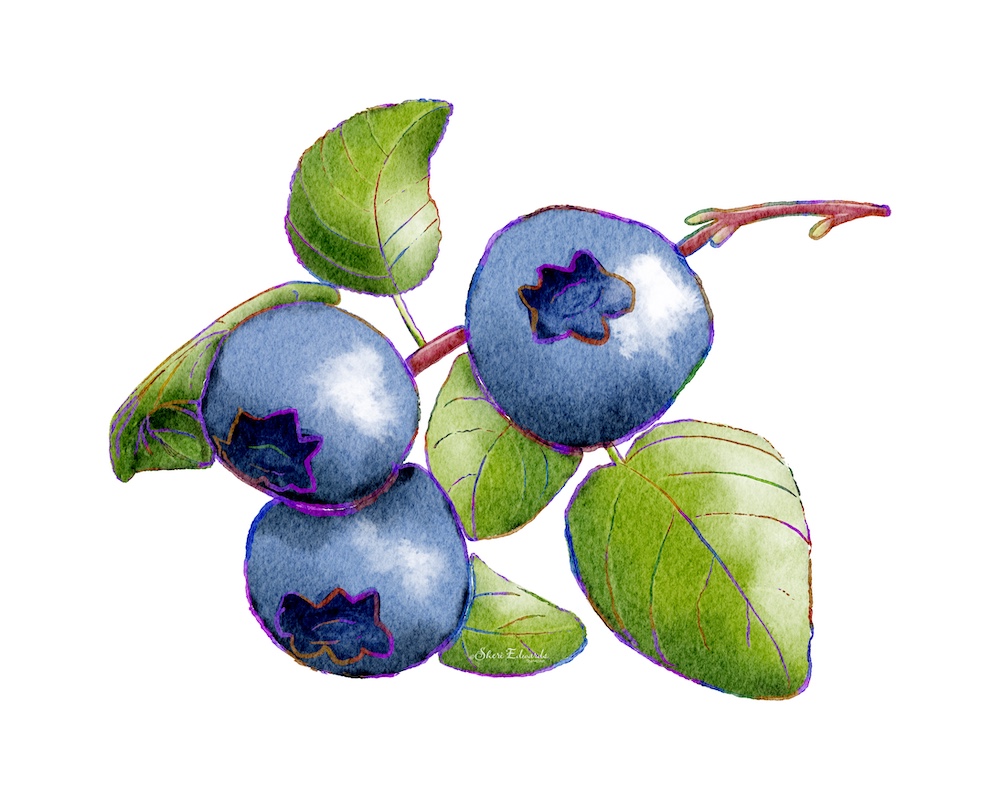
![blueberry watercolor by Sheri Edwards [transparent]](https://sheri42.net/wp-content/uploads/2024/01/blueberry_motif_t-copy.png?w=1000)
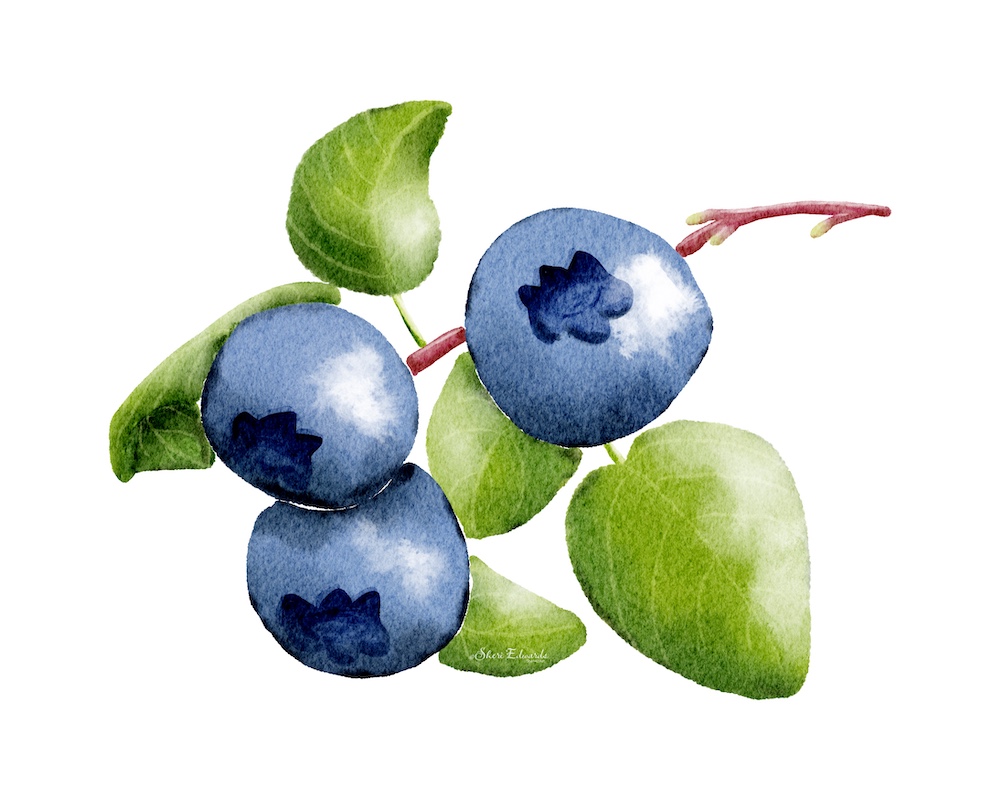
![blueberries in watercolor style with rainbow line work by Sheri Edwards [transparent]](https://sheri42.net/wp-content/uploads/2024/01/blueberry_with_linework_motif_t-copy.png?w=1000)
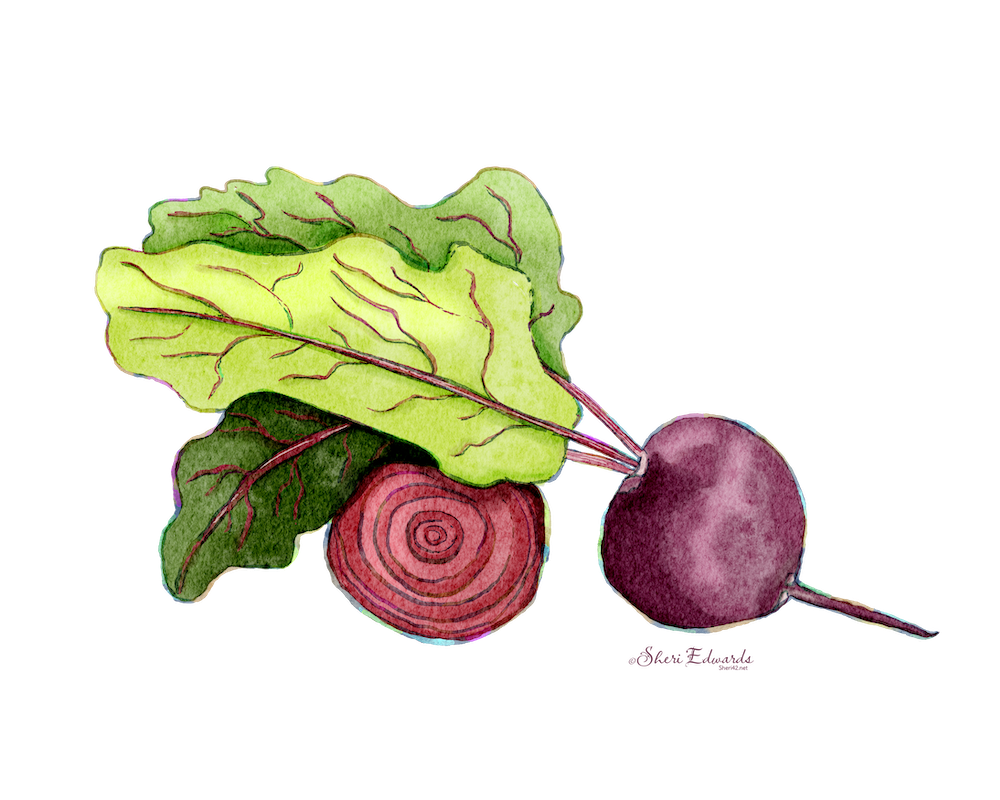
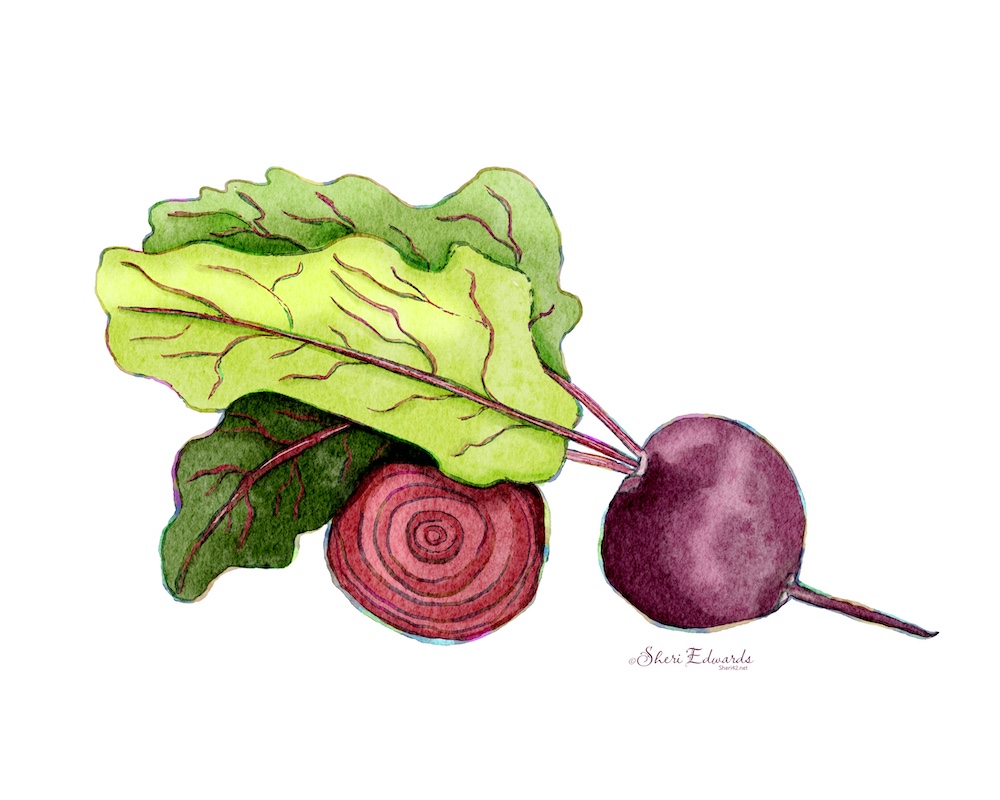
Welcome!
On most Wednesdays, check this blog for a strategy, process, or reflection for illustration with the iPad app ProCreate. This Wednesday Wrap Up reviews my recent watercolor work.
Inspiration
The inspiration for these watercolors comes from Lisa Bardot and her community.
Lisa Bardot hosts an art community, Artmakers Club, that includes tons of lessons in her bright and cheerful style. She also makes her own wonderful brushes and papers at BardotBrush. She also offers free lessons on her YouTube channel. She often provides a free set of brushes with her channel and does for the AMC.
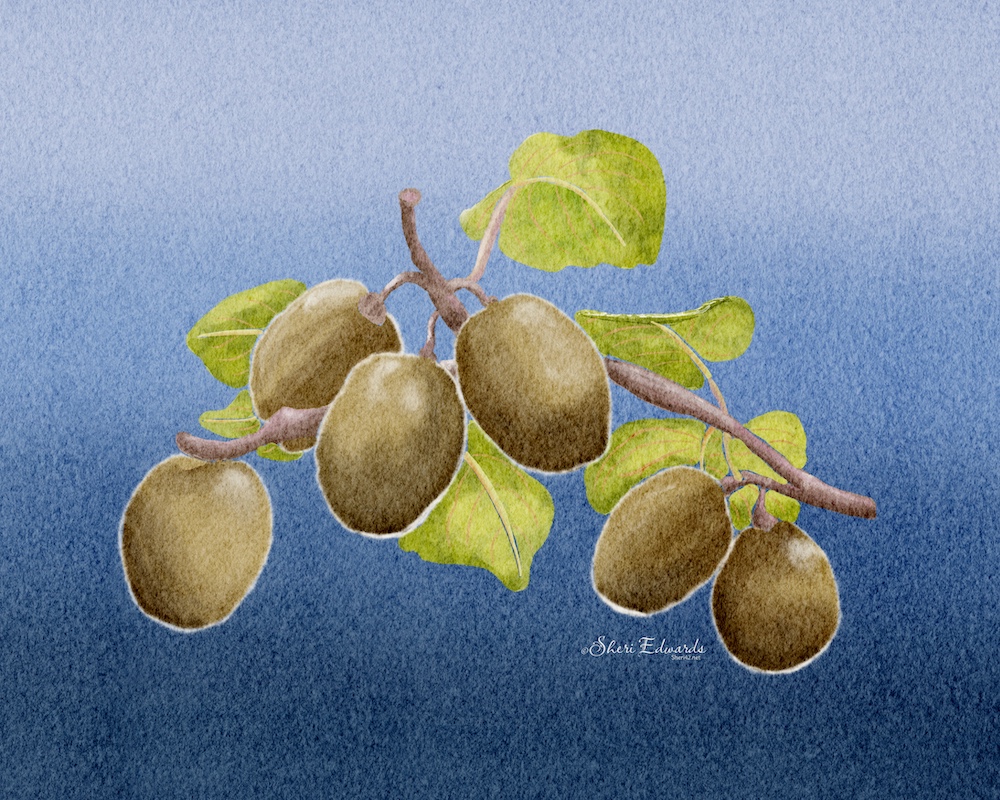
Each month now she sponsors her #makingarteveryday challenges, which are available to everyone. This month the topic is FOOD. So far I’ve written about the following prompts, which you can see in the above gallery.
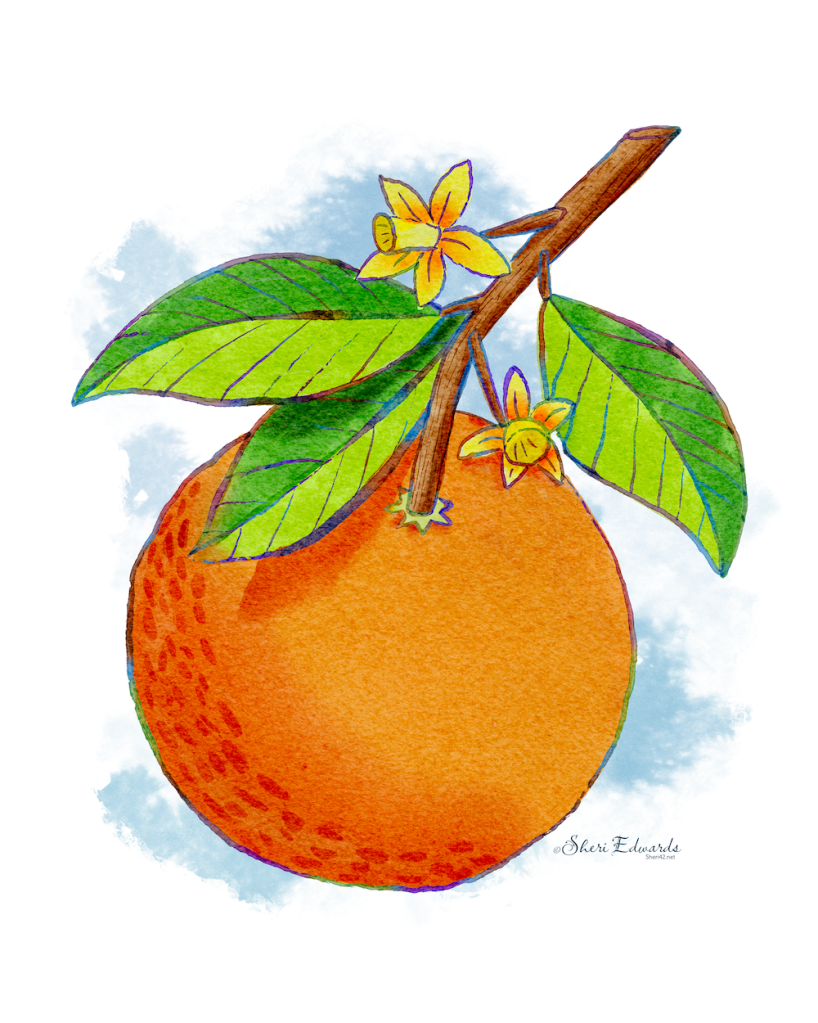
The style is from one Lisa Bardot’s many examples for the #makingarteveryday challenges for January’s topic: FOOD. I chose the Orange Watercolor tutorial, which you can find on her blog and on YouTube. The tutorial explains how to use three of the brushes in the Wonder Watercolor [https://bardotbrush.com/product/watercolor-wonder/ ] brushes, which come with an eighty page user guide with tutorials to learn to use the brushes.
One of the strategies in the video is to create the rainbow outline around the parts of the watercolor, which you can see in some of the illustrations in the gallery.
This Week
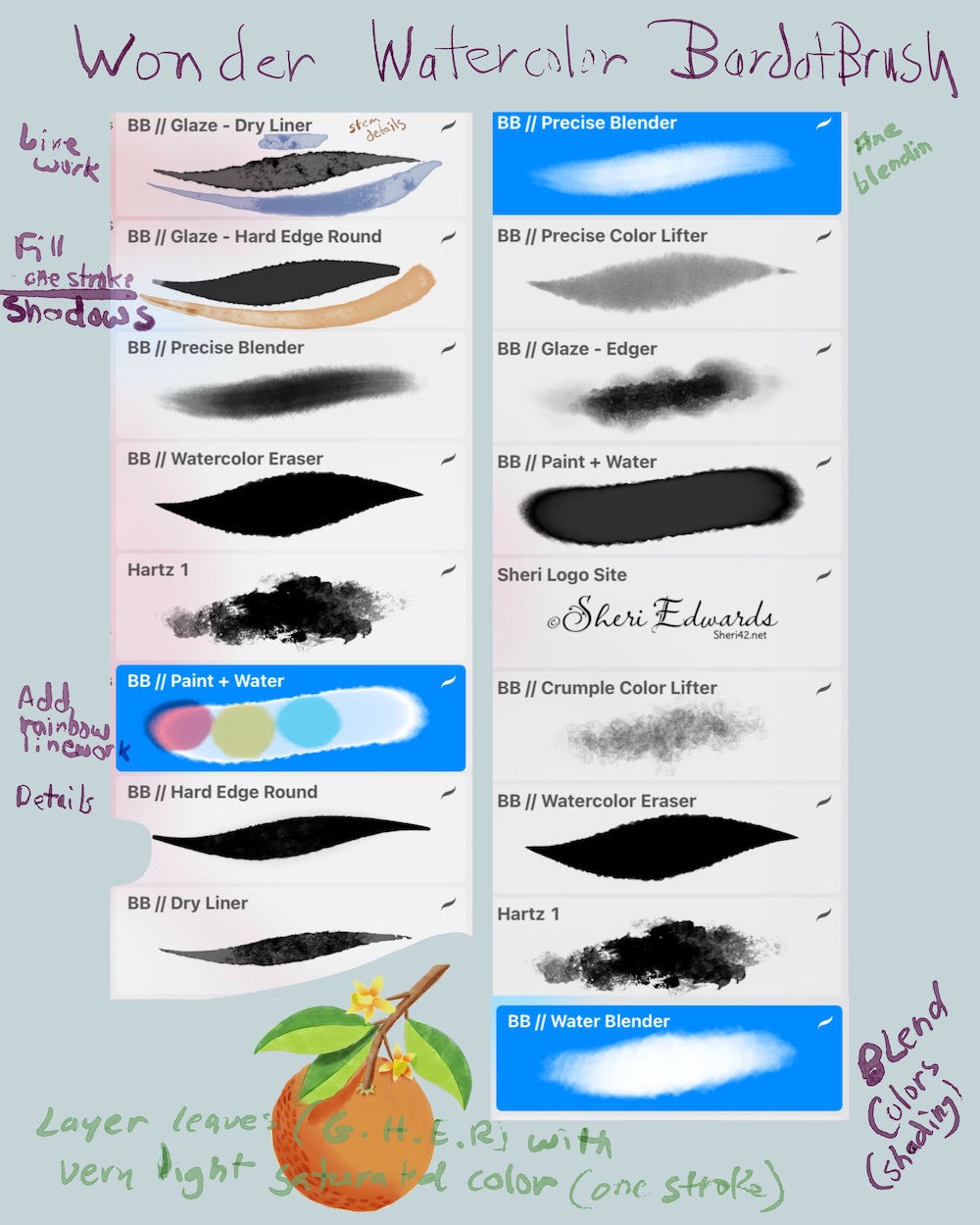
In order to build a bit of muscle memory with these brushes, I decided to do watercolor again with the Wonder Watercolor set. I created a little cheat sheet to refer to how to use the brushes. And when I make transparencies with a PNG for stickers or re-use, I follow the strategy shared in the post about illustrating the orange.
Asparagus
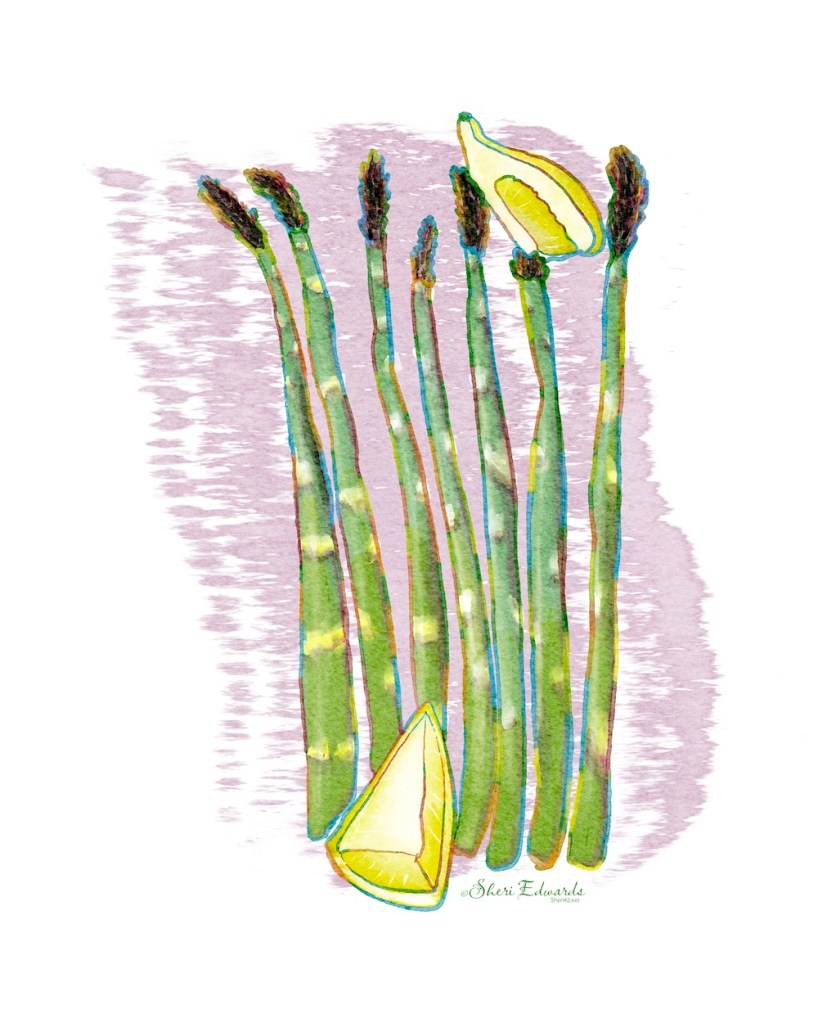
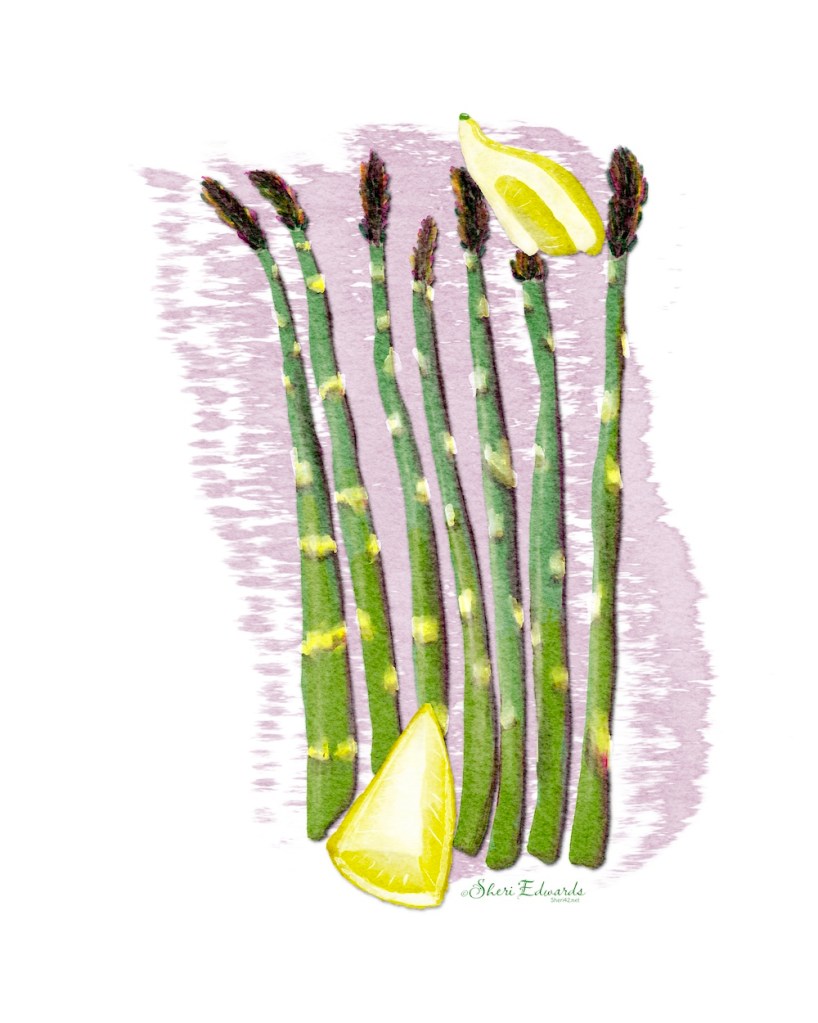
I really like the water blender brush– I can easily blend colors to lose the harsh boundary. Look for this in the video replay below as I shade the right sides of the asparagus. The glaze hard edge round creates texture as you paint. Paint the area in one stroke for one solid textured color. Painting over with the same color with this brush creates the shadow that water blender then blends to create the gradient.
The asparagus are in one grouping and the lemons in another. The base of each are on one layer, with different colors, blended in. Shading and highlights are on separate layers. You can do everything on one layer, however. I just like the ability to apply a blend mode for creating the effect I want. The orange was done all on one layer. Only the rainbow outline is on a separate layer.
Red Grapes
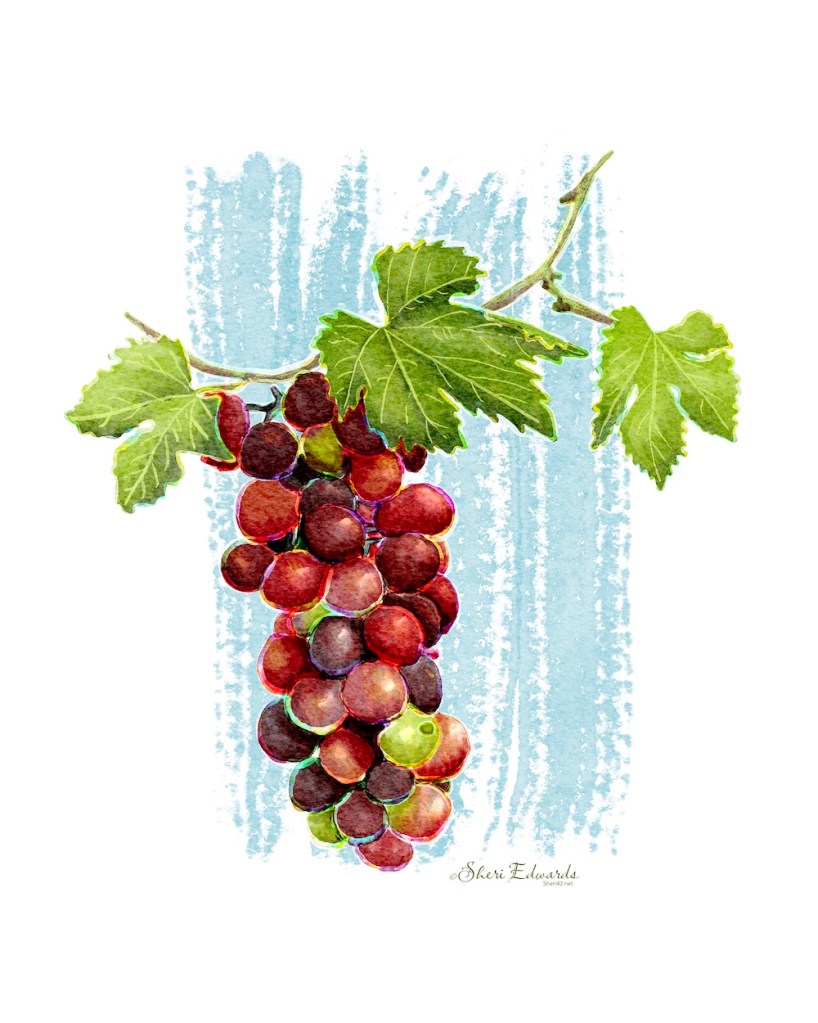
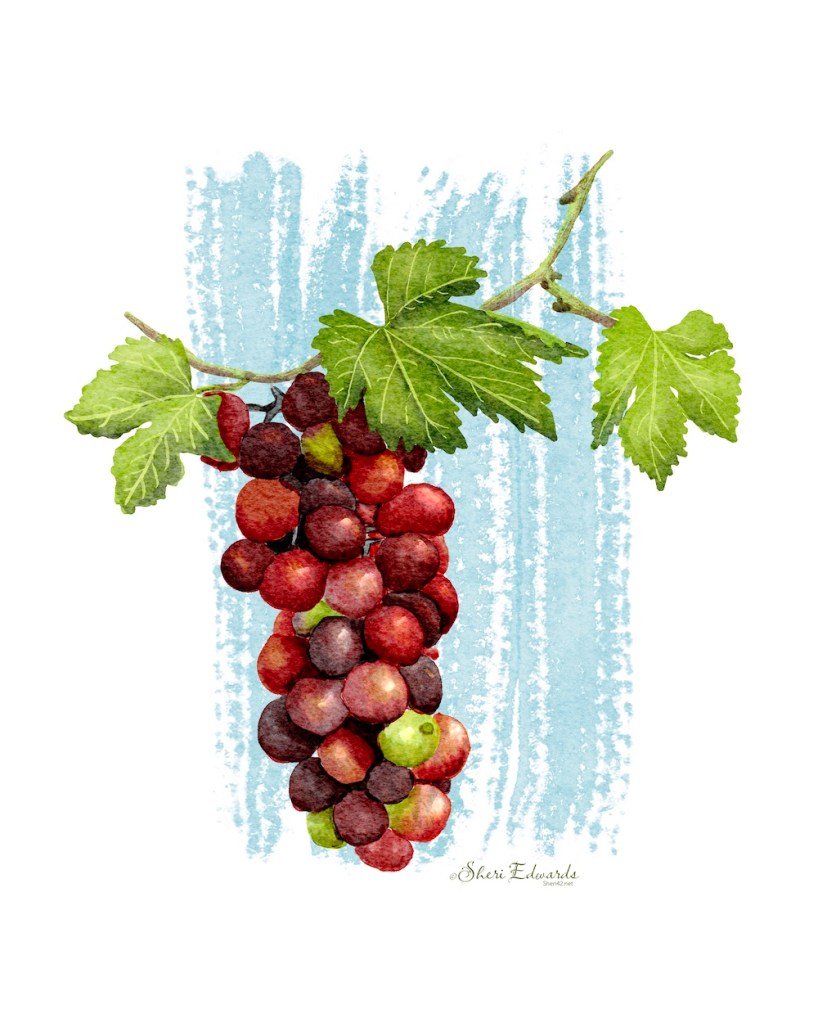
For the grapes I made three layers: grapes, leaves, stem. I painted all colors and all the blending of similar colors and the shading/blending, shadows, lighter areas on those three layers. Additional highlights I added on a separate layer for each. The veins for the leaves are on a separate layer.
Again the glaze hard edge round brush and water blender or precise blender really work together to create the varied colors that occur naturally in nature. If you slow the video down in the settings, you can see the blending. I did use the glaze dry brush a couple times for details, like the veins.
The background is the core dry brush on large, enlarged, and centered.
The Replay
Try It
Give the style a try. Lisa provides three free brushes to create the effects. Just check out the description on the Orange Water Color YouTube video.
I have many Artist Gems for whom I am grateful for their generous teachings. Today I celebrate Lisa Bardot. Try this lesson or take a few of her other lessons and share what you’ve learned and adapted.
And you’re welcome to follow this blog for more art inspiration. We can share with #warmup4art to enjoy our work together! I look forward to your sharing and find me at @42Sheri, on Mastodon Sheri42, on Flickr teach.eagle Sheri 42. See my Home Page for links to all my shops to see what I’ve learned and how it turns out on products. Give a share out for your own work, learning, and shops.
#bardotbrush, #makingarteveryday, #warmup4art #cldoodle24

 I wonder, if I draw a line...