

Welcome
Today’s WrapUp: How I backup my Procreate files to a hard drive.
After I’ve finished an illustration, I save the file as a Procreate document, a jpg, and a png to iCloud or Dropbox. I learned it’s also a good idea to save the file as a .psd, which can be opened in Photoshop and Affinity Designer.
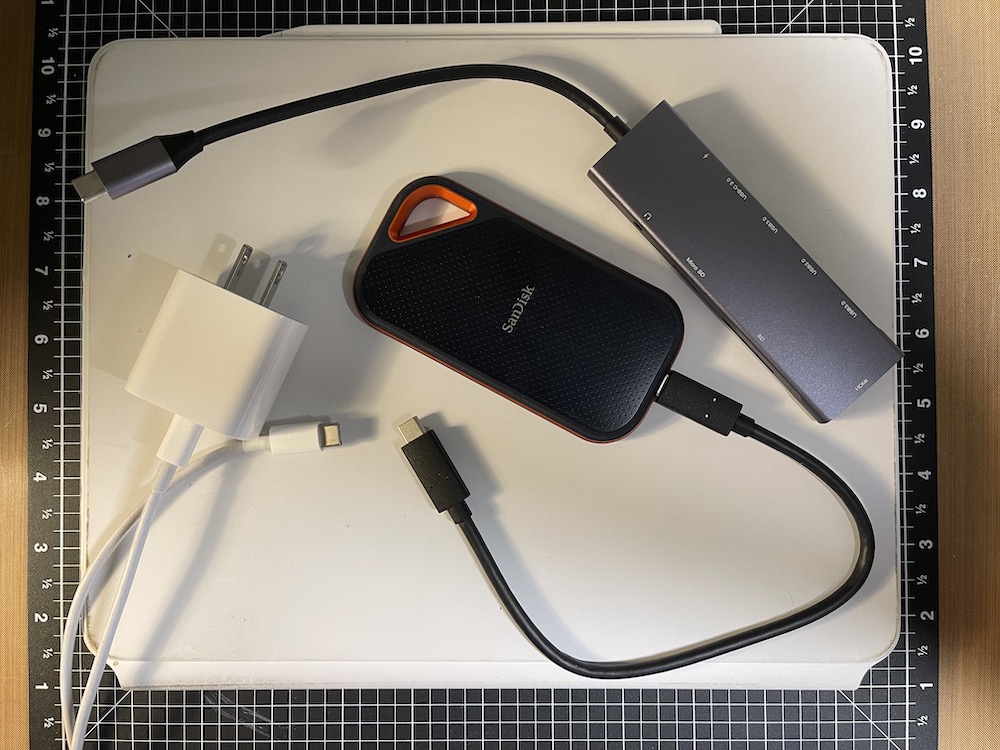
But, I want another backup of my Procreate files on a hard drive. Here’s how I did that, step by step in Google Slides:
Try It
I hope this helps you with a way to backup your Procreate files. My gallery is so full that Procreate seems to be lagging a bit. If you have any tips, please share in the comments.
You’re welcome to follow this blog for art inspiration. We can share with #warmup4art to enjoy our work together! I look forward to your sharing and find me at @42Sheri, on Mastodon Sheri42, on Flickr teach.eagle Sheri 42.


 I wonder, if I draw a line...