

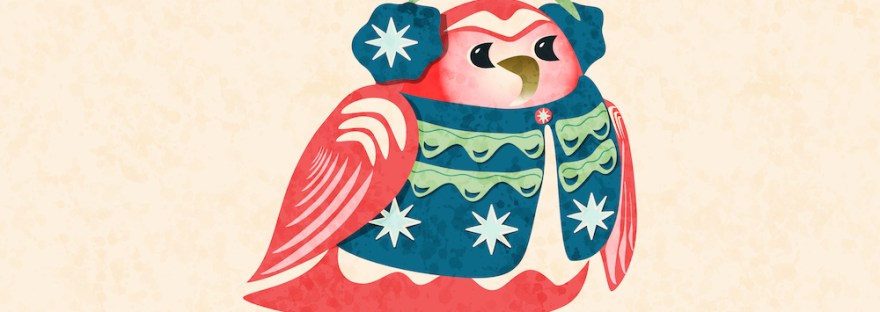
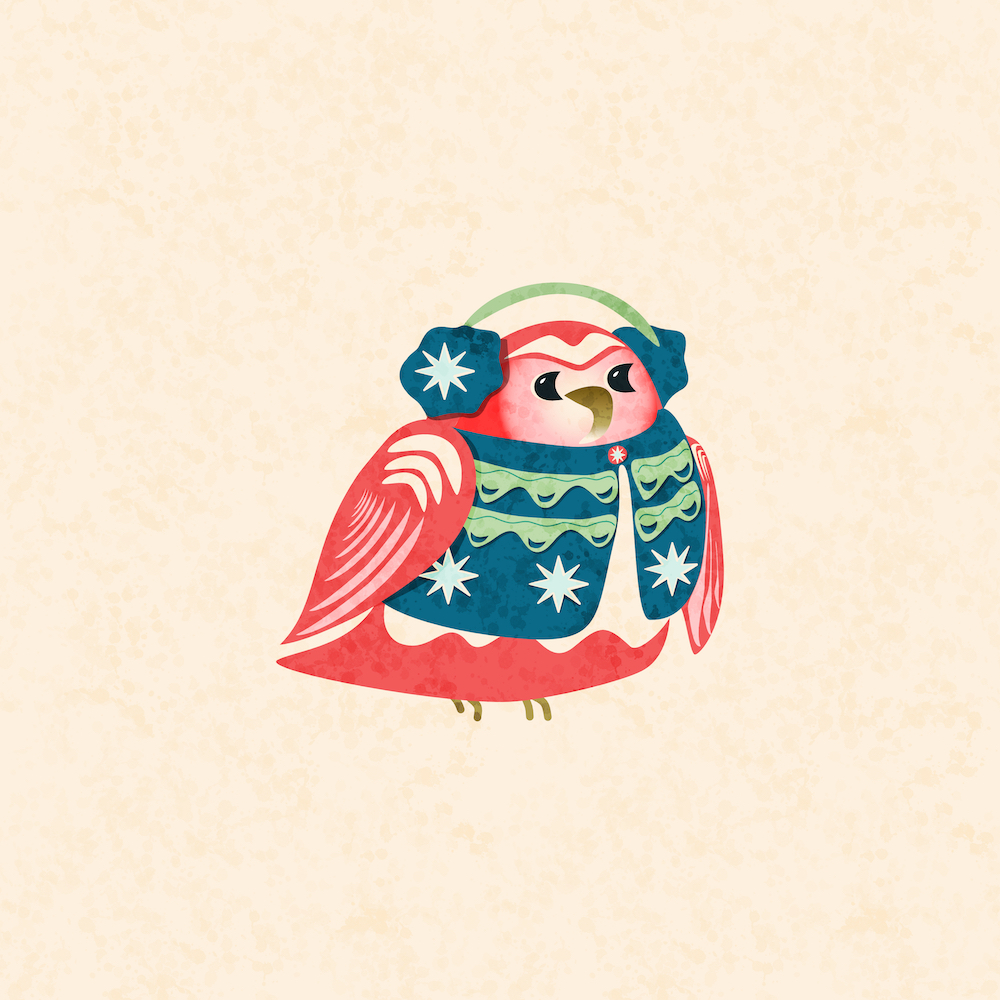
As I said previously, I am illustrating a few cozy holiday birds for my hero art for the July CatCog challenge. I’ve spent a bit again today watching Liz Kohler Brown tutorials in Affinity Designer to refresh my memory of the software.
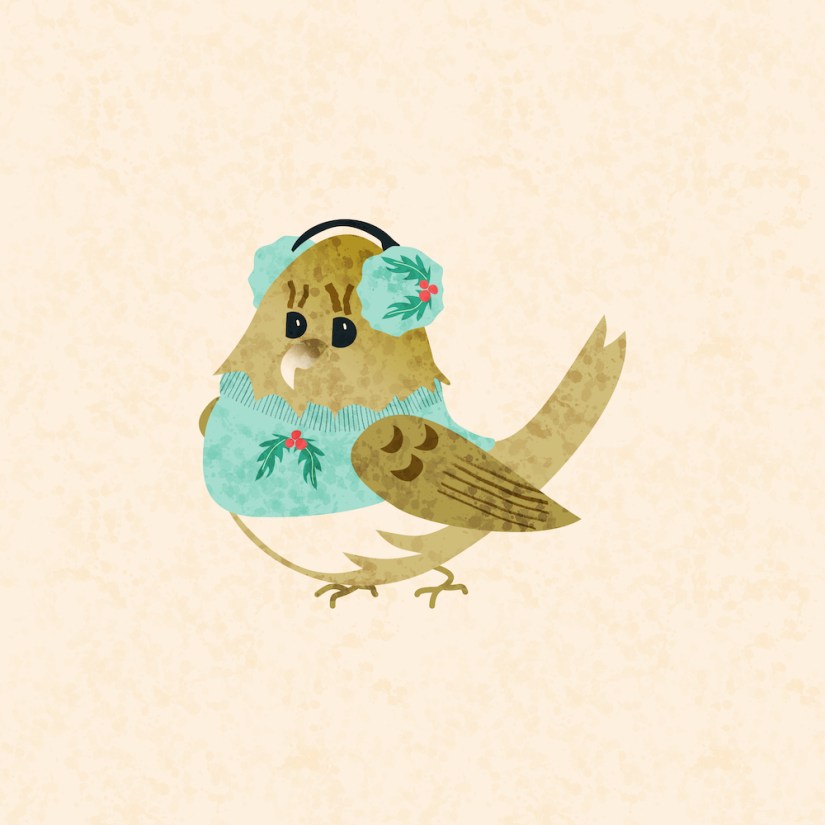
I’m using the same palette, and adding a bit from the procreate cozies I made last year in Procreate. Yesterday I finished a little gold bird in her cozy teal sweater and ear muffs, and today I added a red bird in a warm navy and green vest with stars that match his earmuffs.
There’s a repeat pattern texture over all to give it a little more that just flat. I also remembered how to “remove” one shape from another– see that in the green waves on the vest. I’m remembering how to use the pen tool — it’s pretty easy, once you figure it out.
My process was to start with a sketch:
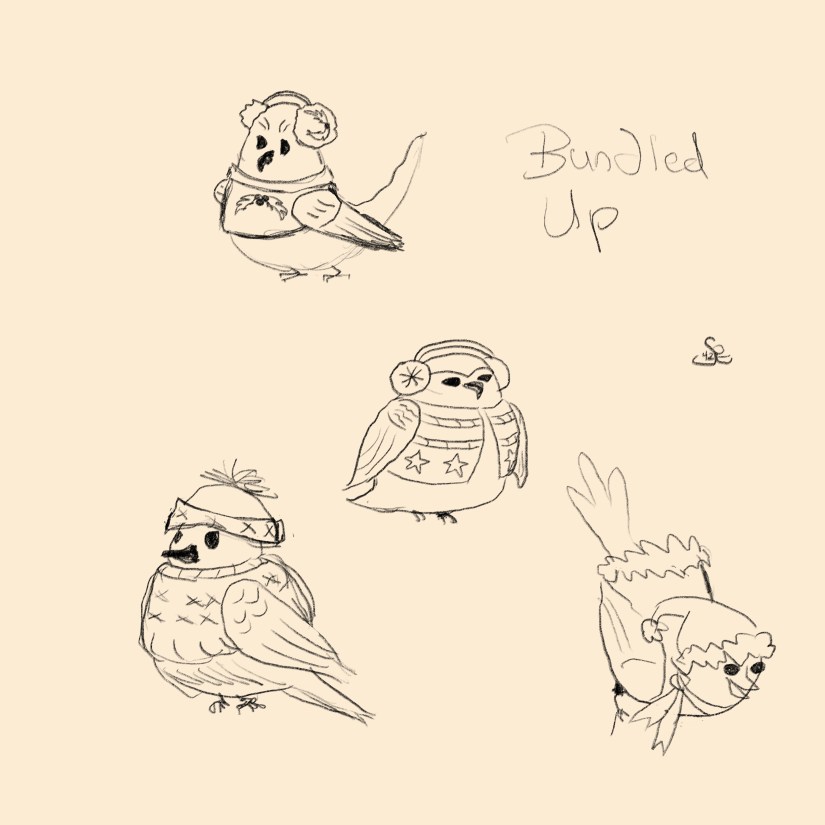
Then I started with the shape of the body and the wing that would be in the back. Then I worked forward — breast color, head color [with gradient], vest base, vest details, ear muff, upper wing, wing feathers, face, and feet. Finally, I went back to add a few shadows, repeated shapes nudged a bit on overlay or multiply.
I’m a bit confused about how to “add” curves. When I do, the shape disappears. It might be the curves that are just strokes, but I’ll go back to Liz’s tutorials tomorrow and review her “Foundations” videos, which I took a year or so ago.
I’m also trying to make a drop pattern with vines. Now that is a challenge, but I love that I can be exact in placement– it’s easy with shapes, but lines are a bit more complicated. I’m sure there’s an easier way, and I look for something in Liz’s tutorials.
What do you think of my two little vector birds so far? In Affinity Designer, I can and I did save them as assets to reuse and resize whenever a cozy bird is needed. I’m thinking greeting cards will be part of this journey.

 I wonder, if I draw a line...