


Welcome!
On most Wednesdays, check this blog for a strategy, process, or reflection for illustration with the iPad app ProCreate or Affinity Designer. This Wednesday Wrap Up takes a whirlwind journey through several different styles.
Wabi Sabi Sumi-e Style
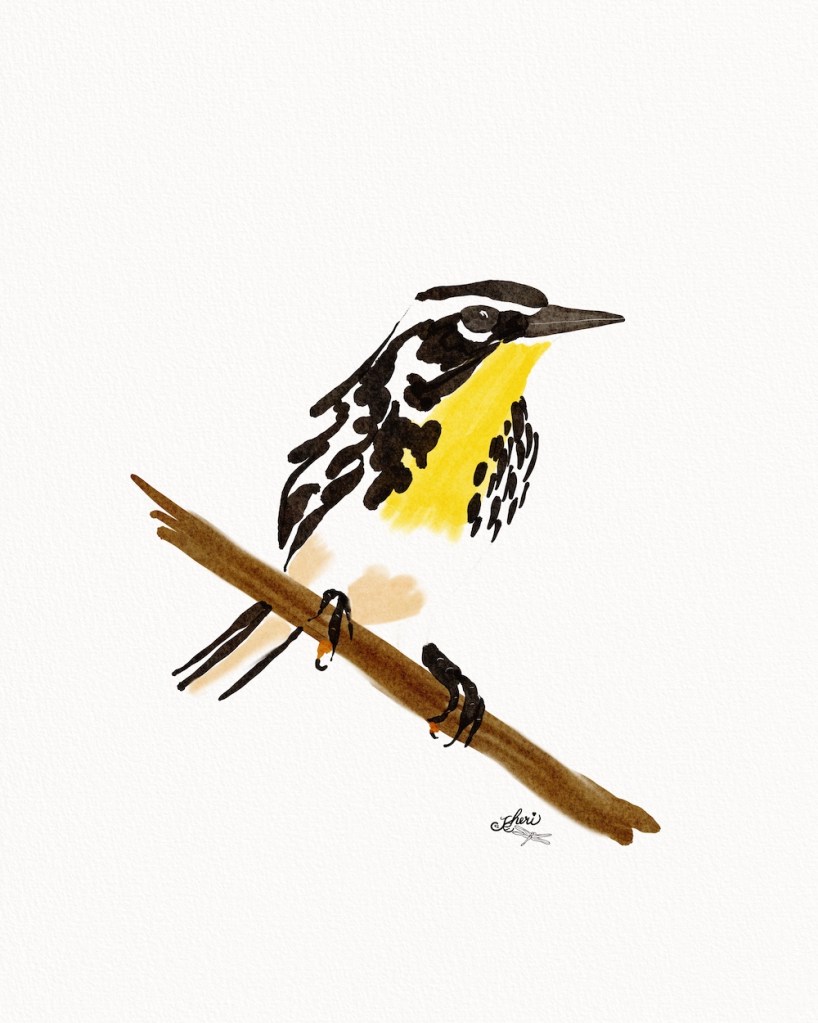
I love this style where we leave the white as the paper and brush in simple brush strokes to create the illusion of the motif. Here the yellow-throated warbler comes to life in just a few strokes. The style is a favorite of Calvin the Drifter — take look at Calvin’s YouTube Channel for many watercolor tutorials that will get you illustrating in Procreate on your iPad.
I wrote about this particular piece in Wabi-Sabi Warbler where I also share Calvin’s Procreate Shadow / iPad package on Etsy: iPad Art MockUp package with a tutorial on how it works. Take a look– and here’s my example:

Vectorizing for Affinity Designer
In a community I’m in, a member asked for another explanation for drawing in Procreate [all black/white], making an svg vector of it in Adobe Capture, and sending the svg to Affinity Designer to continue the pattern or illustration. So I created a little video of the process and shared on this post: Vectorize with Adobe Capture
Spoonflower Design Challenges
In two past WrapUps, I’ve shared the Mocha Mousse collection I designed for four Spoonflower Design Challenges: Art Projects January and Spoonflower Three . This week I took MaddaMom‘s Skillshare class on ChatGPT to help artists. She shares her own plug-in just for artists. I don’t have a Pro ChatGTP account, so I adapted the process she shares to the free version.
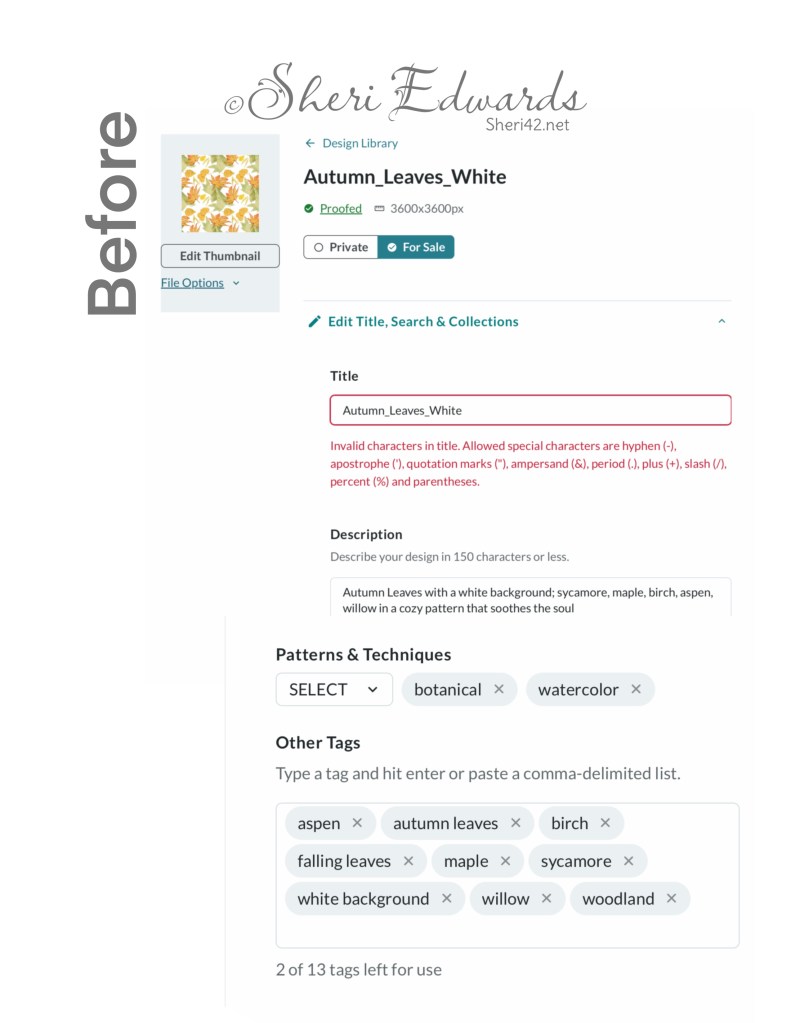
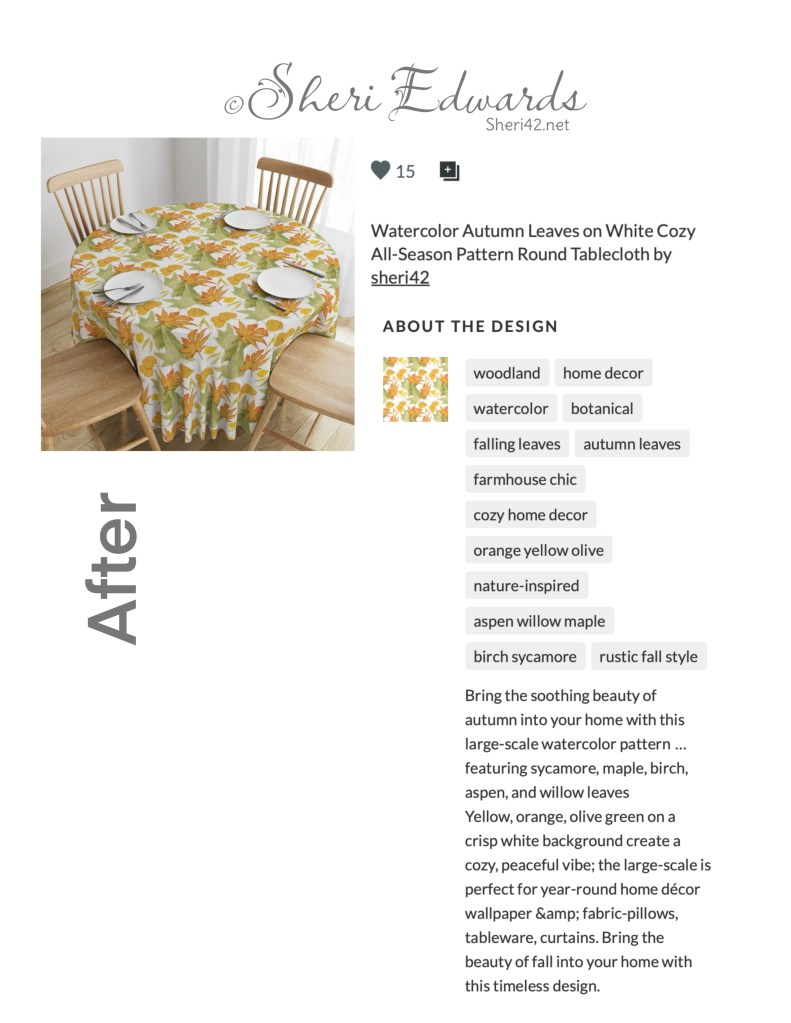
Our project was to create a BEFORE and AFTER screenshots of the results of using the process of asking ChatGPT to help improve your print-on-demand art descriptions. by asking and explaining your art to ChatGPT, the AI guides you to write a good title, an enticing description of art, and excellent tags. Those three things will give you a better chance of your art being chosen in search and seen by clients.
You can see my project by clicking: Soothing Beauty of Autumn. Here are my BEFORE and AFTER screenshots for my Watercolor Autumn Leaves on White Cozy All-Season Pattern Round Tablecloth on Spoonflower.
Making Art Every Day
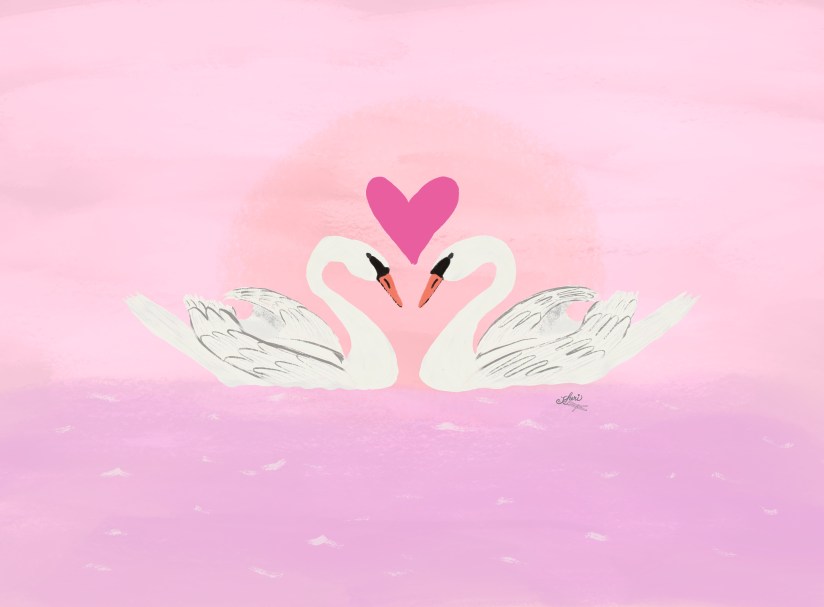
I love attending Lisa Bardot’s Making Art Every Day Sketch Sesh [session] each month on YouTube. This month’s them is LOVE. You can see the current prompts here. Each Sketch Sesh explains the month’s theme and then expands with a live drawing session of one of the prompts. The drawing prompt for the video was Swans in Love.
I followed along and created a magic pink ocean in mine. The Sketch Sesh videos are fun and engaging, and you always learn or are reminded of a few quick tips, like the simple brush strokes to add a bit of sparkle on the water or using the symmetry tool for the swans. It’s very relaxing.
Overlay Brushes for Texture
You probably know about our friends at Design Cuts who had to close their doors suddenly, but did help people find their downloads with the help of Creative Market. That ended up being a good thing because many of the items I’d purchased there had updates by the creators. So I ended up downloading quite a few again. While checking the files I ran across Abbie Nurse of Uproot’s Overlay Brushes and a tutorial.
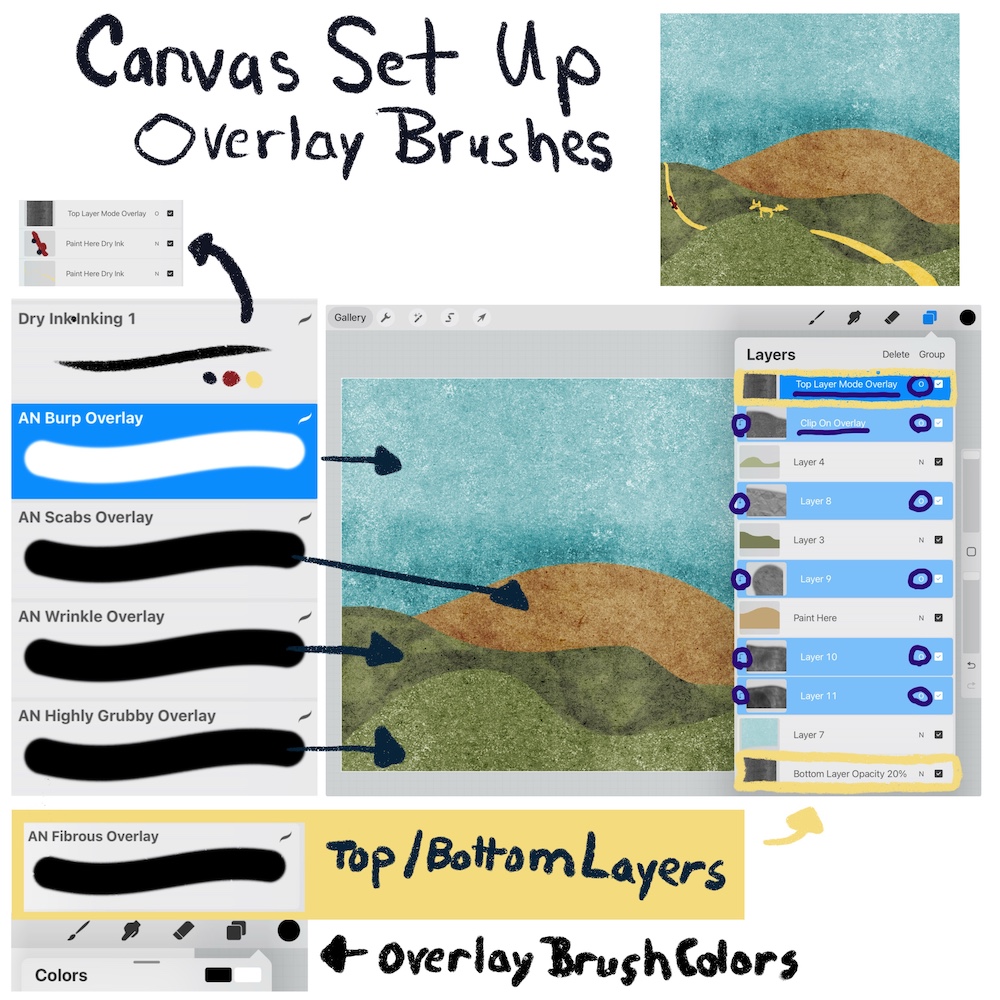
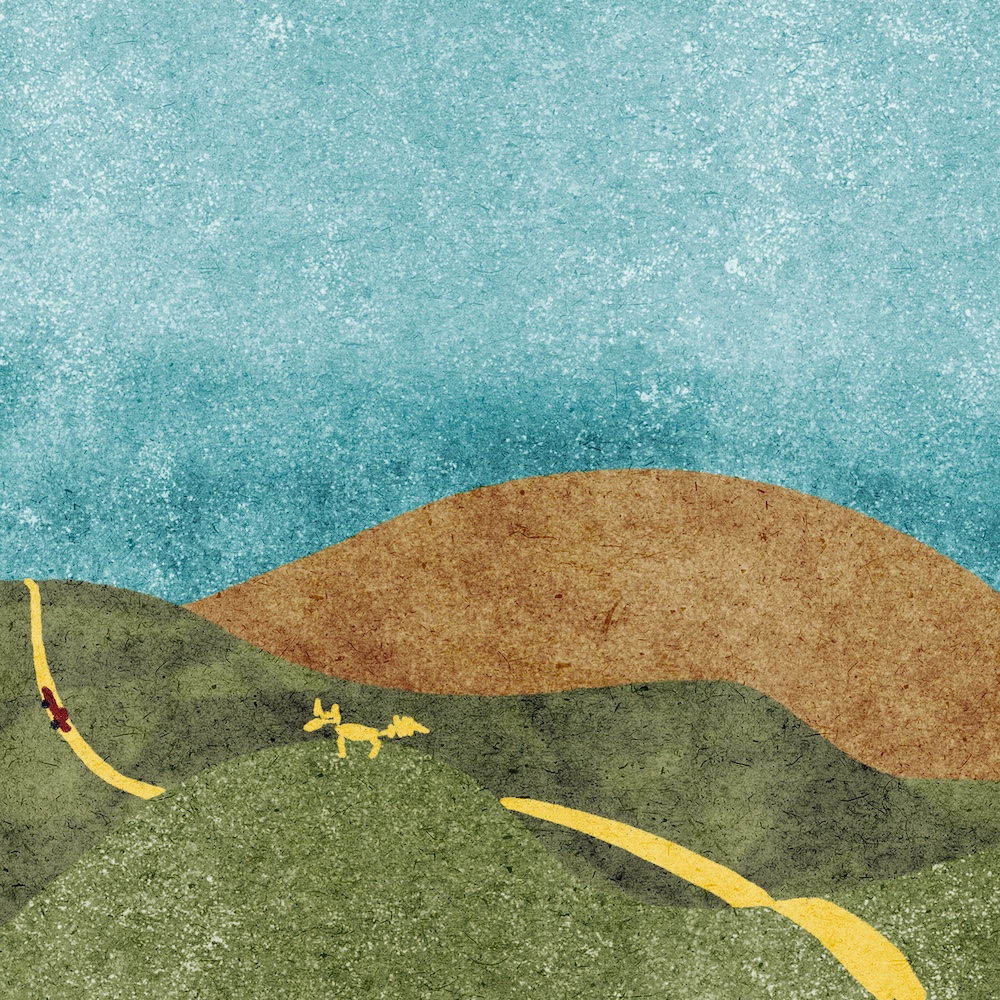
If you’ve been using Procreate for a while, the use of overlays in clipping masks with blend modes can really add texture to your art motifs. After watching the tutorial and reviewing the brush set, I created a little reminder for myself of Abbie’s process. Perhaps you’re in a place where a few texture/overlay brushes would help you add texture to your art.
Tea Time with Jennifer Nichols
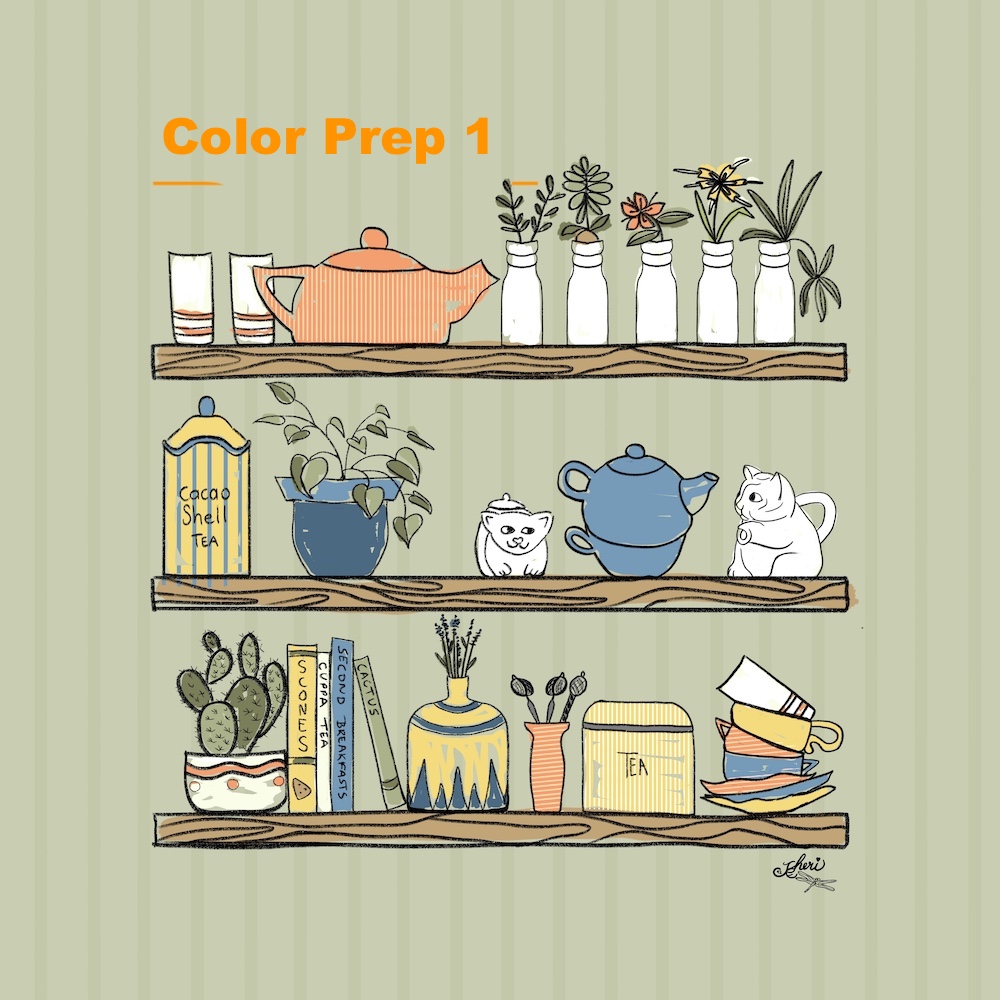
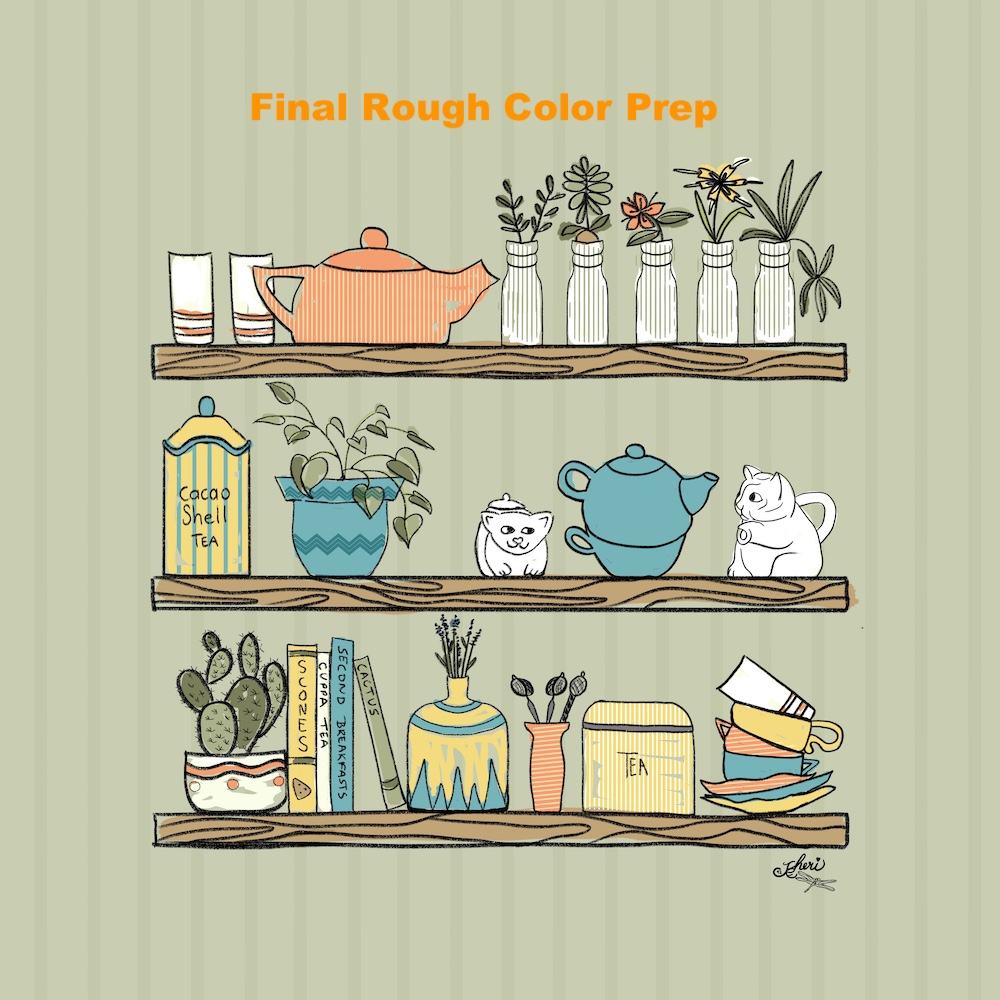
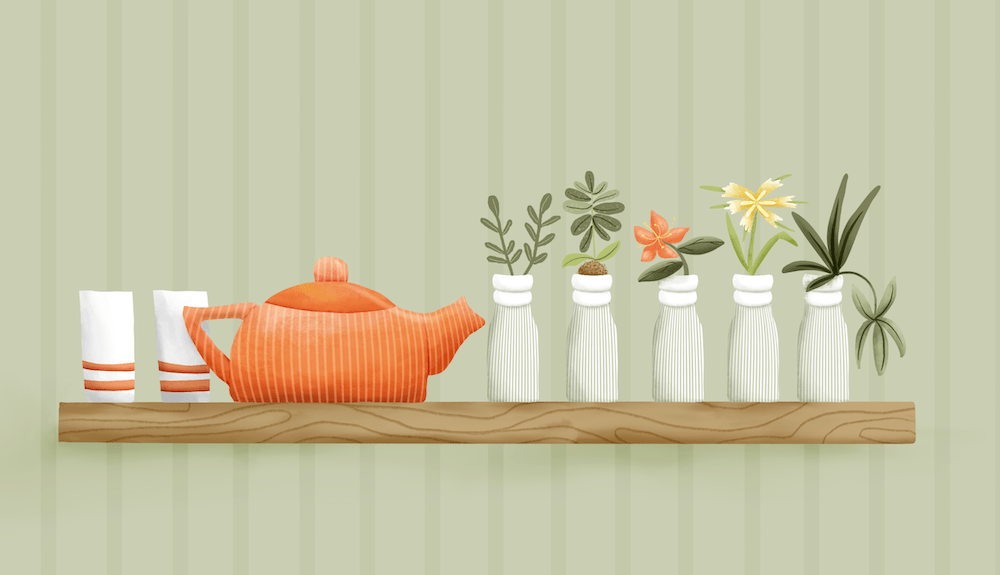
In the post Art Projects January, I shared a sketch for Jennifer Nichols of Leila and Po– membership, Creative Journey Community where she shares her set of two classes for “Tea Time.” I continued that project this week with two color preps and finishing the top shelf.
Jennifer teaches process, so the project you choose will often not be the one she works on, but rather applies the processes and techniques she uses with the brush sets she provides, many of them free by signing up for her newsletter. So all the participants in the classes have very different shelves, objects, mediums, and palettes. It’s fun to see how we interpret the prompt “Tea Time” and apply the techniques she shares, like textures, pattern brushes, clipping masks, strategies for layers for ease of color changes.
We’re creating the individual motifs, which for this starter project will be placed on shelving. However, with the motif sketches ready, they can be used for patterns, picture frames, posters, etc. Here’s my progress so far: sketch, two color prep versions, finished top shelf. I’m excited to start the middle shelf next. It takes a bit of time to create each motif, but each motif can be exported as a png separately for use for other projects later.

If you’re interested, I am an affiliate to Jennifer Nichols Creative Journey Membership only. The link I share for the membership is the only link that earns me a bit. Here’s an introductory video of her membership, to give you an idea of the wonderful community of art novices and professionals that she’s created:
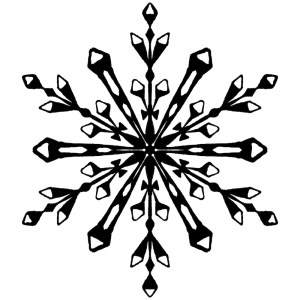
One more class I took from Jenn is the symmetry tool to create six point snowflakes, which we then turn into brushes for wintery illustrations. Here’s my first try:
Thanks for stopping by!
So I’ve been busy now with several different projects, plus choosing my next Coulee Country floral to illustrate and tell its story. Remember to give yourself time to rest if you’re under the weather — once you regain your strength, you’ll be able to hop back into your creativity.
And, if you’ve been hesitant to share your art– go for it! Start a shop. Enter the Spoonflower Design Challenges. The more you design, the better your art develops, along with your confidence. We were all beginners once! If you have any questions, just ask! I’d be glad to help with what I know. Find time to make art every day!
And take a look at my Artist Resources page where you will find a list of Artist Gems whose work and classes I follow to improve my craft in Procreate and Affinity Designer. I’m so thankful for their sharing of their expertise so other artists can join in the creative journey.
You’re welcome to follow this blog for art inspiration. We can share with #warmup4art to enjoy our work together! I look forward to your sharing and find me at @42Sheri, on Mastodon Sheri42, on Flickr teach.eagle Sheri 42.

 I wonder, if I draw a line...