

Welcome!
On most Wednesdays, check this blog for a strategy, process, or reflection for illustration with the iPad app ProCreate or Affinity Designer. This week my art and photography was inspired by a three different art challenges and a new series about Affinity in 15 by Tracey Capone.
The 100 Day Project
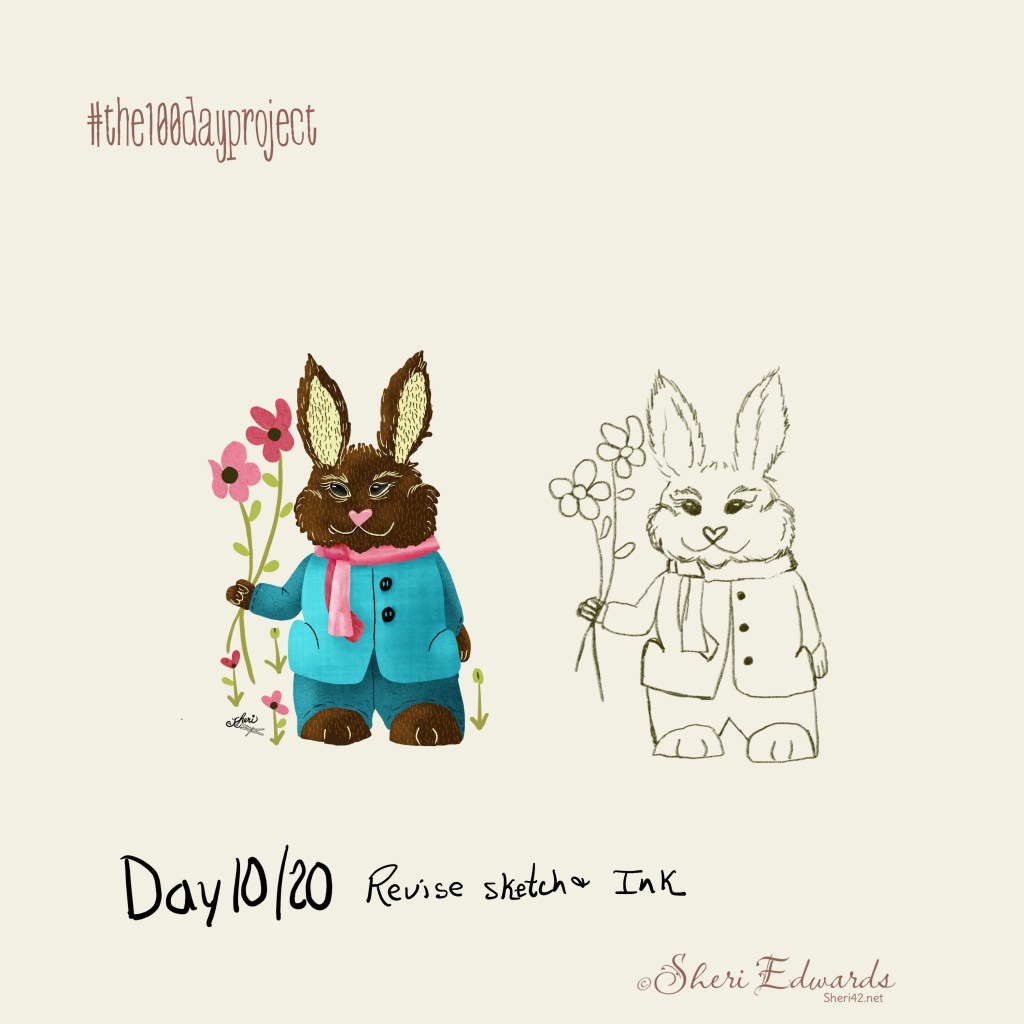
The 100 Day Project has a history: I don’t know it, but I’ve seen social media posts about it for years. I think there’s more than one. This one is from Lindsay Jean Thomson with a website, IG, and podcast. The hashtag is #the100dayproject.
The goal is to make a plan for drawing every day for 100 days– five to ten minutes. That seems doable, doesn’t it? What if you miss a day — listen here. My advice: enjoy it; don’t worry if you miss, just keep going as you can.
So my plan is to draw 20 pictures each of:
- Bunnies
- Bears
- Birds
- Dogs
- Cats
So far, I’ve written about:
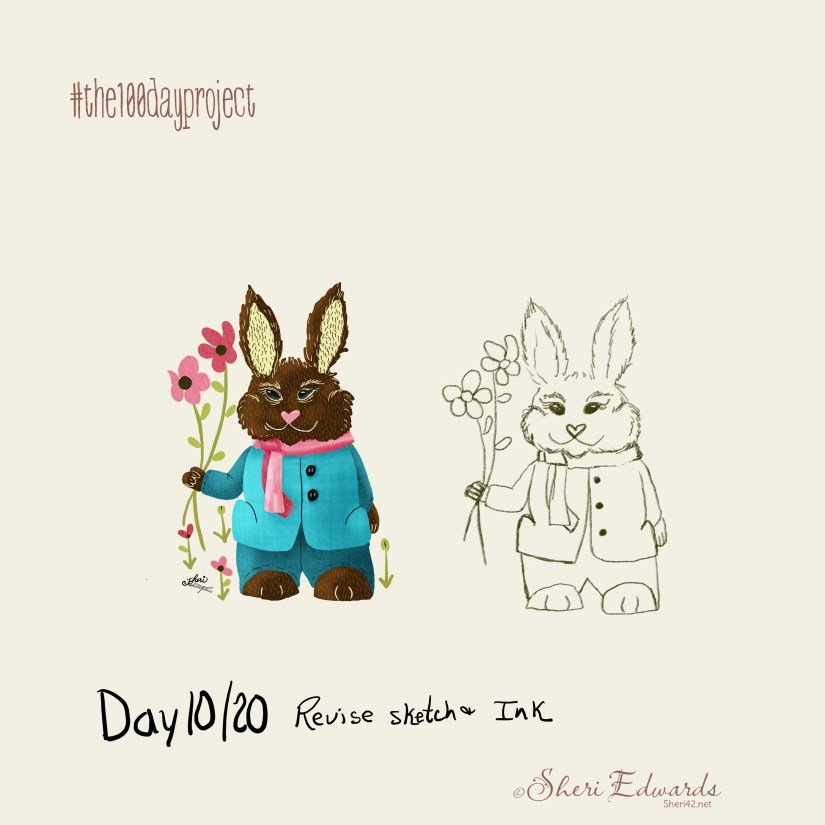
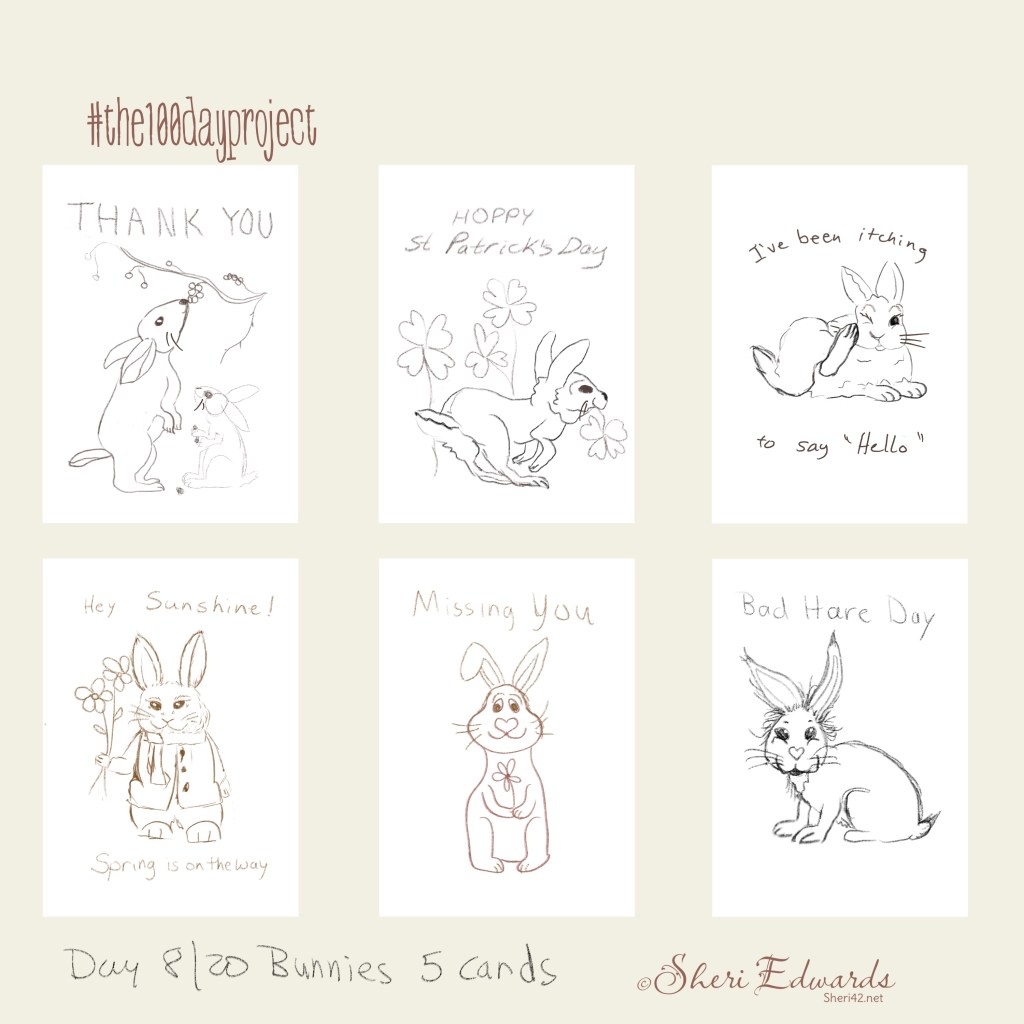
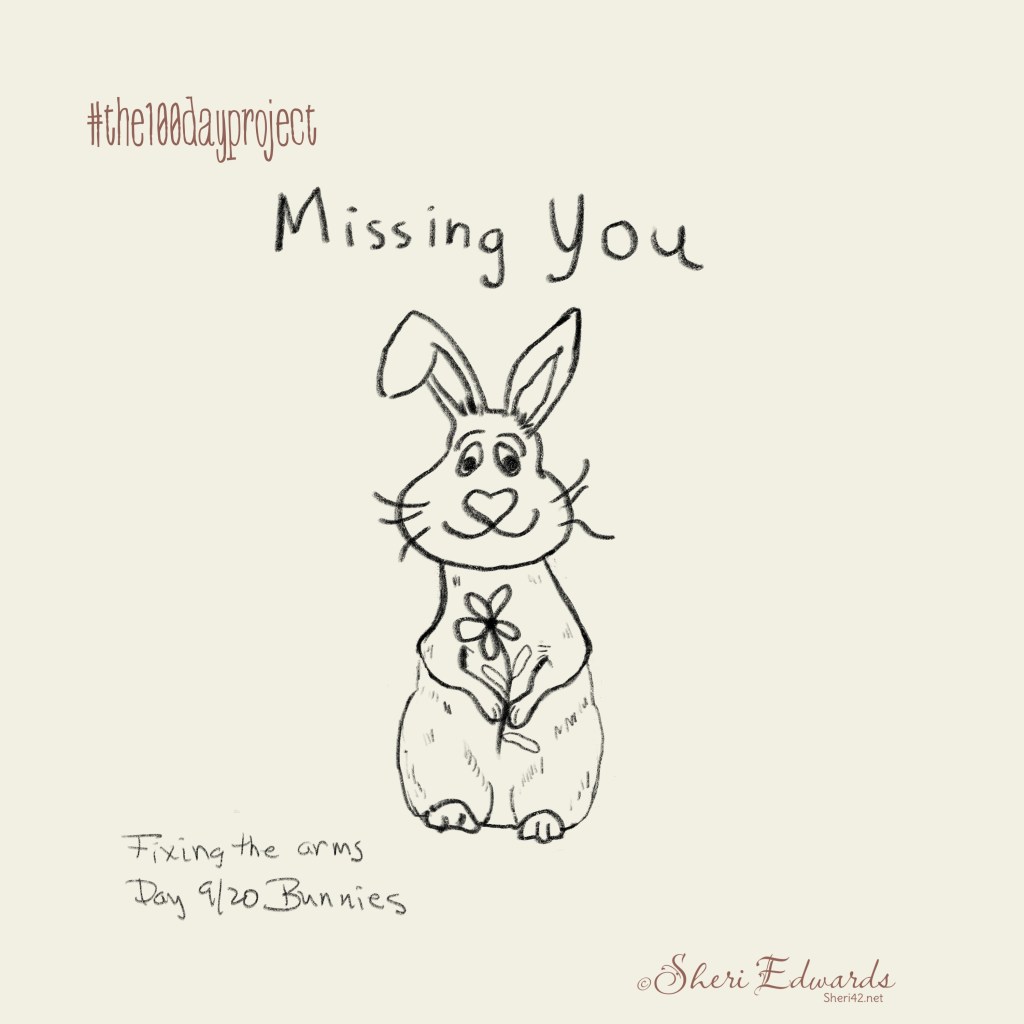
This week, I took the five bunnies drawn on Day 7 and created six sketches of possible greeting cards for Day 8. On Day 9, I fixed the arms of one of the sketches [Missing You]. And on Day 10 I inked one of the sketches. See the next section for info about the “5 Cards in 5 Days” challenge.
You can follow along with the project on my blog tagged: the 100 day project
5 Cards in 5 Days
Delores Naskrent has provided another free or VIP “5 Cards in 5 Days” workshop this week. VIPs [fee charged] get lifetime access. She has been selling greeting cards for years and writes about it for artists in this blog post. If you simply want resources, like Procreate or Affinity Designer brushes or graphs, she has plenty!
So I joined the VIP again as an early bird; the course is updated and more resources are provided for the VIPs. I’m combining the “bunny” challenge with this challenge, plus additional works.
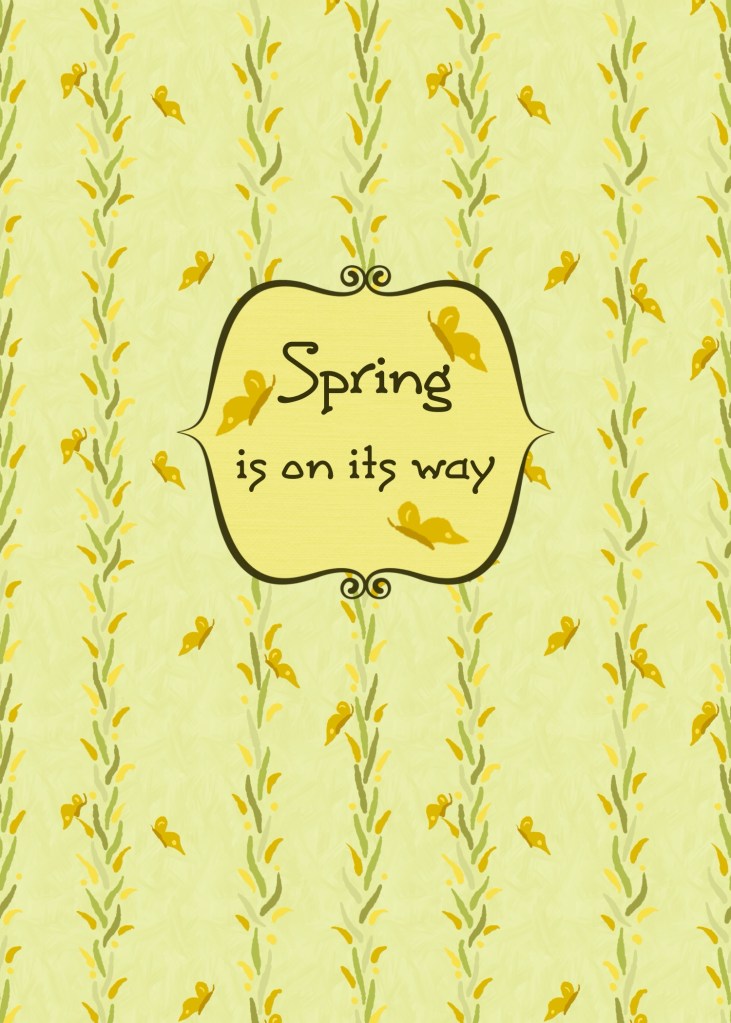
The first day was to sketch five greeting cards — I did that in my Day 8 [see above gallery]. The second day was to create a card with assets already created in our art work. So I applied my “Stripes” pattern and text [frames provided by Delores in the course]:
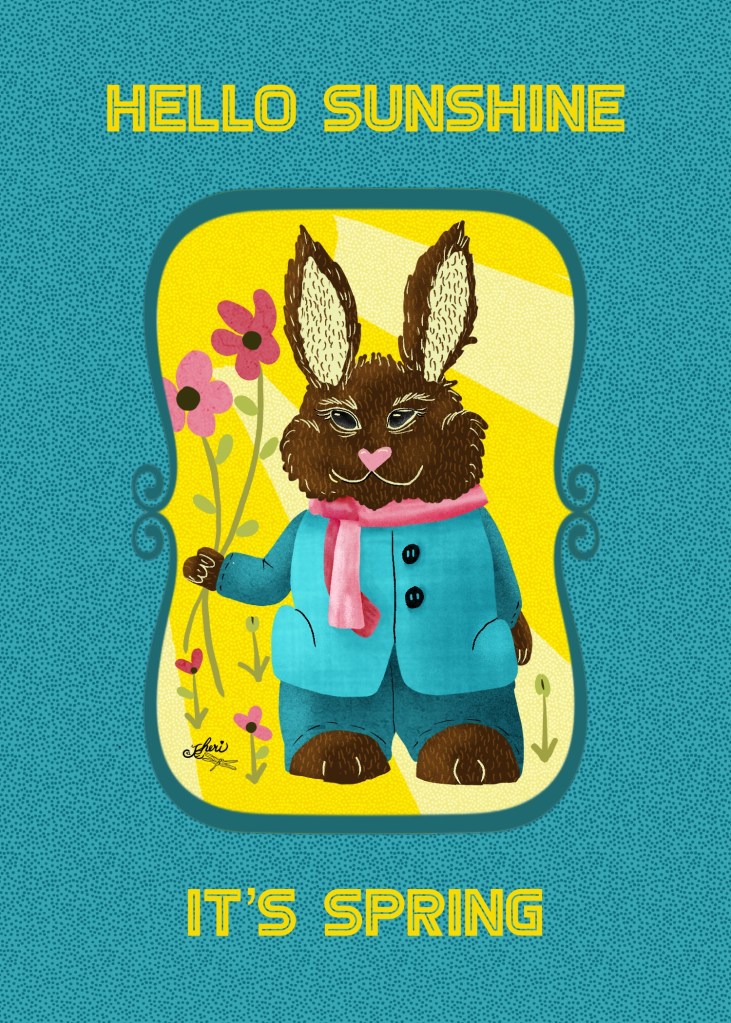
On Day 3, I took my sketch from the 100 day project, inked the bunny, and added to a card. I don’t like the “dark” colors, but value-wise it was a the choice to make to better contrast with the yellows of the sun. I plan to revise this one today. I want a lighter rabbit and the frame needs two colors I think to pop it out. Today is Day 4 and we are learning how to prepare and layout for professional printing.
Flickr 21st Birthday Photos Challenge
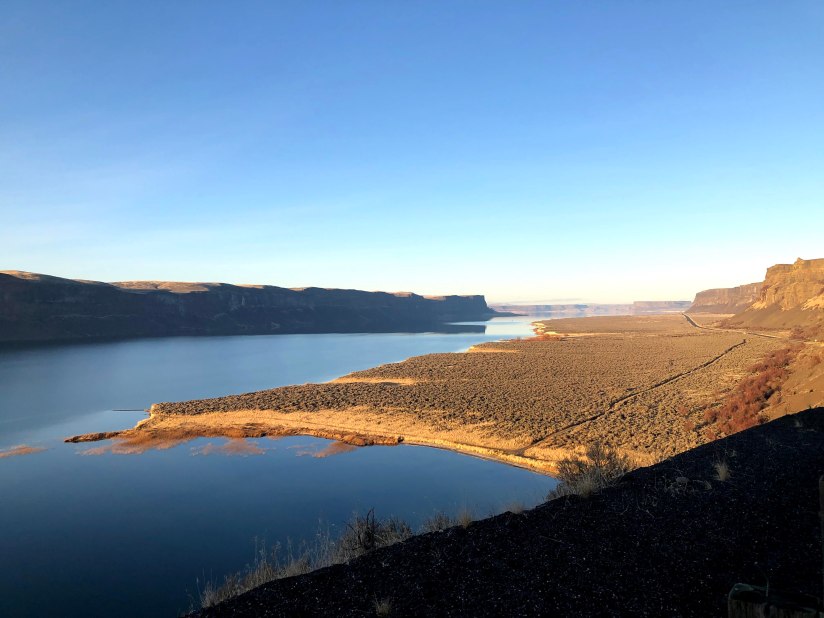
Flickr’s 21st Birthday Photo Challenge started February 10th with prompts for each day.
Flickr turns twenty-one this year and I’ve been a member since 2009, for sixteen years. I love Flickr — sharing, albums, descriptions, groups, license choices. It’s a great way to connect and share with others– and stay in charge of your own work.
So, I’ve decided to join the birthday challenge, which follows these prompts. I’ll add a note about the photo in each description. See the Flickr 21 Birthday Challenge Group pool here.
I’ve added these photos to a new album, Challenge Photography, which will hold any photos I take for different challenges. These will be the first entries.
I have posted each day’s photo on this blog under The Daily-→ Photography categories. You can find the posts at this tag: #flickr21challenge. It was a fun challenge as I had to interpret them to fit our area. Sometimes I snapped a new photo, other times, I shared one for the past to fit the theme of the day.
Although I have an IG account, I prefer Flickr and recommend it to everyone, especially my artist friends now that I am retired. As noted, I can embed albums and images into the blog, join groups, and create albums/collections to showcase the photos.
Not only that, but I often search for my photos on Flickr rather than my computer because I’ve added the images to groups and albums with tags and descriptions, and all of that is searchable, whereas on my computer– I’ve got to know the name of the file. Just as important, I can link to my blog and other resources in the description so my viewers can hop over to relevant information about the image.
Just as importantly, I can follow my friends and others to receive notifications via Flickr of their uploads. And I follow organizations who provide public domain images for reference in my art work, such as the BioDiversity Heritage Library.
All of these make Flickr the best photo/art organizer and portfolio ever. I’m so glad to be a Pro member.
Affinity in 15 with Tracey Capone
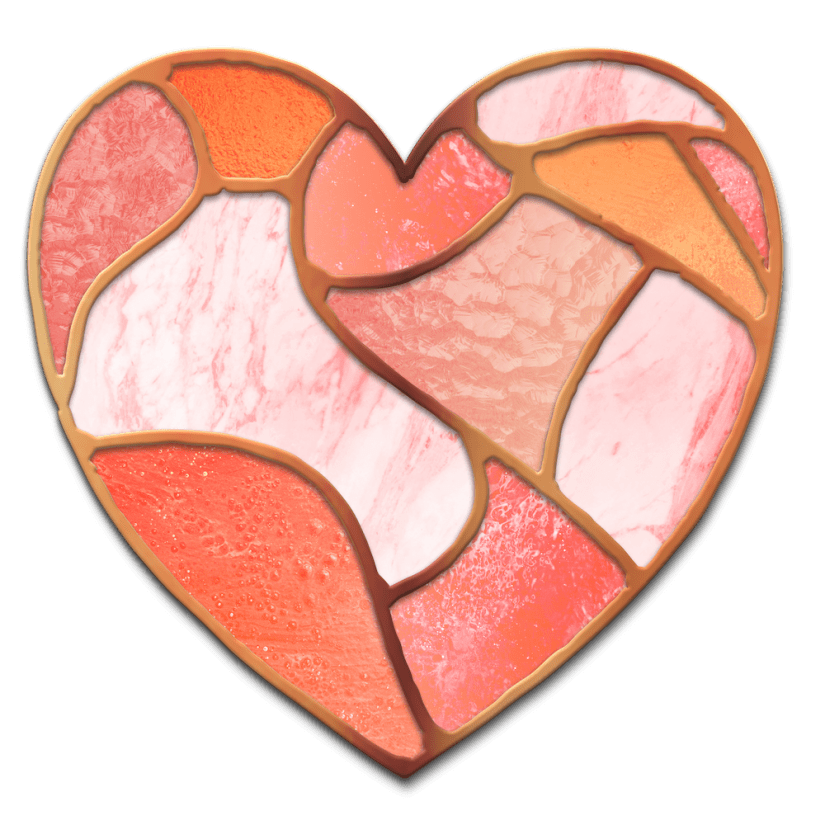
Tracey Capone has started a series called Affinity in 15. Each lesson teaches specific skills in using Affinity Designer with a project to display the learnings. I’m excited about this series because there’s so much to learn in Affinity Designer! Click her name to go to her Skillshare class page for the series.
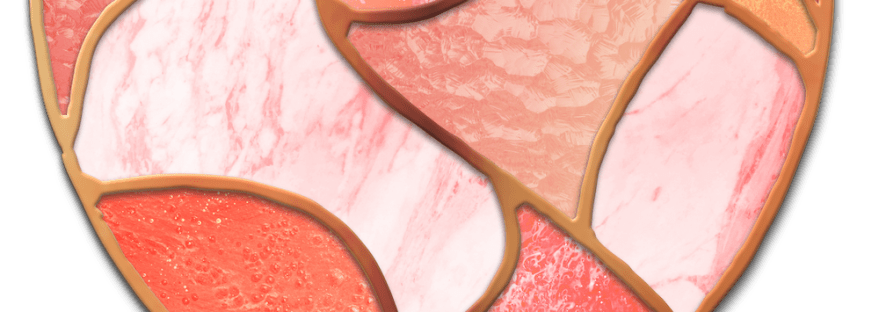
The first I watched was to create this stained glass heart using several tools: knife, gradients, bitmap textures, vector clipping masks, sculpt mode, and drop shadows effects. I need to make another one or two on my own to solidify the learning. You can see my project here and go to the class here. Since I am still learning Affinity Designer, it takes more than fifteen minutes to complete the project, but the time is well worth it to learn to use these tools. I finally know how to slice with the knife tool!
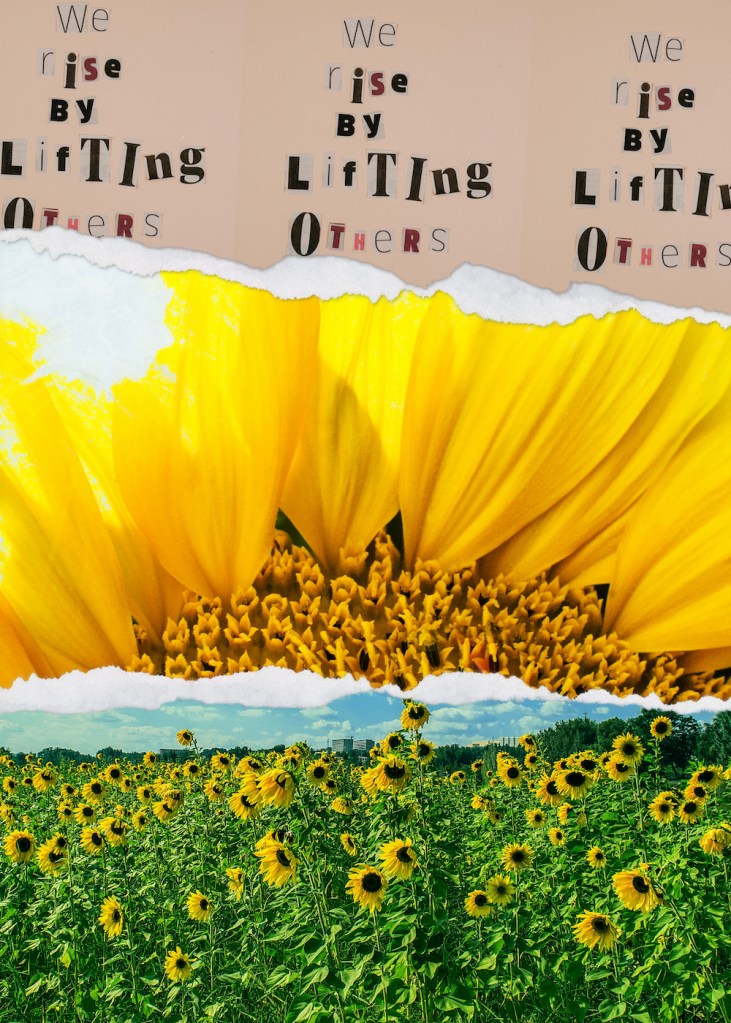
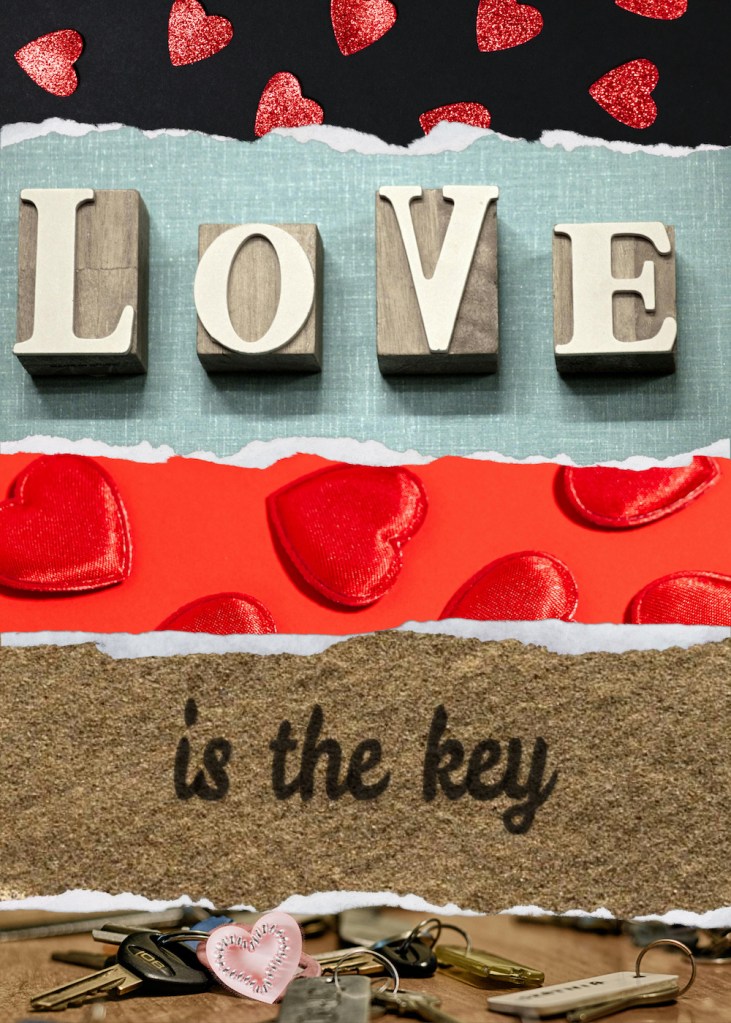
The second class is “Torn Paper” posters and template. Learn how to create a “torn paper” effect using non destructive strategies, pixel masks, gradient tool for solids, gradients, bitmap textures, vector cropping, and blend options. I created two posters relevant to the current world’s news. I also turned my sunflower one into a template, which you can download here if you’d like to try.
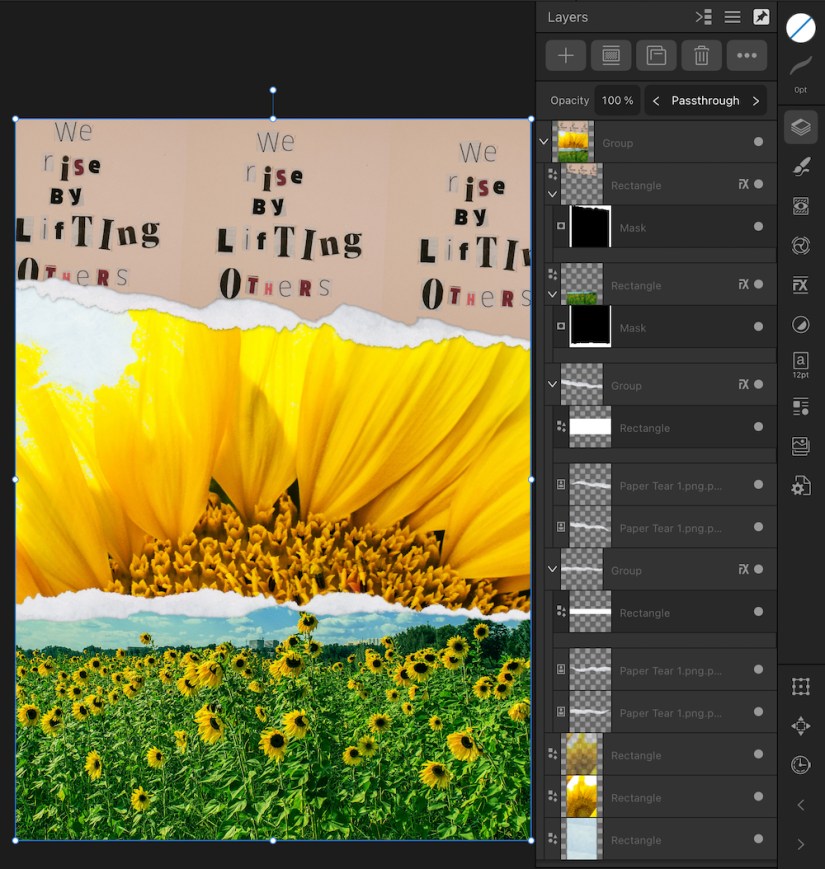
Here are the open layers to see how to input your own images– there is so much here, though, so if you can watch the class, do so. Here’s my project and a link to the class.
Thanks for stopping by!
It’s been a busy week for learning, improving, and trying new things in both Affinity and Procreate.
The more you draw and design, the better your art develops, along with your confidence. We were all beginners once! If you have any questions, just ask! I’d be glad to help with what I know. Find time to make art every day!
Follow a few teacher artists like the ones in this post. I am so thankful for the communities and courses these artists create to help the rest of us learn and improve.
You can find many on my Artist Resources page. Take a look at their IG and YouTube. Find one that fits your learning and art preferences and stick with them a while to develop your skills. Every day, another aha!
You’re welcome to follow this blog for art inspiration. We can share with #warmup4art to enjoy our work together! I look forward to your sharing and find me at @42Sheri, on Mastodon Sheri42, on Flickr teach.eagle Sheri 42.

 I wonder, if I draw a line...