


Welcome!
On most Wednesdays, check this blog for a strategy, process, or reflection for illustration with the iPad app ProCreate or Affinity Designer. This week I worked on quick drawings of twenty dogs for #the100dayproject, played with digital watercolor again with Calvin of Drifter Studio, and needed AI for another blog project.
The 100 Day Project
The 100 Day Project I participate in is from Lindsay Jean Thomson with a website, IG, and podcast. The hashtag is #the100dayproject.
The goal is to make a plan for drawing every day for 100 days– five to ten minutes. That seems doable, doesn’t it? I’ve completed:
and now Days 8-13 [68-73 of the 100] of 20 dogs. Most of these are just my dog again, although you can see I tried some rectangular quick sketch dogs and a set of dogs that are quickly painted considering their shapes and features, like long or short fur, spots, or floppy jowls
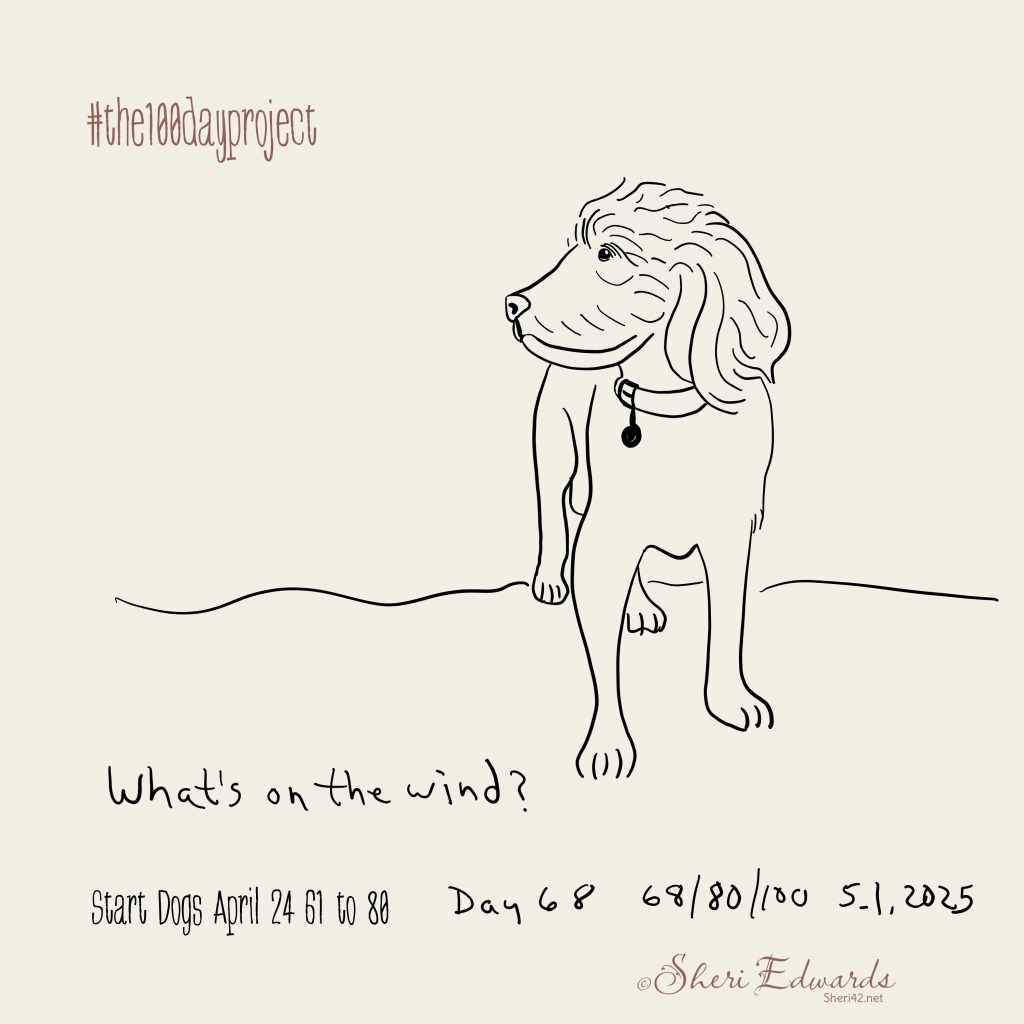
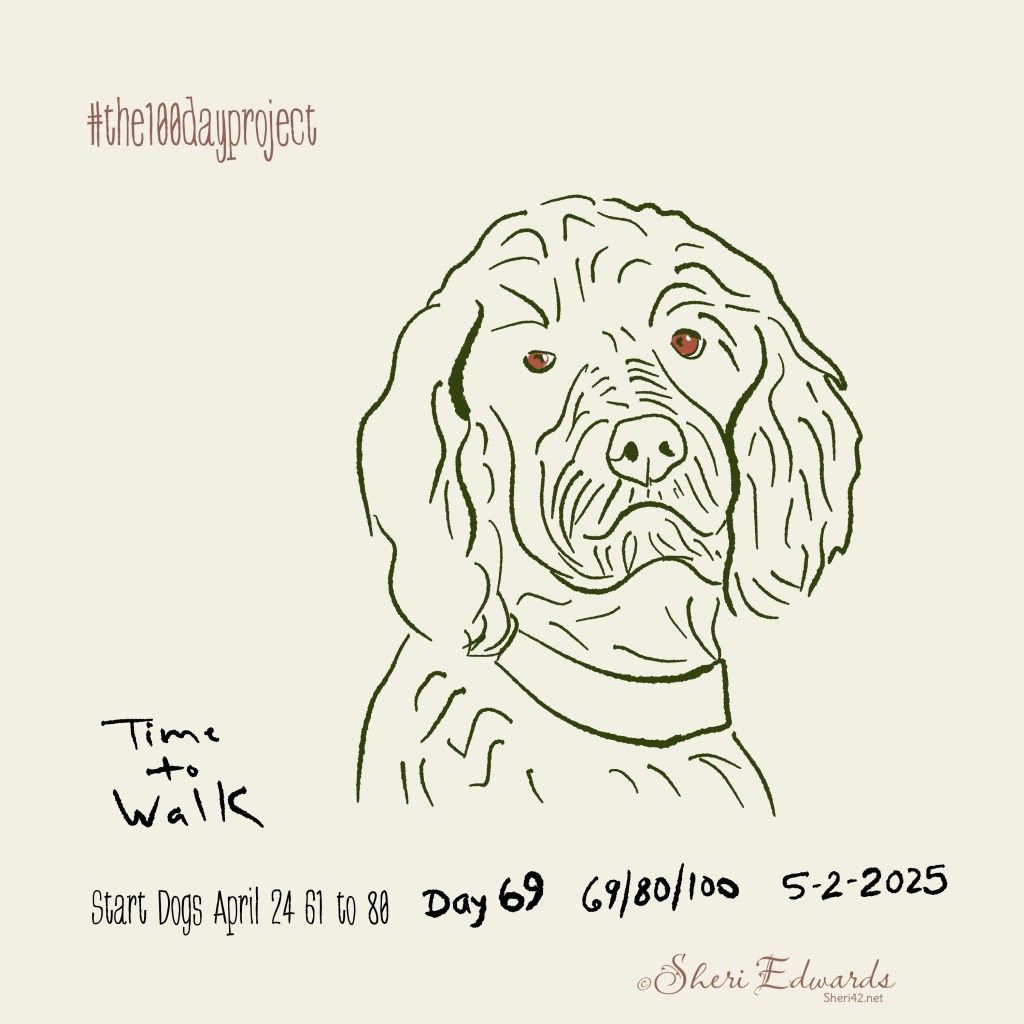

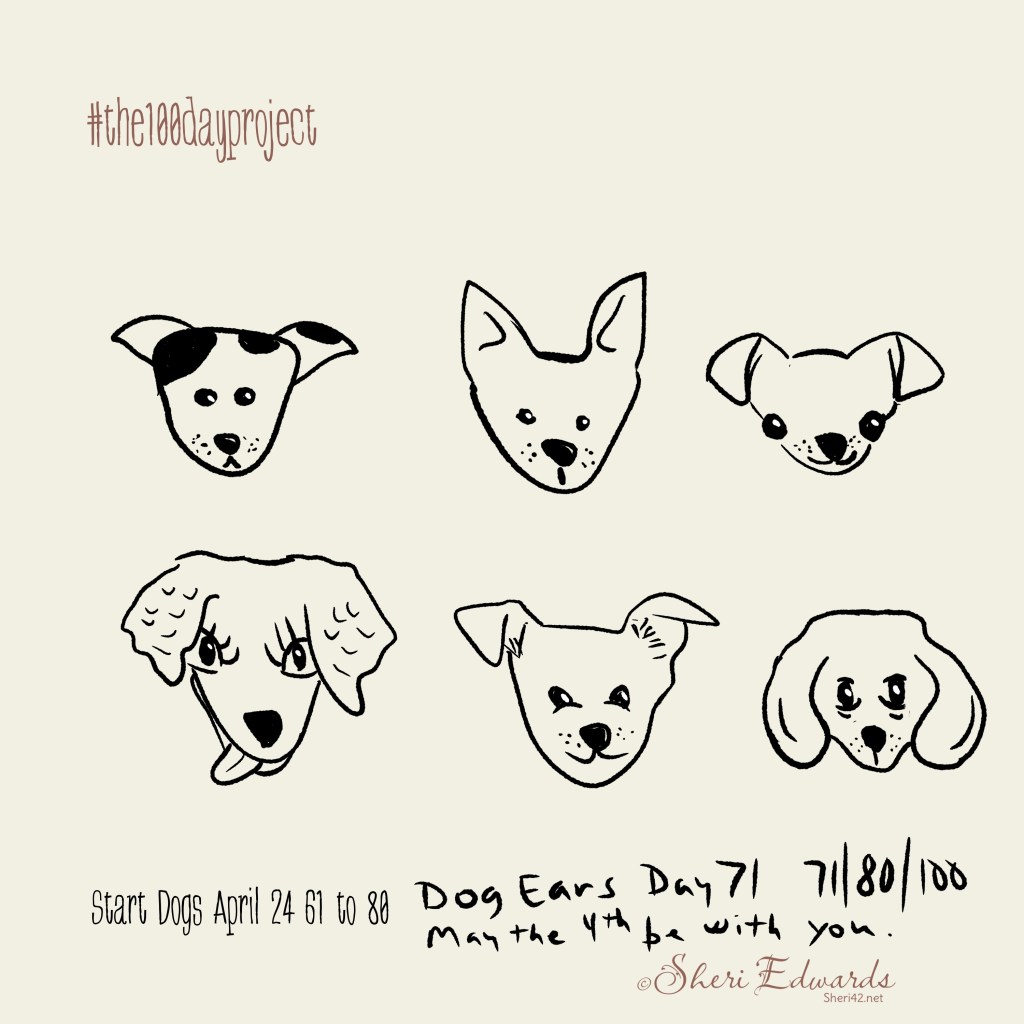
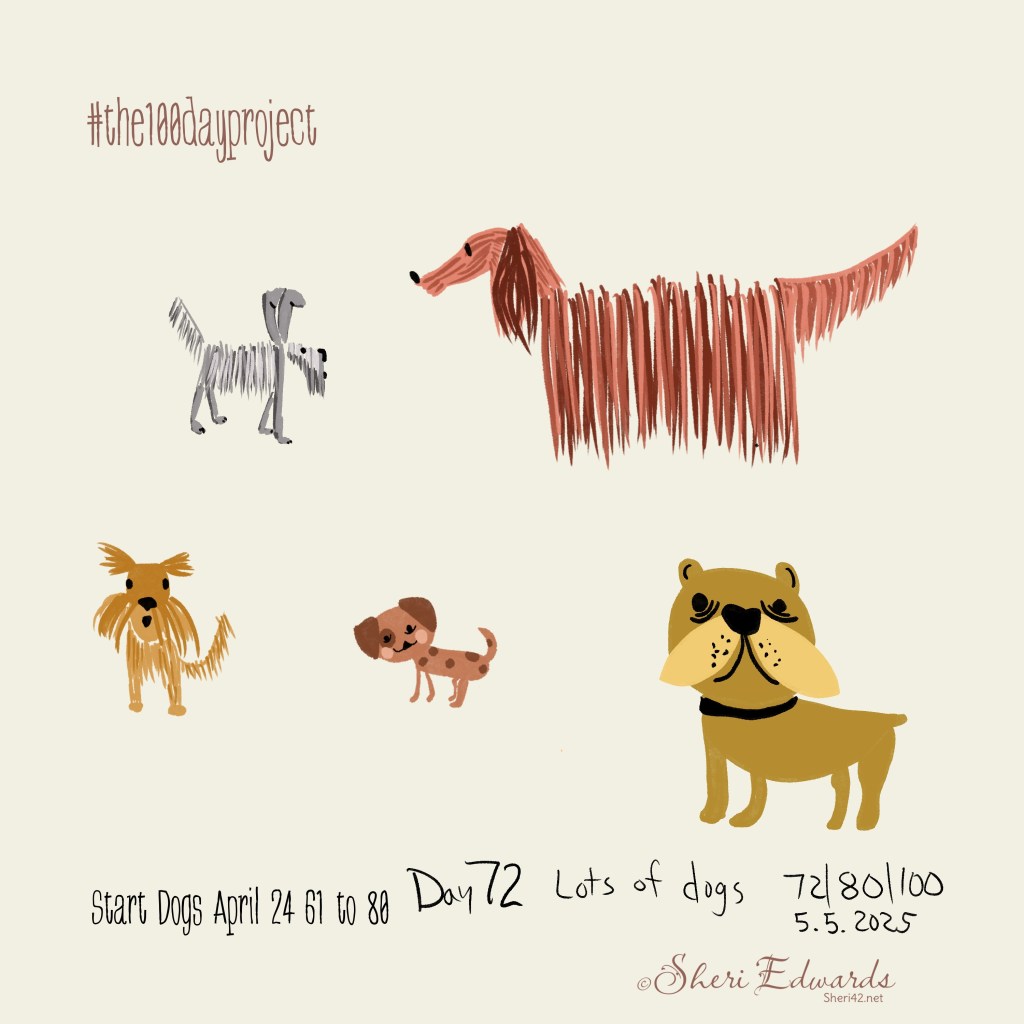
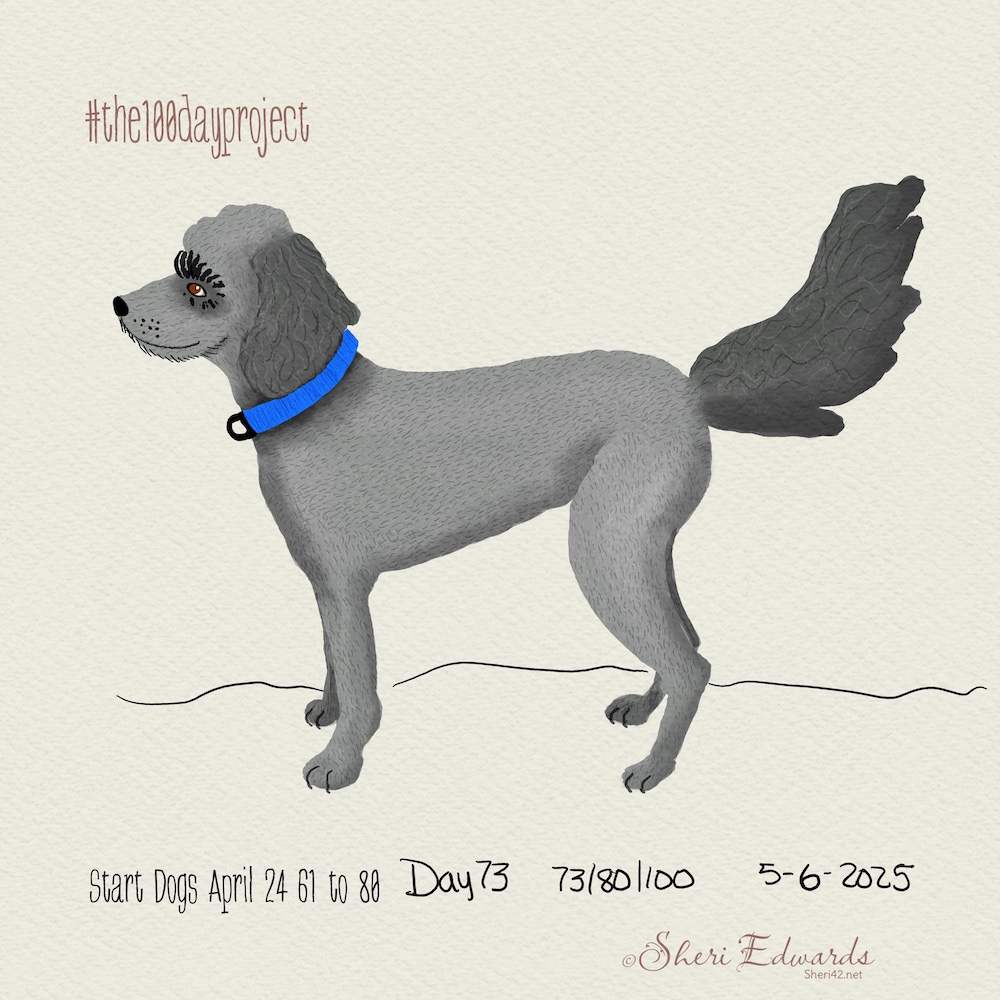
The last one a watercolor dog I illustrated with the techniques shared by Calvin the Drifter in this Bear Video. Today, I’m going to try another Calvin Video for illustrating a few dogs.
Watercolor Florals with Calvin
I enjoy Calvin’s tutorials on YouTube– step by step and easy to follow. I watched two floral videos, Plumera and Peonies, then combined them into a bouquet for my daughter’s birthday. I used his brushes and canvas.
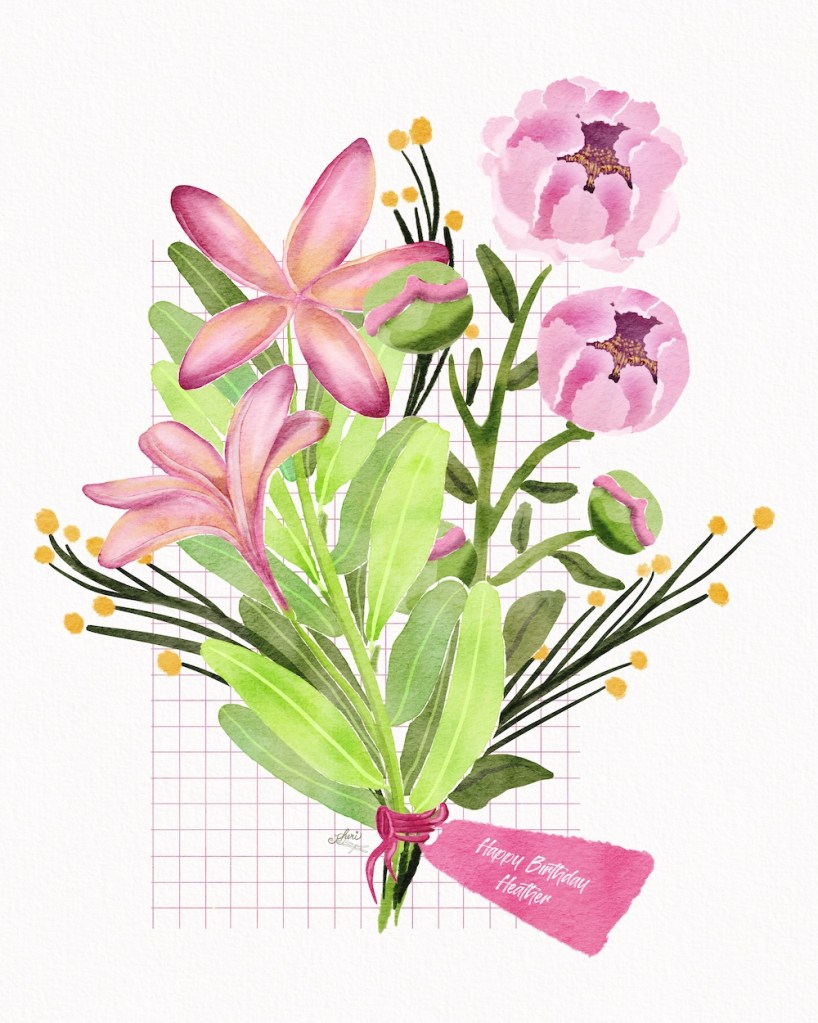
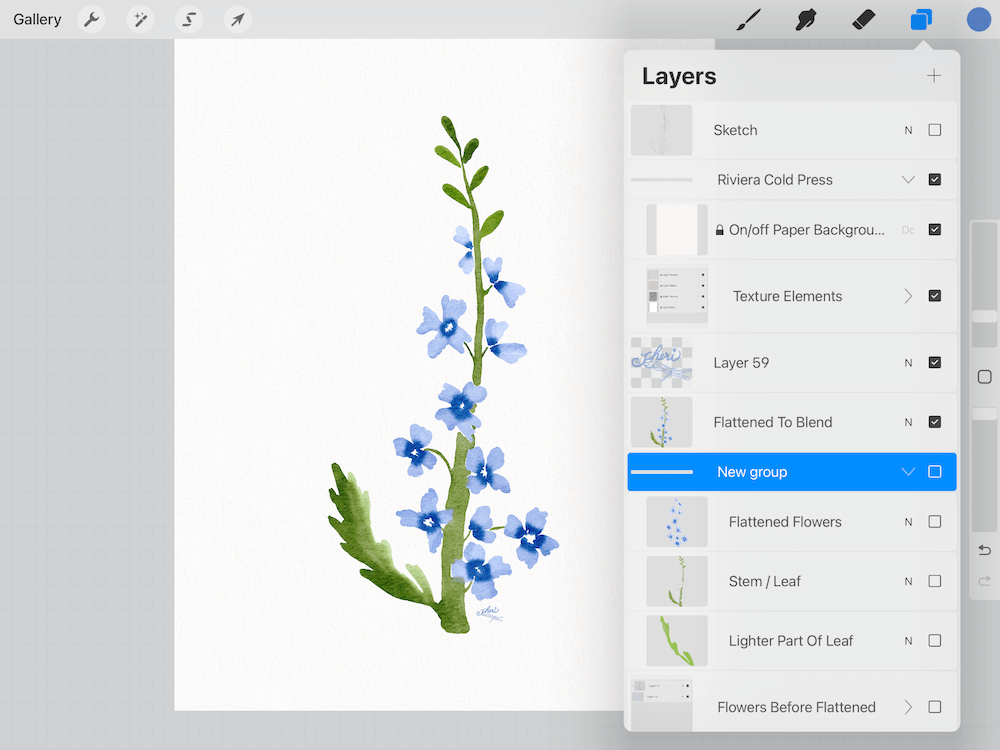
A member of one of my art communities* wondered about creating digital watercolors, so I found a video with one method used by Calvin in his Watercolor Flower video. I have his Rough and Dreamy Watercolor Brush Kit which includes three canvases. The flower is shaped like the example she showed and the process he shares gets the effects she was looking for. I just didn’t add the stamens. I shared a link to the video with an image of this flower I created similar to her example using Calvin’s techniques. I also showed the brushes I used, the layers, and enlarged the blending effect she was also looking for. Click the images in the gallery to enlarge. She’s new to Procreate, so she is now excited to try watercolor.
If you want other examples of Calvin’s tutorials, see his YouTube channel and my tag for this blog: Calvin the Drifter. Calvin is an excellent teacher, especially for watercolor in Procreate.


![watercolor floral by Sheri42 with brushes used Calvin the Drifter Rough and Dreamy Watercolors]](https://sheri42.net/wp-content/uploads/2025/05/blueflowersbrushes-sm.png?w=1000)
AI Art
Such a tough and controversial topic. I don’t like that it was created and possibly is still learning from all of our art, which means it can be “stealing” from our works.
On the other hand, there are times when I need an image that I, myself cannot draw or paint, nor can I afford to hire an artist. I don’t really like using the stock photos and photos on sites like unsplash for images in a blog.
And, I’ve a blog for which I need images of people walking in support of various causes. So I asked three different AI sites to help.
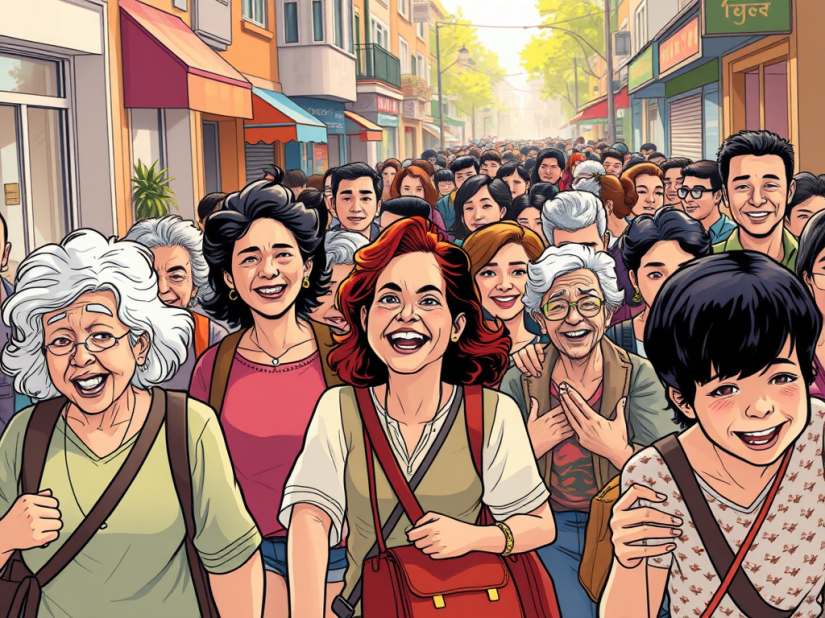
The first one I tried last week; it’s part of WordPress JetPack. I could choose from various styles, and I chose “Comic.” I asked for something like this [I didn’t write it down]: “Could you illustrate a crowd of all ages walking?” That gave me a pretty homogeneous crowd in a city. So I changed it to something like “Could you illustrate a happy multi-cultural crowd of all ages and elderly walking on sidewalks?” That would fit our small town better. I chose this one. When we walk, we’re determined, but not angry. This fit.
I had tried to get it right an about four times, so the next day I was out of “free trial” chances. I really like the way it works right in WordPress.
So yesterday I tried ChatGTP. ChatGTP takes a while because so many people use it. It will ask you questions to help you clarify your prompt. I usually miss those because I’m impatient at waiting for “image generation.” I’ve usually typed in a revision before the image shows.
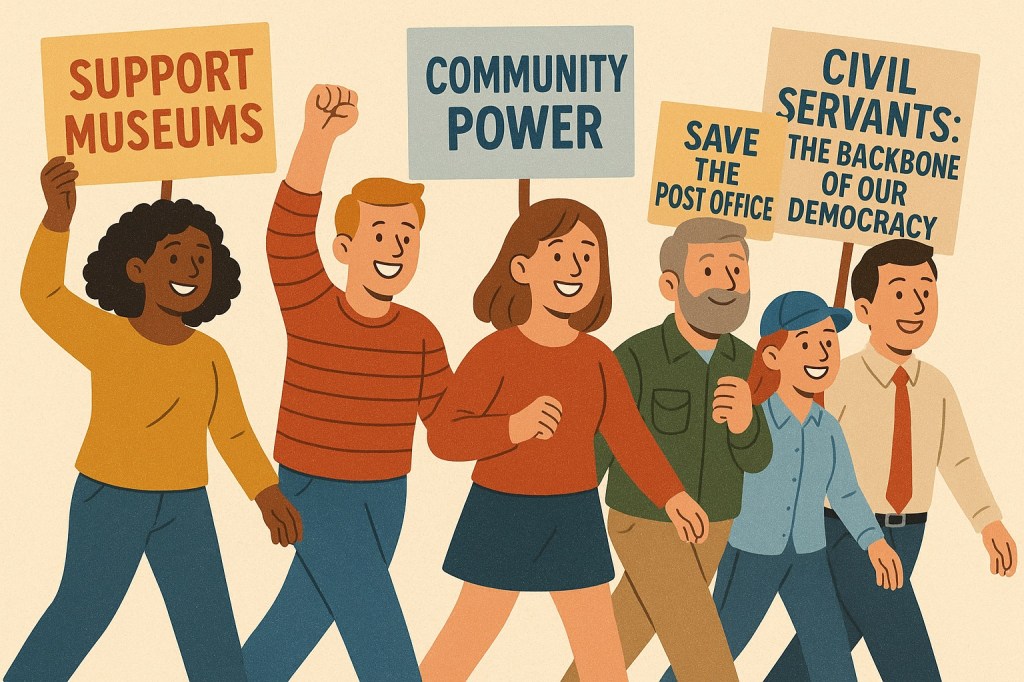
Using my lesson on key words from the JetPack trials, I started with this prompt. “Would you be able to create an illustration of positive multi-cultural protestors happily walking in support of libraries, museums, community power, veterans, post office,” I got a pretty acceptable image. It included a fisted arm up for the “Community Power” sign.
It also asked, “Would you like the scene to be more realistic, stylized (like a cartoon or poster), or something else?” I did miss that suggested question.
I next refined my first query to this: “Would you be able to create an illustration of protestors walking in support of libraries, museums, community power, veterans, post office, and civil servants, who are the backbone of our Democracy”. And I got the same picture with the added person and sign. It’s pretty good, except that no one is actually holding a sign. I can fix that in Procreate.
But look at the people. The lady/man with a cap looks like she works at the post office; the “civil servant” has a tie! AI works with what it knows.
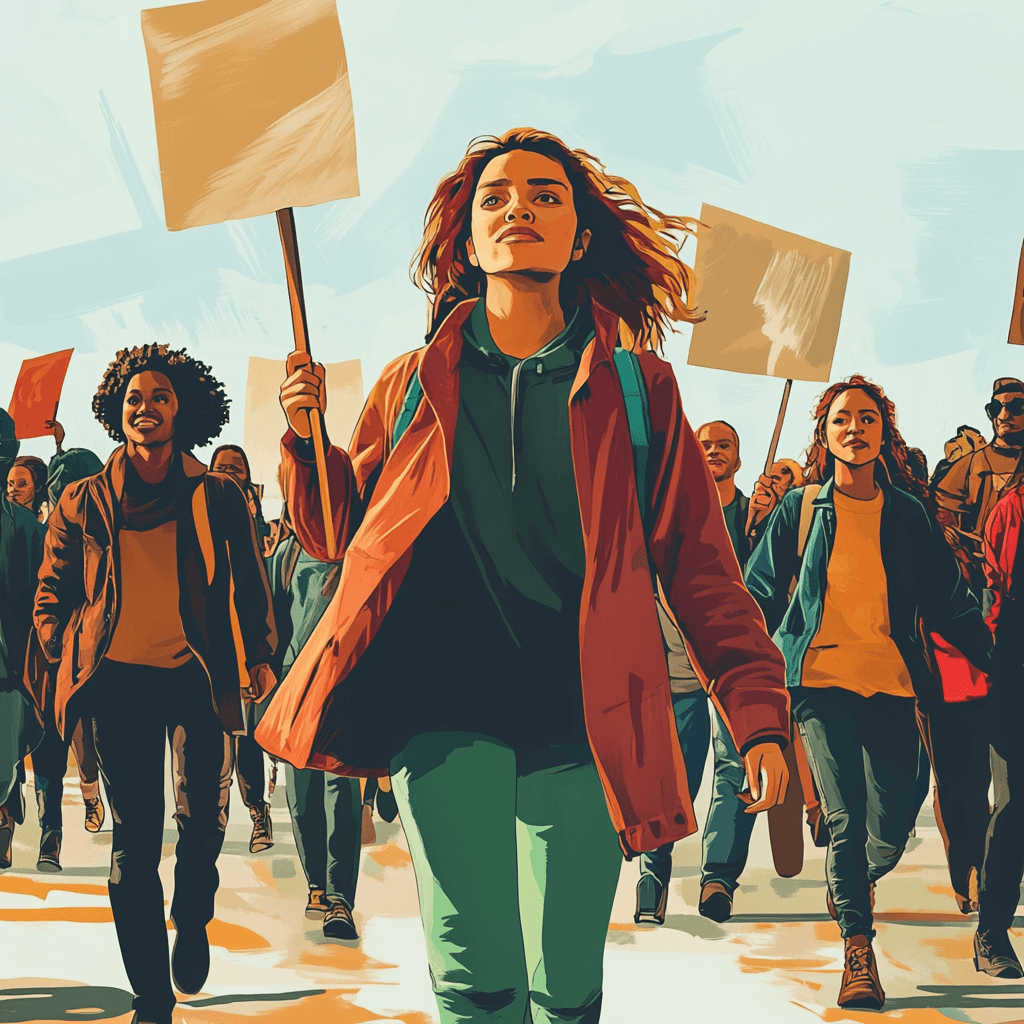
Next I tried MidJourney. I started out with the prompt: “Would you be able to create an illustration of positive protestors walking in support of libraries, museums, community power, veterans, post office”.
I received a variety of styles.

I decided to add “happily” with walking and “multi-cultural” to protestors. “Would you be able to create an illustration of positive multi-cultural protestors happily walking in support of libraries, museums, community power, veterans, post office”. I applied that to the styles I liked, and was able to choose three pictures. It’s interesting that sometimes the back foot is missing! LOL.
Midjourney is easy to use and pretty quick to regenerate. You can choose for a more subtle or a stronger version right from the created image.


All three are easy to use– just be sure to use the key words you want included; be precise for what your vision is, as my prompts illustrate.
And like I said, although I don’t like the idea of AI art, one must admit that for certain purposes, it helps get the message intended.
Thanks for stopping by!
It’s been a busy week illustrations! If you want to learn watercolor techniques in Procreate, check out Calvin of Drifter Studio.
I’ve enjoyed the beginning of drawing 20 days of dogs–to capture my own little [LOL] dog’s personality. If you have any questions about my process, just ask! I’d be glad to help with what I know.
You can find many helpful artists teachers on my Artist Resources page. Take a look at their IG and YouTube. Find one that fits your learning and art preferences and stick with them a while to develop your skills. Every day, another aha!
You’re welcome to follow this blog for art inspiration. We can share with #warmup4art to enjoy our work together! I look forward to your sharing and find me at @42Sheri, on Mastodon Sheri42, on Flickr teach.eagle Sheri 42.
* Jennifer Nichols Creative Journey Membership Community [affiliate link] — a friendly, supportive artist community perfect for novice to professional: learning together. Check it out!

 I wonder, if I draw a line...
I never took a Calvin’s tutorial I love your flowers 😘
LikeLike
Thank you! Calvin’s tutorials really help with learning Procreate and watercolor. I’ve taken many and learned so much.
LikeLike