

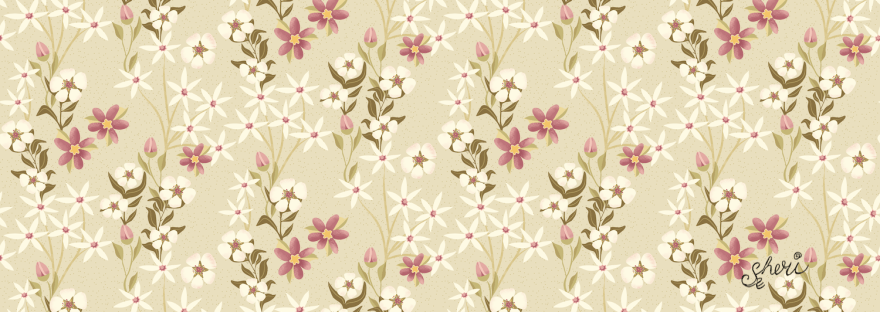

Affinity Designer Garden Floral Delight
As you know I’m taking Delores Naskrents Affinity Designer MasterClass to learn more about the tools in Affinity Designer. The florals and leaves here area all created with vector tools.
What’s neat about Affinity is that I can switch back and forth between the Vector Person and the Pixel Persona at any time. This lesson, “AD 13 – The Pixel Persona: Adding Raster to a Vector Pattern,” I needed to learn the Pixel Persona; it’s where the slight textures are in this pattern: the dots on the star flower stems, the blush on the five petal flowers, and the hash marks on the magenta petals. This type of texture won’t be as noticeable if the pattern is enlarged a bit.
What I usually do if I need to change the scale of my vectors, is I reapply the texture after scaling.
This time you will again see the “snowy dots” in the background. This time the dots are simply a fine dotted filler.
This pattern is a rectangular drop pattern I learned from a fellow member of several of my art groups, Eliza. She creates all her patterns in Affinity Designer. For the drop pattern, she places the square at the left, then to the right she adds that square again twice, one to move up half way and the other to move down half way to make the complete repeat. Very clever.
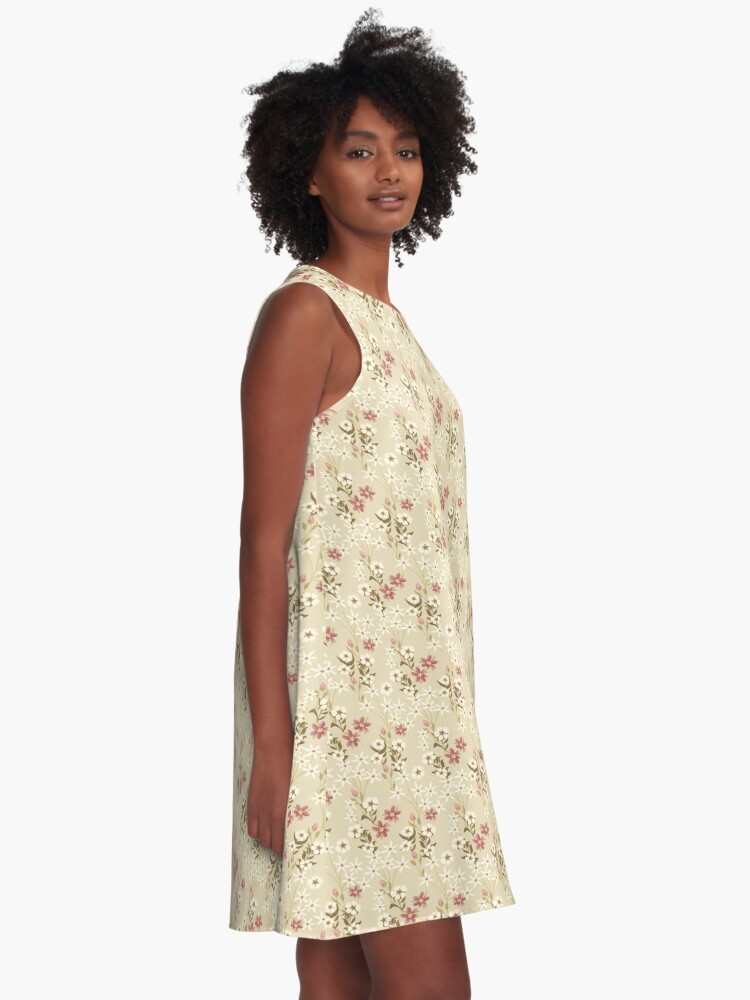
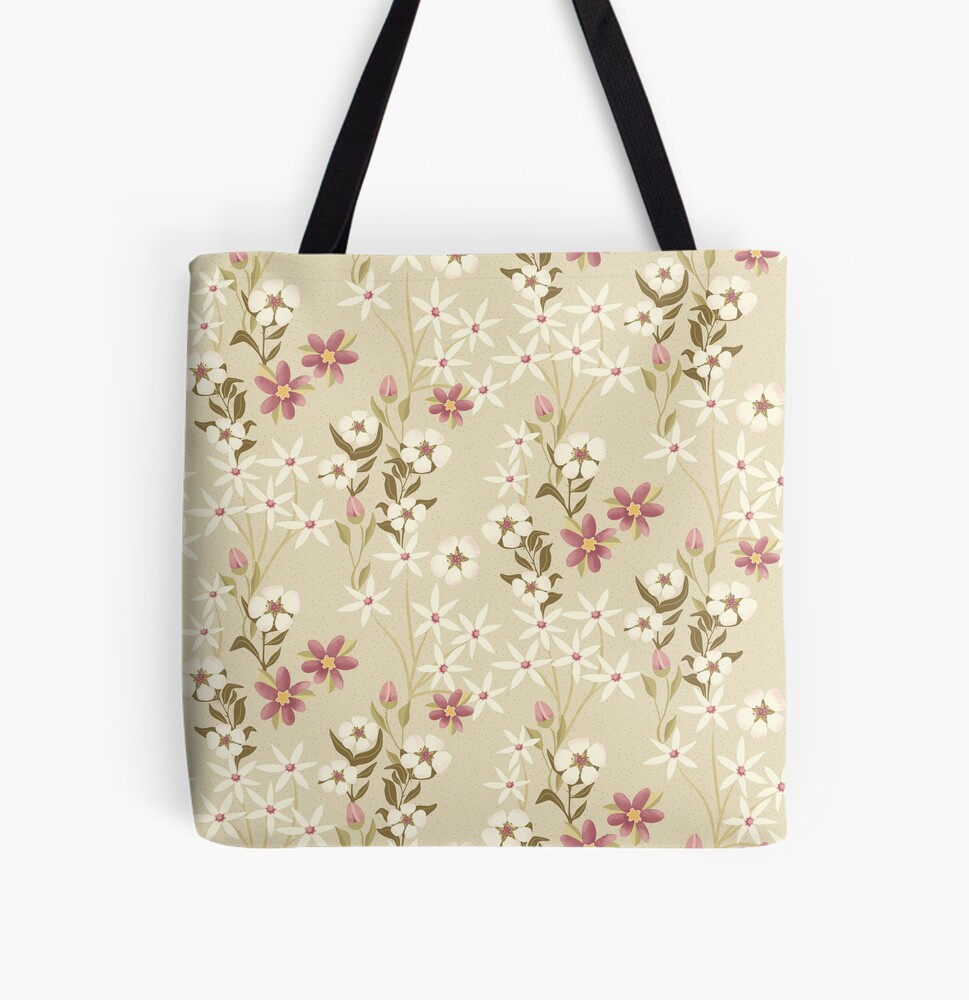
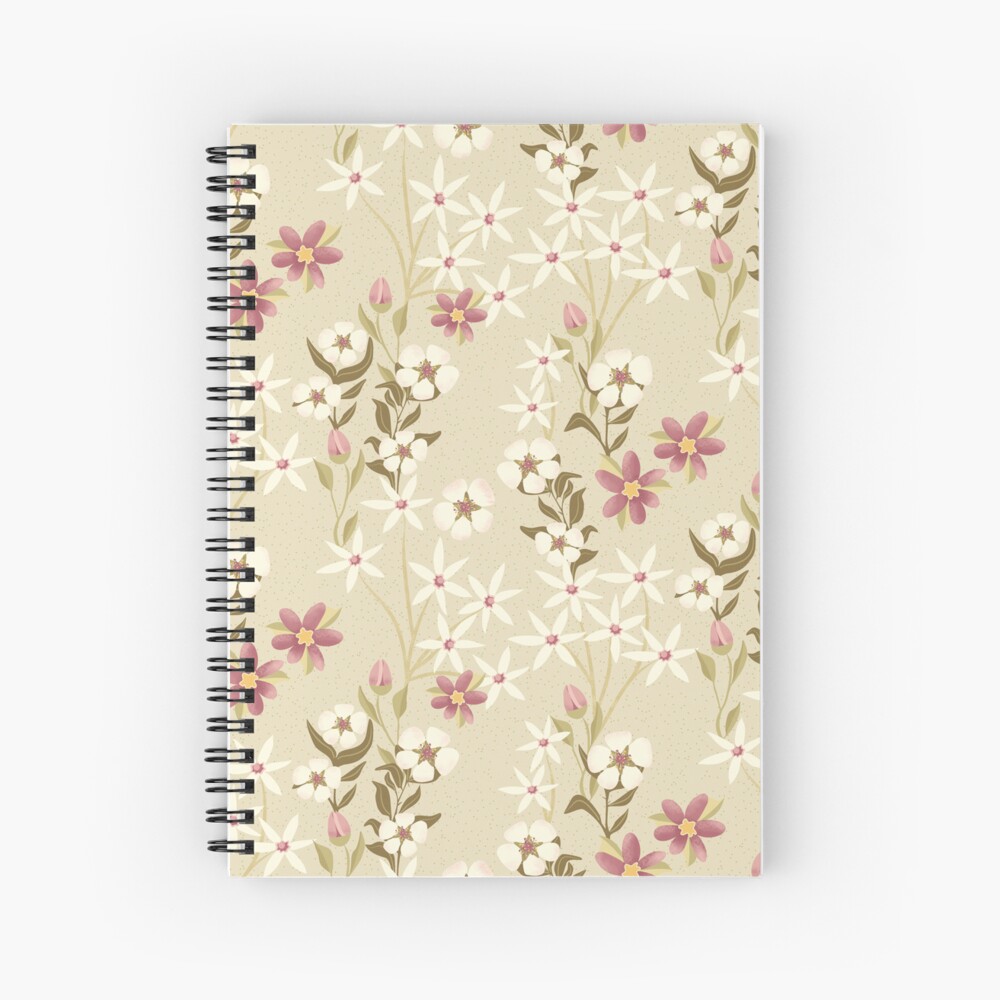
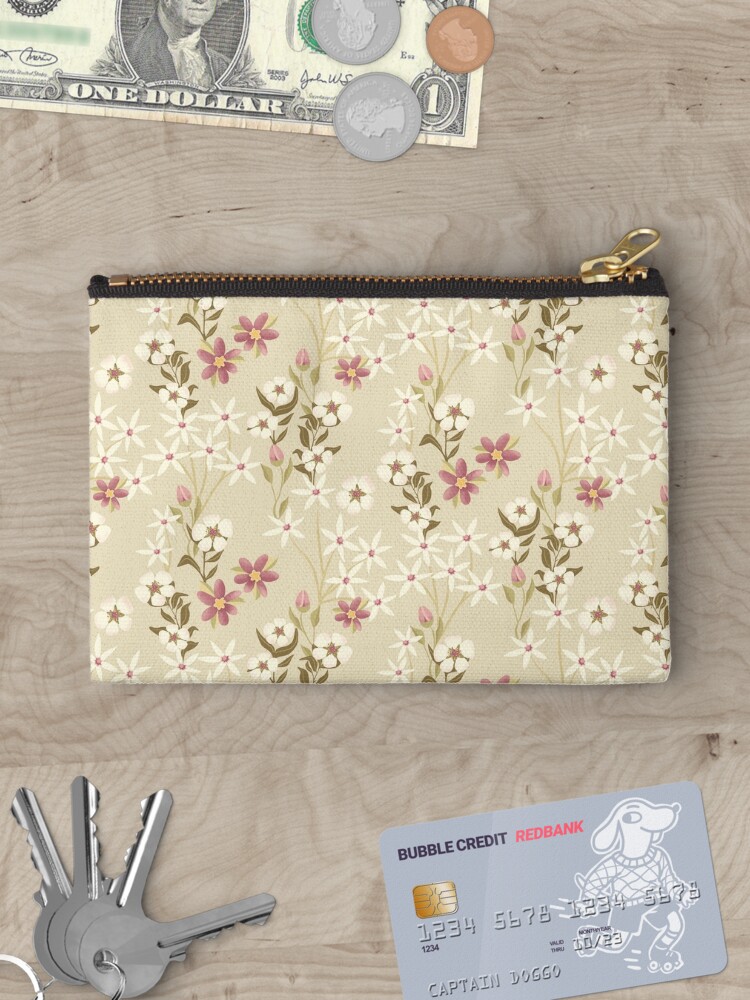
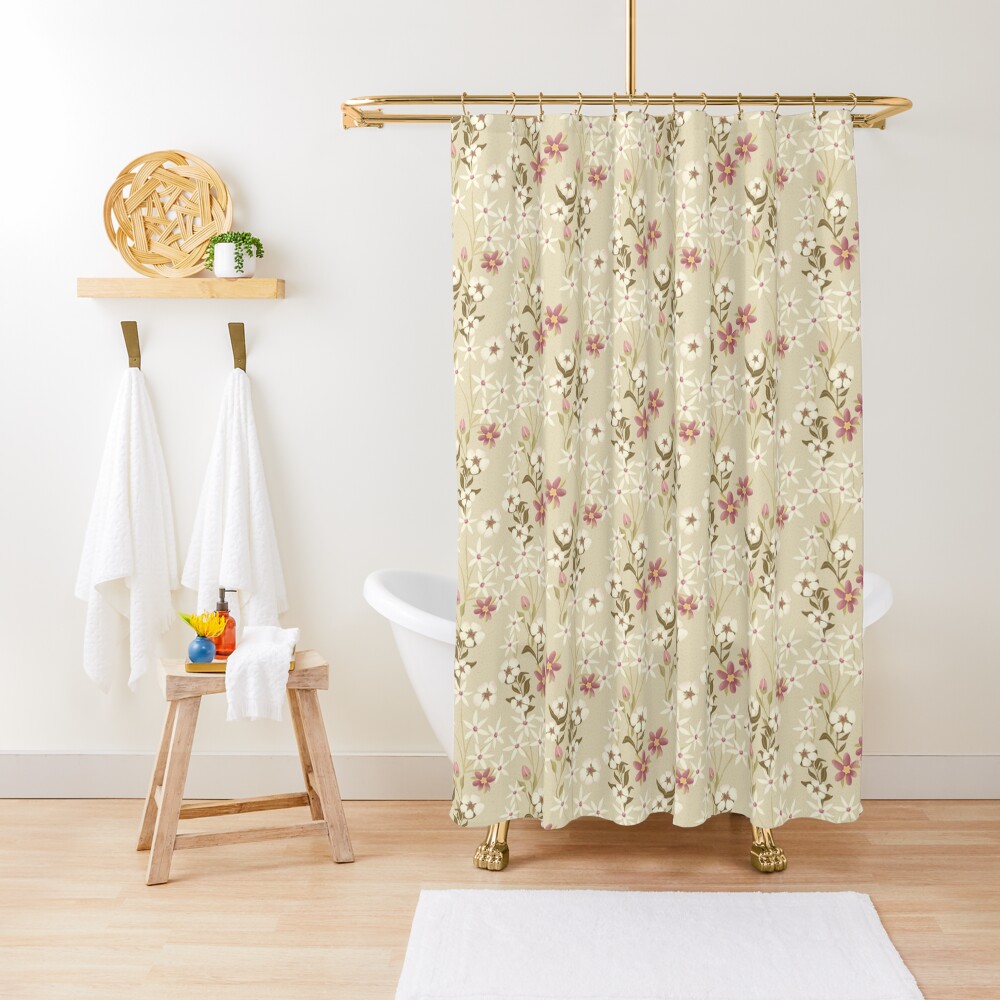
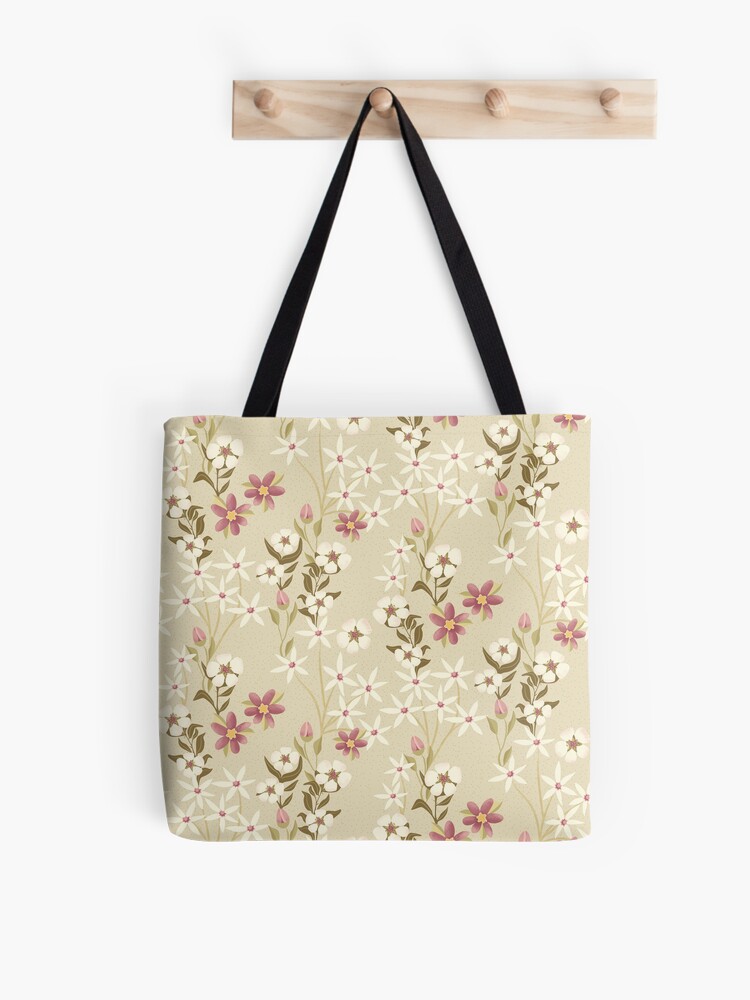
Currently, the design is only available on Red Bubble, because I needed the design for a dress, tote, and spiral notebook.

 I wonder, if I draw a line...