


Welcome!
On most Wednesdays, check this blog for a strategy, process, or reflection for illustration with the iPad app ProCreate or Affinity Designer. This week I continued with learning Affinity Designer to learn to use the vector and pixel tools. As you know I’m taking Delores Naskrents Affinity Designer MasterClass to learn more about the tools in Affinity Designer
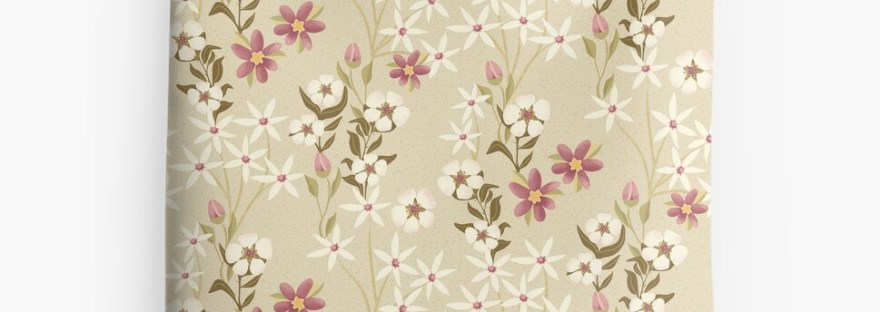
Garden Floral Delight
The florals and leaves in the above image are all created with vector tools. What’s neat about Affinity is that I can switch back and forth between the Vector Person and the Pixel Persona at any time. This lesson, “AD 13 – The Pixel Persona: Adding Raster to a Vector Pattern,” I needed to learn the Pixel Persona; it’s where the slight textures are in this pattern: the dots on the star flower stems, the blush on the five petal flowers, and the hash marks on the magenta petals. This type of texture won’t be as noticeable if the pattern is enlarged a bit.
Read more about this pattern at Garden Floral Delight; this design is available on Red Bubble.
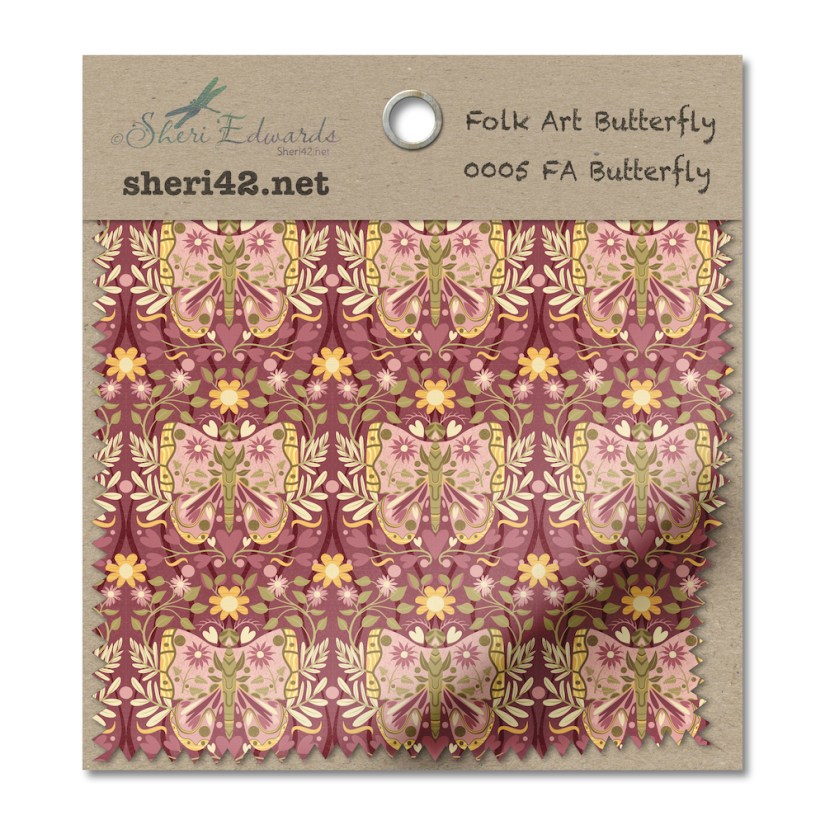
Symmetry Reflection Butterfly
We learned to use a reflective template so that we only needed to draw on one side and the motifs automatically display/repeat on the opposite side– Do you see it? Just cut the butterfly in half– we only had to draw one side! For more information, read here: Symmetry Reflection Butterfly
Symmetry Folk Art Drop Pattern
Not only did we learn to create a reflective template so that we only needed to draw on one side and the motifs automatically display/repeat on the opposite side, we continued practicing the stroke width tool to create motifs, as well as to reuse motifs from our asset studio that we had used before. The bird, bee, and dragonfly I created for this illustration are now in my asset studio so I can reuse them.

Read more about it here: Symmetry Folk Art Drop Pattern
Color Palettes
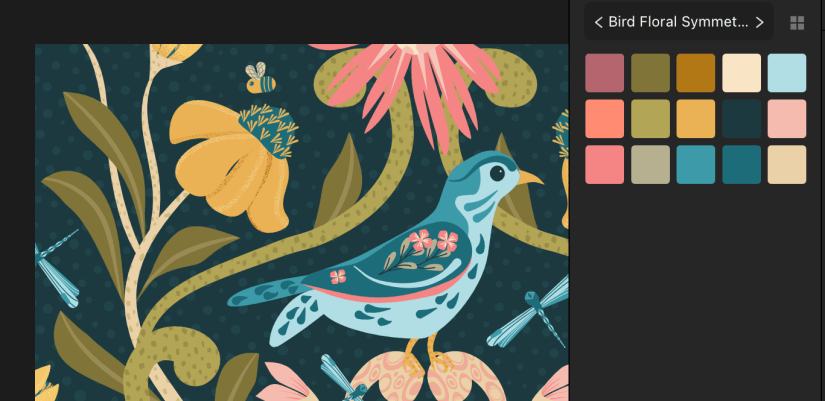
You may have noticed the limited color palettes I’ve been using. It’s been a goal of mine to choose better color palettes. You can see in this image that I chose a palette and didn’t use all of the colors, but did use shades of several in red, blue, green, and yellow hues.
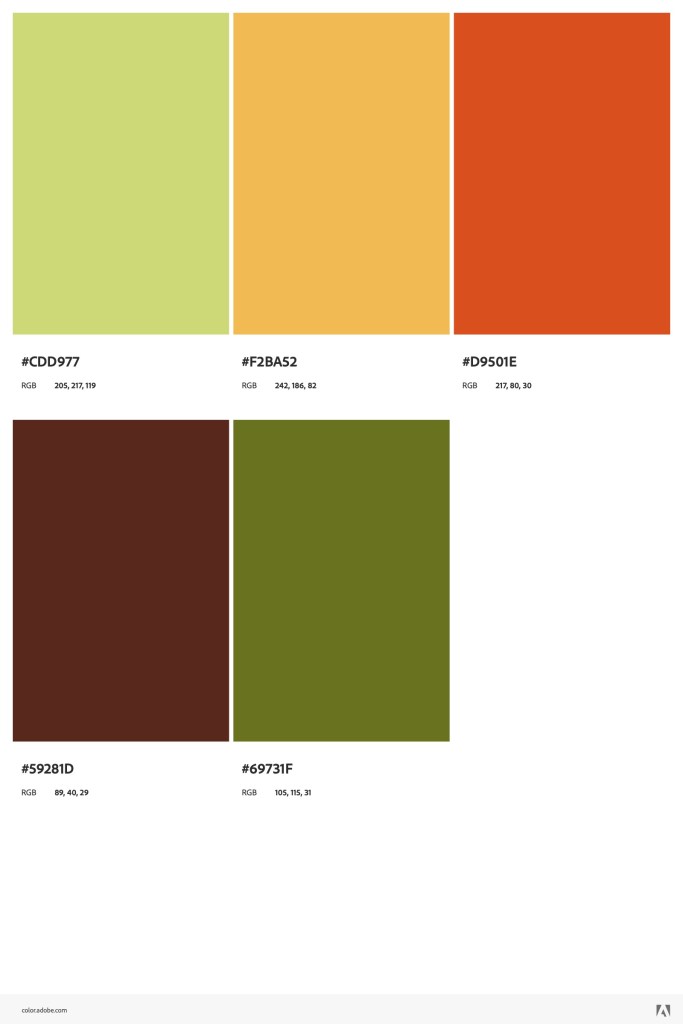
I also wrote a blog post about the suggested palettes for the 1970s Design Challenge on Spoonflower. I choose my favorite color choice site, color.adobe.com, to explore and choose the colors suggested, creating palettes for the primary and the splash colors. You can read about how I did it here, 70’s Color Palette. And here are the palettes again:

Thanks for stopping by!
Delores keeps us busy with her marvelous Affinity Designer lessons. I thank her and appreciate her specific and helpful tips, strategies, and organizational planning. I’m glad to learn the versatility of vector tools, and the ability to scale up or down for illustration purposes is amazing.
If you have any suggestions or questions, please share and ask.
You can find many helpful artists teachers on my Artist Resources page. Take a look at their IG and YouTube. Find one that fits your learning and art preferences and stick with them a while to develop your skills. Every day, another aha!
You’re welcome to follow this blog for art inspiration. We can share with #warmup4art to enjoy our work together! I look forward to your sharing and find me at @42Sheri, on Mastodon Sheri42, on Flickr teach.eagle Sheri 42.

 I wonder, if I draw a line...
I decided to learn Affinity a long time ago. I took Liz KB’s introductory course and another one on Skillshare, but it was on the previous version of Affinity while I was on the current one (there were quite a few differences) and I had a little trouble finding my way around. As a result, I hardly retained anything and I didn’t get hooked… Jennifer made me want to get back into it. And your progress really encourages me to retry 😉
LikeLike
Oh yes. I’ve been slowly learning in Liz’s Studio Community, and now with Delores. It makes a difference to keep at it — If I don’t, I forget what to do when and where! But give it another go — the new version has new tools that really help. And you can always pop back here to ask a question! I’m finally getting the hang of it and love it! ~ Sheri
LikeLike