





Welcome!
On most Wednesdays, check this blog for a strategy, process, or reflection for illustration with the iPad app ProCreate or Affinity Designer. This week I continued with learning Affinity Designer to learn to practice the vector and pixel tools and learn new templates. As you know I’m taking Delores Naskrents Affinity Designer MasterClass to learn more about the tools in Affinity Designer. I also worked on my 2026 calendar in Procreate.
Reflective Templates
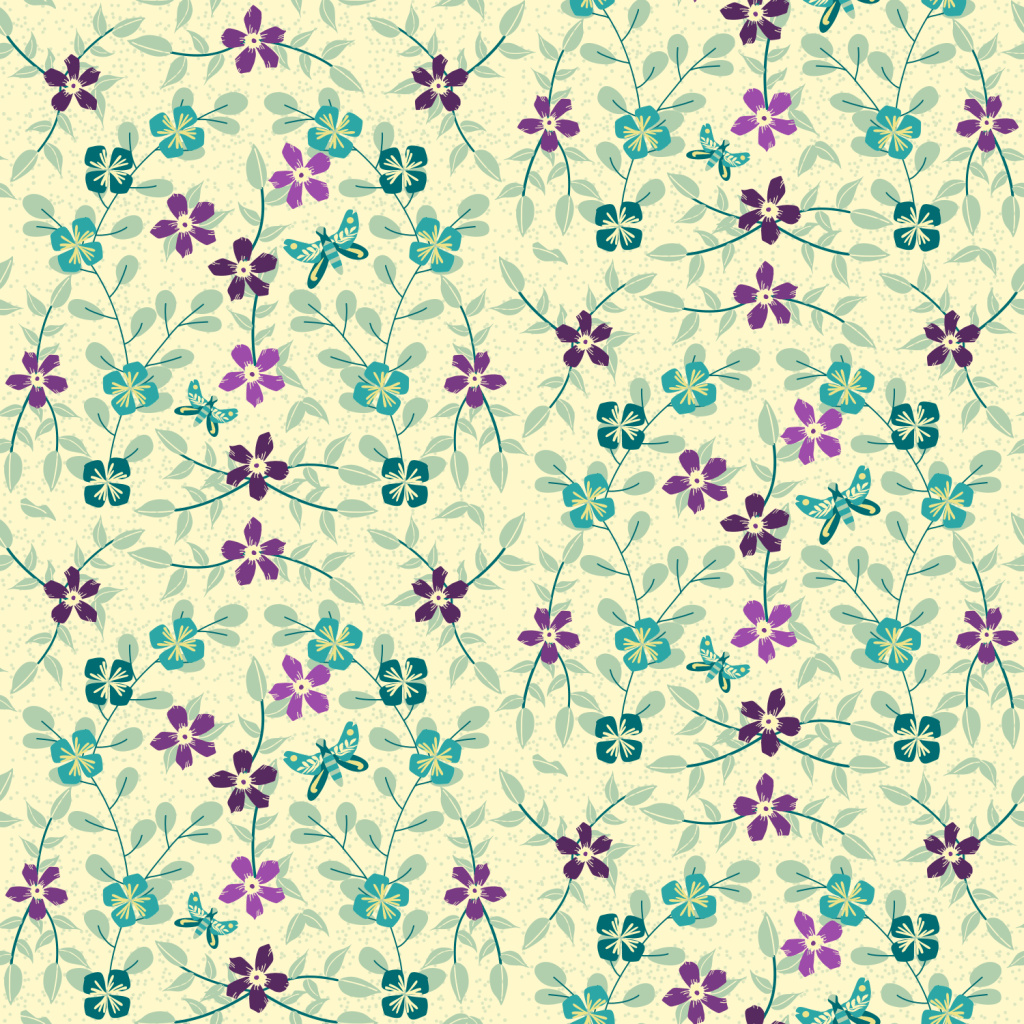
In past posts, WrapUp More Affinity and Reflective Patterns Far Out or Subtle, I shared the above patterns created in reflective template. A template like these consists of the basic pattern canvas surrounded by duplicated canvases that show the entire pattern. Within the basic pattern canvas though, is a mirrored component so the design is drawn on only half the basic canvas, which is reflected on the other half to create the whole pattern.
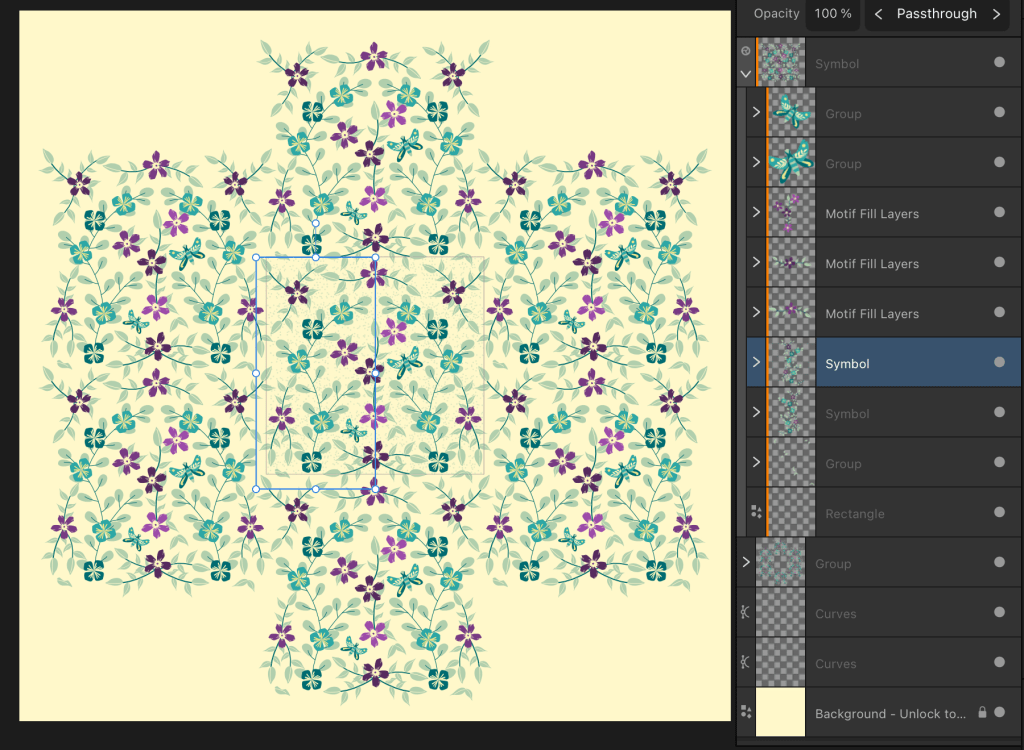
Example 1: This is a screenshot of the document for one of my designs. The blue border represents the basic pattern canvas; the other areas are repeated “symbols” of the basic pattern to show the repeat. This particular pattern is a half drop pattern — the basic pattern drops half way in the repeat.

Example 2: In this screenshot, you still see the border of the basic pattern, but also that blue border now shows half the canvas where the design is created, the other half of the basic canvas is reflected automatically. And that whole canvas is repeated around in the “symbol” canvases that repeat the basic canvas. In the layers panel you see five layers that are on top of the mirrored blue-bordered area. Those do not reflect, but are placed to fill in areas to add interest and break up the pattern.
Every pattern template meets specific design components. This one is called a Single Reflective Half Drop. There is a single reflection [the blue box below]; the repeat drops half way down the basic pattern. Affinity makes it easy to see the pattern form when the template is used.
Half drop? In the blue box, note the motif of a dark purple flower with three vines flowing from it in the top left of the blue box. Now look at the left edge of the document, at the top left. There is the same motif at top left; its position is half way up from the original. There’s another one on the left edge that is half way down the center basic canvas. That’s the half drop. In simple, basic patterns, this motif would be directly to the left edge of the original; no dropping.
Affinity makes pattern making easy; it still requires planning and creating the motifs!
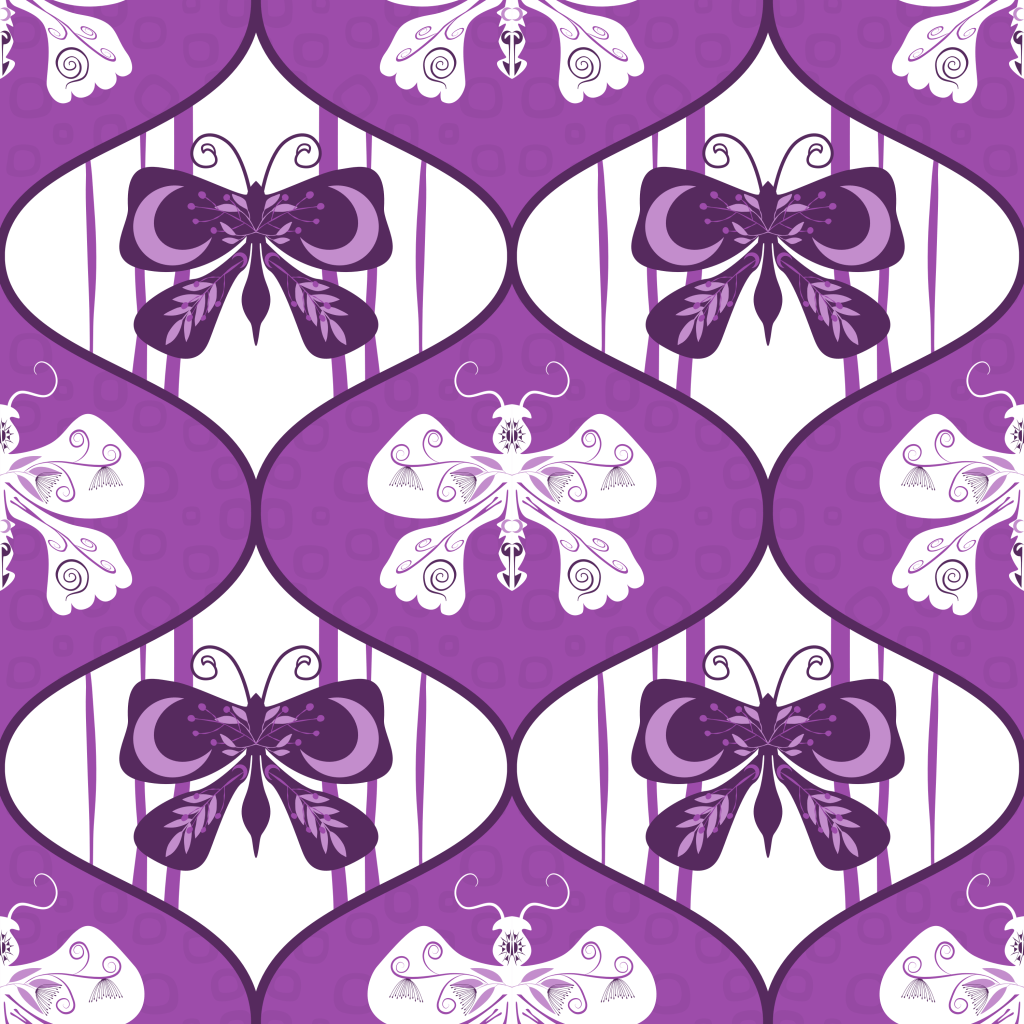
Here are two other reflective patterns I created today using a single reflective ogee pattern template from Delores’s course.

Calendar
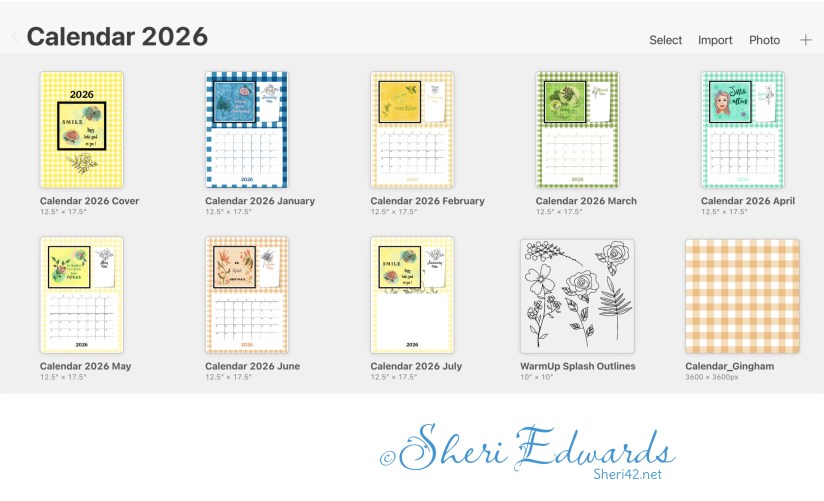
I’ve also been working on my calendar, finishing the cover and January through June. In this image you can see these pages, the repeat motifs I use throughout the calendar, and the gingham pattern design I create to match each month. You can read about the project here: Splash Grid Calendar.
Thanks for stopping by!
Delores keeps us busy with her engaging Affinity Designer lessons. I thank her and appreciate her specific and helpful tips, strategies, and organizational planning. I’m glad to learn the versatility of vector tools, and the ability to mirror parts of the pattern is so fun.
If you have any suggestions or questions, please share and ask.
You can find many helpful artists teachers on my Artist Resources page. Take a look at their IG and YouTube. Find one that fits your learning and art preferences and stick with them a while to develop your skills. Every day, another aha!
You’re welcome to follow this blog for art inspiration. We can share with #warmup4art to enjoy our work together! I look forward to your sharing and find me at @42Sheri, on Mastodon Sheri42, on Flickr teach.eagle Sheri 42.

 I wonder, if I draw a line...