



Textures, Affinity Designer
I’m taking Delores Naskrents Affinity Designer MasterClass to learn more about the tools in Affinity Designer. The last few days I’ve watched the lessons and have been creating textures. Here are a few. Notice that I’ve saved them as .svg to preserve them as vectors. I’ve also added them into my asset library.
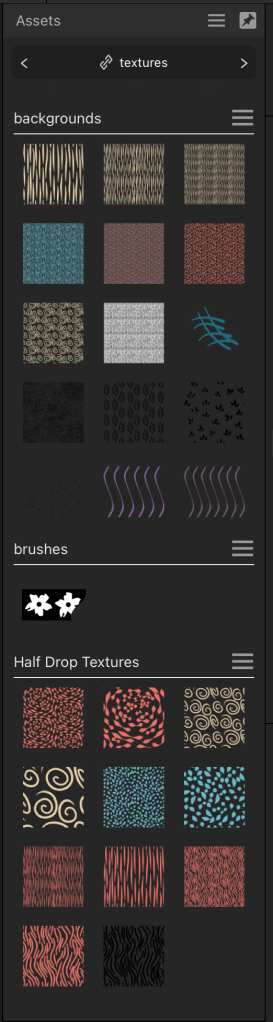
I start out making them as half drop, but can easily decrease the size and organize them into “square” full drop patterns.
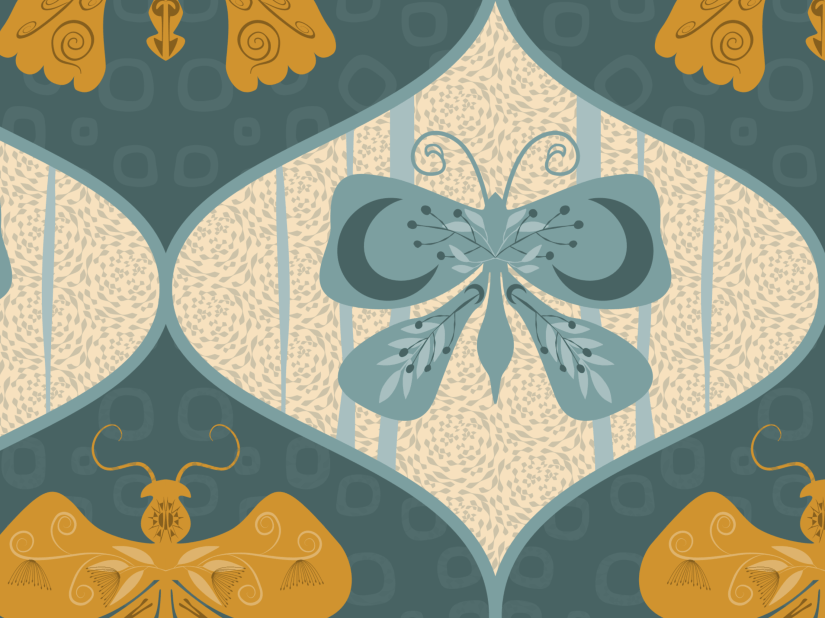
I’m intrigued with the rosette pattern I created with a unique shape. Here it is behind the motifs in this ogee butterfly pattern:

A close up:
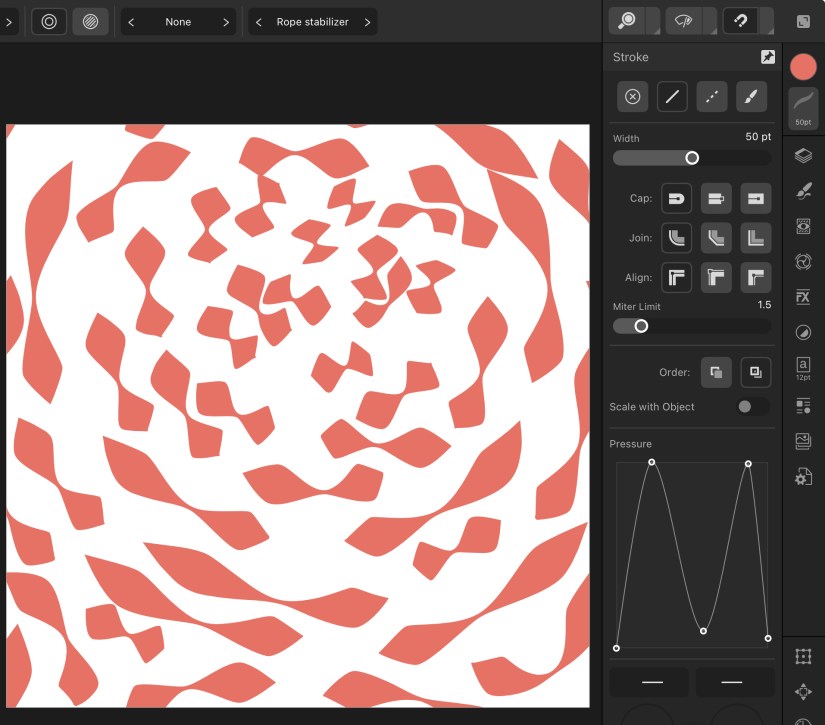
How did I create the individual shapes in the rosette motif? I changed the pressure of the stroke width:
Here’s the design 2×2:
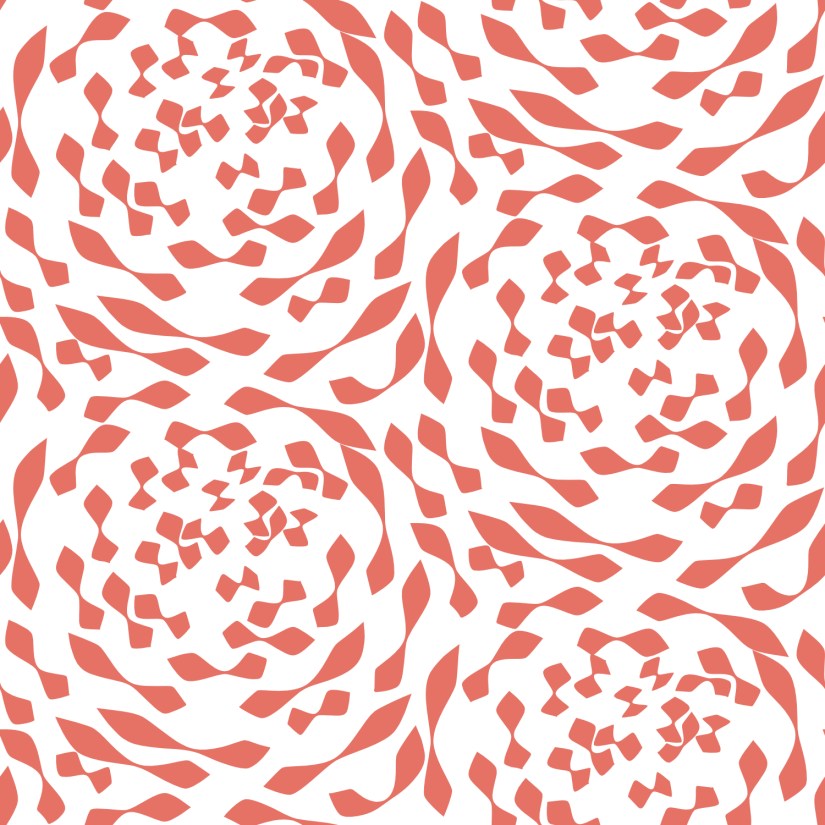
Here, much smaller to create the texture:
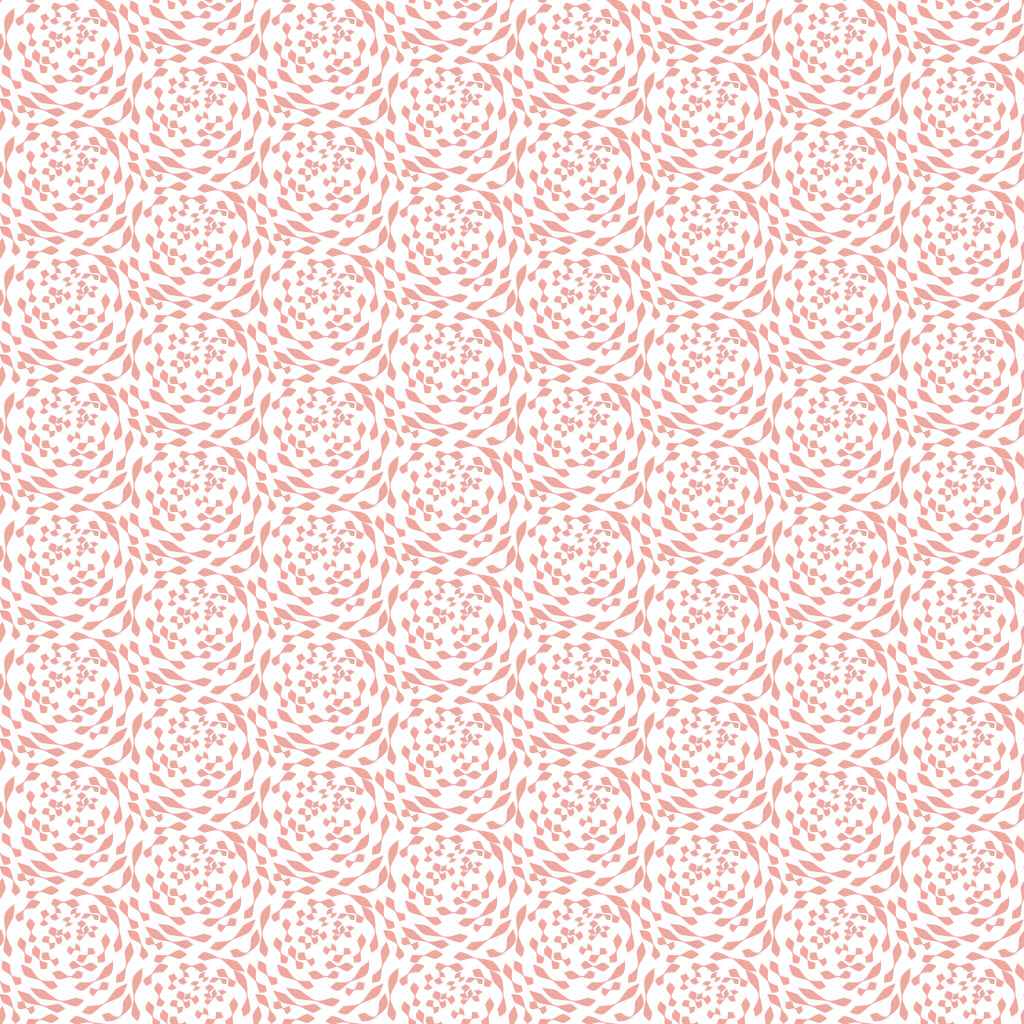
And here I added that as texture on flower petals:

Hopefully I’ve practiced enough so that I remember the process. I should create one new texture a day, just to get it engrained in my head! Once you know the process, it goes pretty fast.
Questions? Just ask!

 I wonder, if I draw a line...