


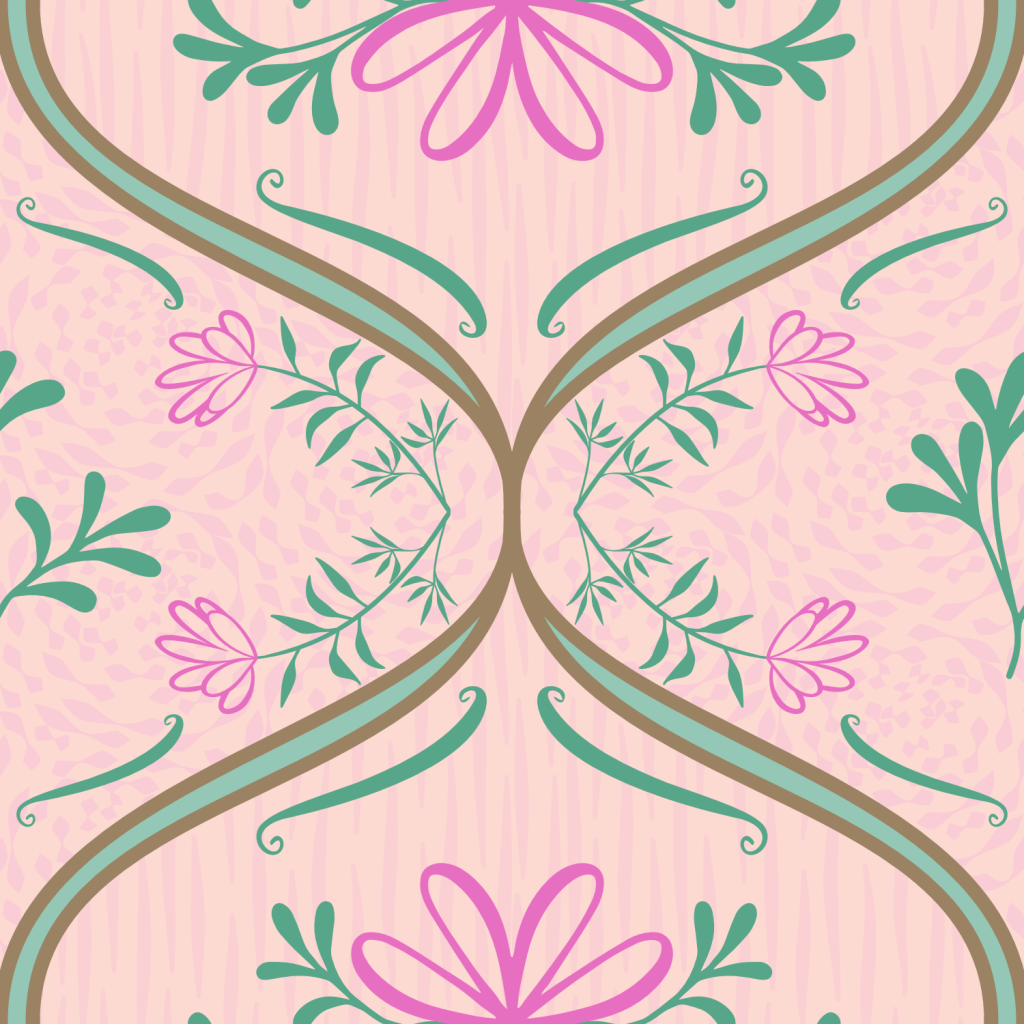
Welcome!
On most Wednesdays, check this blog for a strategy, process, or reflection for illustration with the iPad app ProCreate or Affinity Designer. This week I continued with learning Affinity Designer to learn to practice the vector tools and learn new templates. As you know I’m taking Delores Naskrents Affinity Designer MasterClass to learn more about the tools in Affinity Designer.
Check out this week’s post, Textures in Affinity, on all the vector textures I’ve made, like this one I call “rosette.”
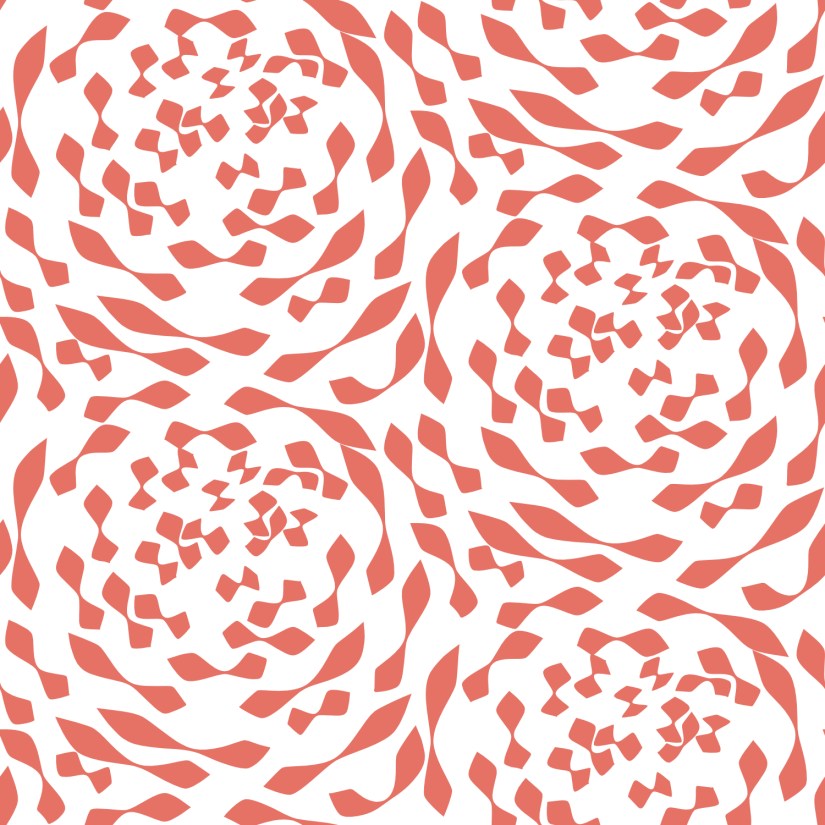
You can see it in the image at the top of the post in the right and left ogee shapes. I’m loving the ability to make my own vector backgrounds. Need help? I can provide tips.
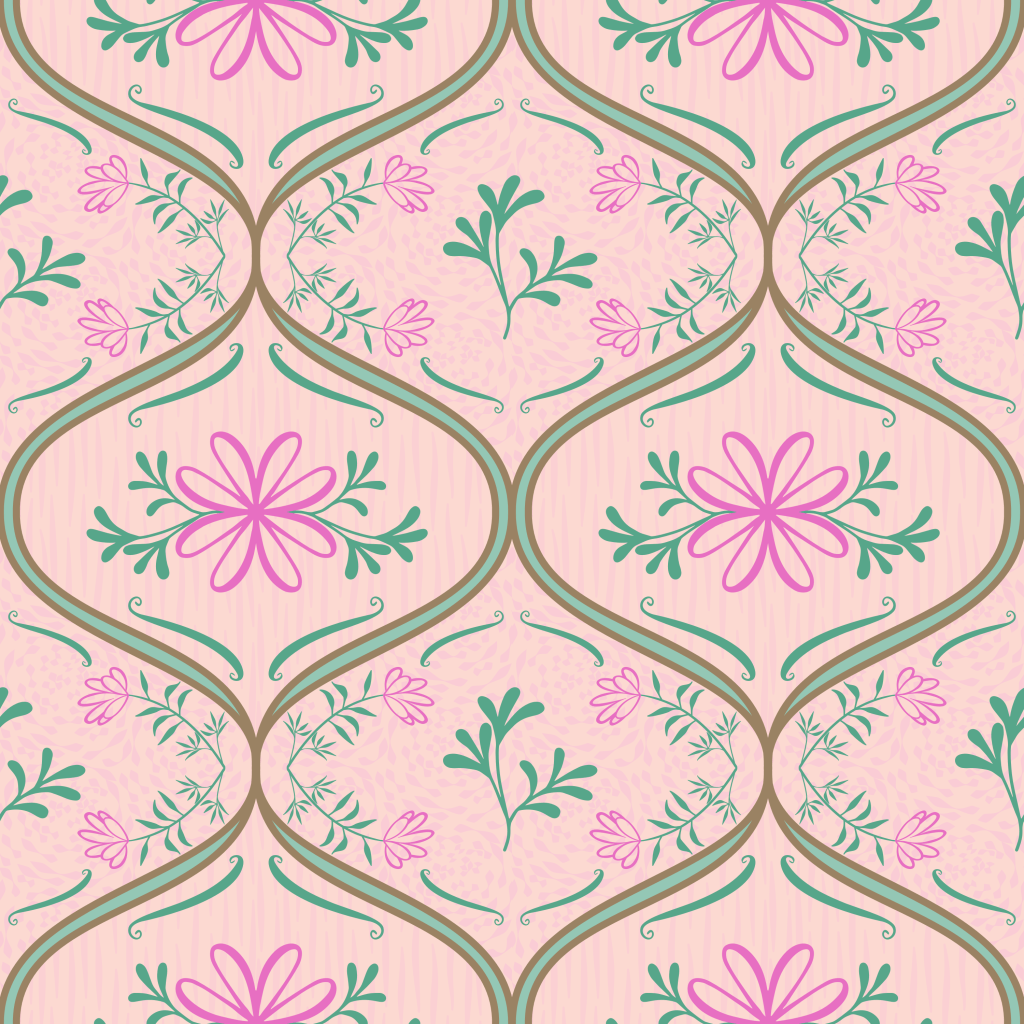
Here you can see today’s pattern I made while listening to our live chat. I was pretty pleased I could actually draw my own a double ogee to get the ribbon effect. You can see my textures in both ogee motifs. The florals and ornamentation are from a set provided by Delores.
Thanks for stopping by!
Delores keeps us busy with her engaging Affinity Designer lessons. I thank her and appreciate her specific and helpful tips, strategies, and organizational planning. I’m glad to learn the versatility of vector tools, and the ability to create my own textures for backgrounds and motif effects.
If you have any suggestions or questions, please share and ask.
You can find many helpful artists teachers on my Artist Resources page. Take a look at their IG and YouTube. Find one that fits your learning and art preferences and stick with them a while to develop your skills. Every day, another aha!
You’re welcome to follow this blog for art inspiration. We can share with #warmup4art to enjoy our work together! I look forward to your sharing and find me at @42Sheri, on Mastodon Sheri42, on Flickr teach.eagle Sheri 42.

 I wonder, if I draw a line...