

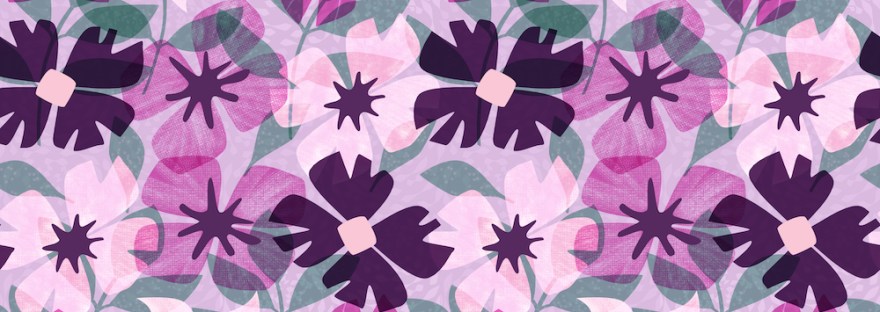
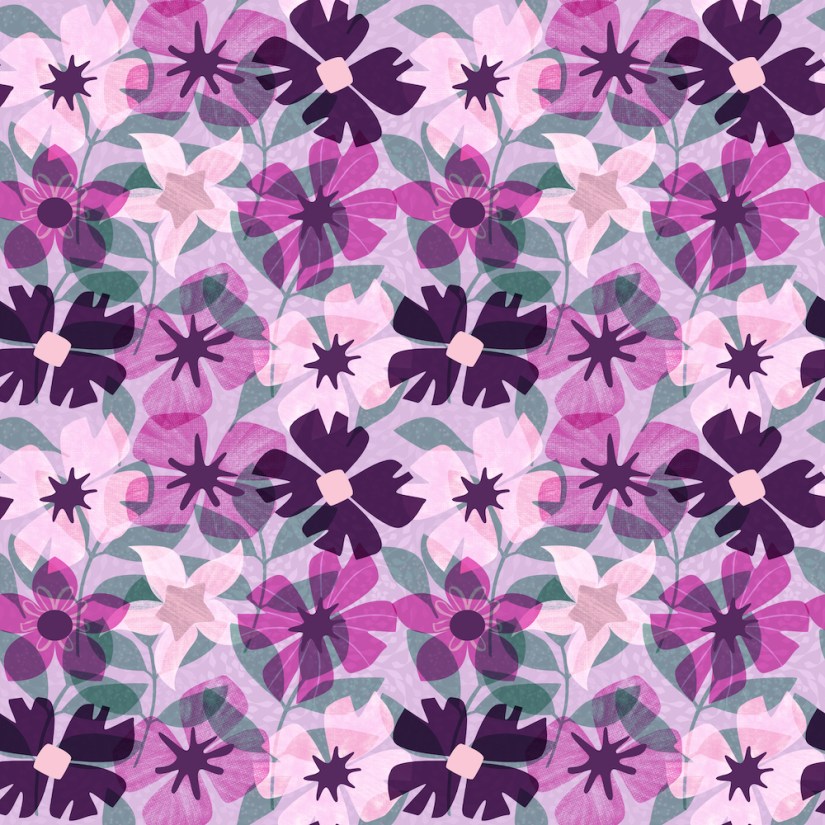
Again, I’m taking Delores Naskrents Affinity Designer MasterClass to learn more about the tools in Affinity Designer. This lesson was about how to create transparencies in the layers and using pixel textures, which aren’t scalable. That means make the pattern the size you want it because it can’t be scaled up without the pixel texture pixelating. I usually choose not to use the Pixel Persona, but I did practice in this design. However, in the dark purple flowers, you’ll see that I added texture with vector lines instead.
Now, to me, this is a mess, but a colleague is waiting for me to put it up on Spoonflower; she’s a quilter and wants this design for her quilting. Cool. I appreciate that.
We followed this process:
Since we’re beginners with Affinity, we had to make a few floral and leaf motifs again. I also chose this pink, purple, teal palette.
Then we just scatter the motifs here and there across the canvas.
Next we experimented in our designs with different blend modes for the different layers. I choose multiply, overlay, and screen. The blend modes added the transparency to the design, adding depth to the pattern.
After that, we added the pixel texture with the pixel brush and gouache-textured brushes. Those we could also add blend modes to.
I also played around with the background. I still have two more lessons in this particular class.
I’m going to try this again, with the scatter template, after I finish the entire lesson series..

 I wonder, if I draw a line...