

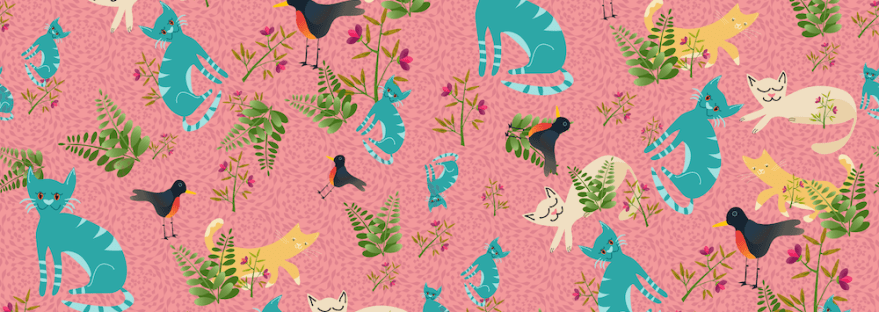
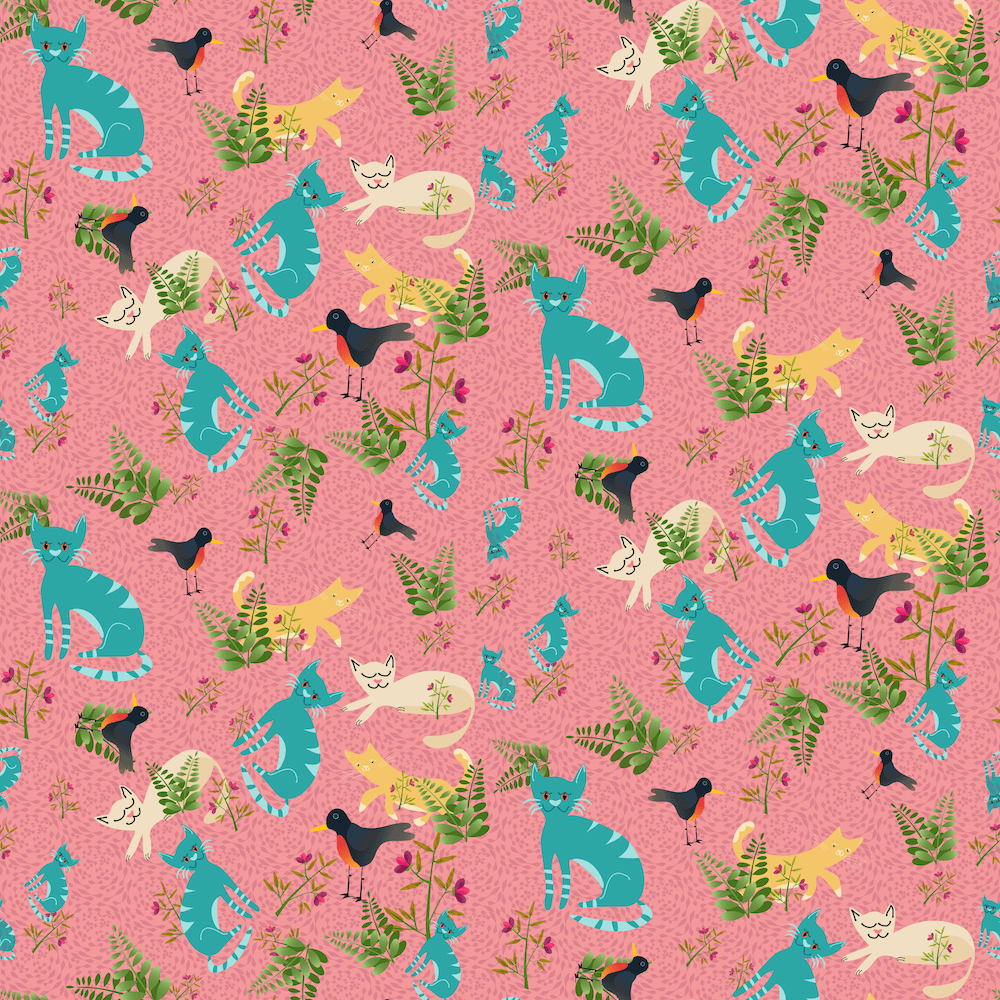
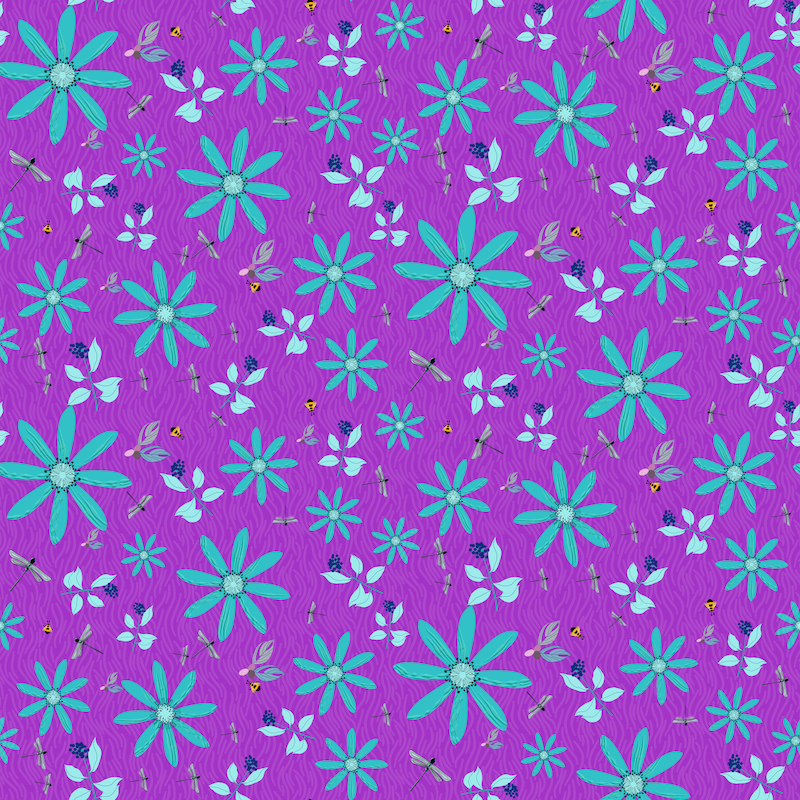
I’m taking Delores Naskrents Affinity Designer MasterClass to learn more about the tools in Affinity Designer. I’ve been playing with the toss pattern template with assets I already had drawn. You should be able to click the image to see it larger. The one on the left was fun with the cats I created for greeting cards. The other includes flowers, greenery, dragonflies, and bees.
With Delores’s template, I can replace one motif, and the others are automatically replaced, turned, flipped, resized in al the other places. If one motif is in a weird position or place, I can also just change that motif, or move/turn them all at once. Think how easy it will be to change color ways, once you get the pattern the way you want it.

 I wonder, if I draw a line...