

Welcome!
On most Wednesdays, check this blog for a strategy, process, or reflection for illustration with the iPad app ProCreate or Affinity Designer. I’m taking Delores Naskrents Affinity Designer MasterClass to learn more about the tools in Affinity Designer. This week I continued that class and also took a break with some watercolor.
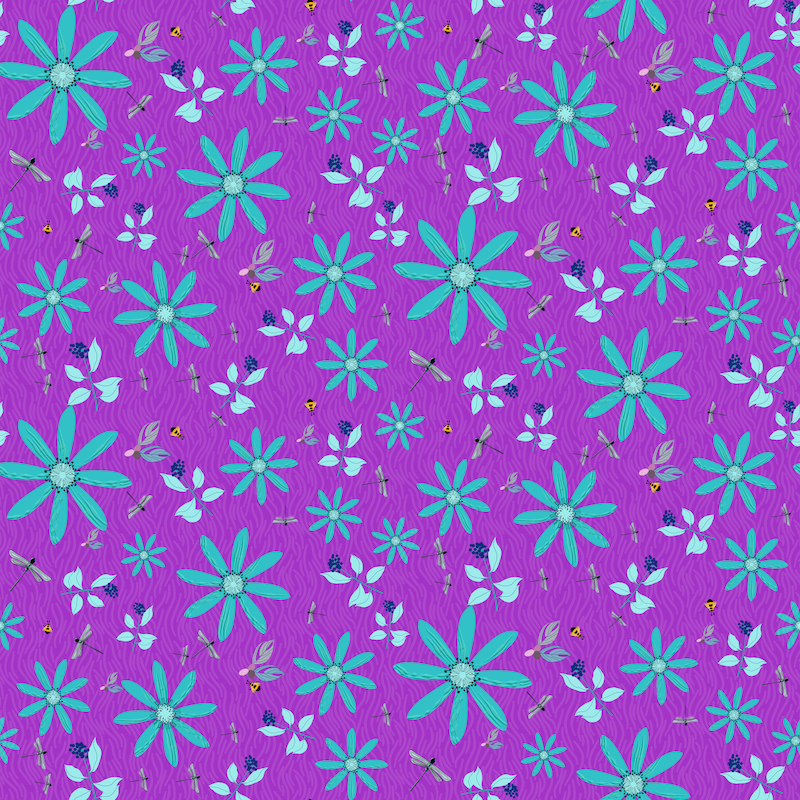
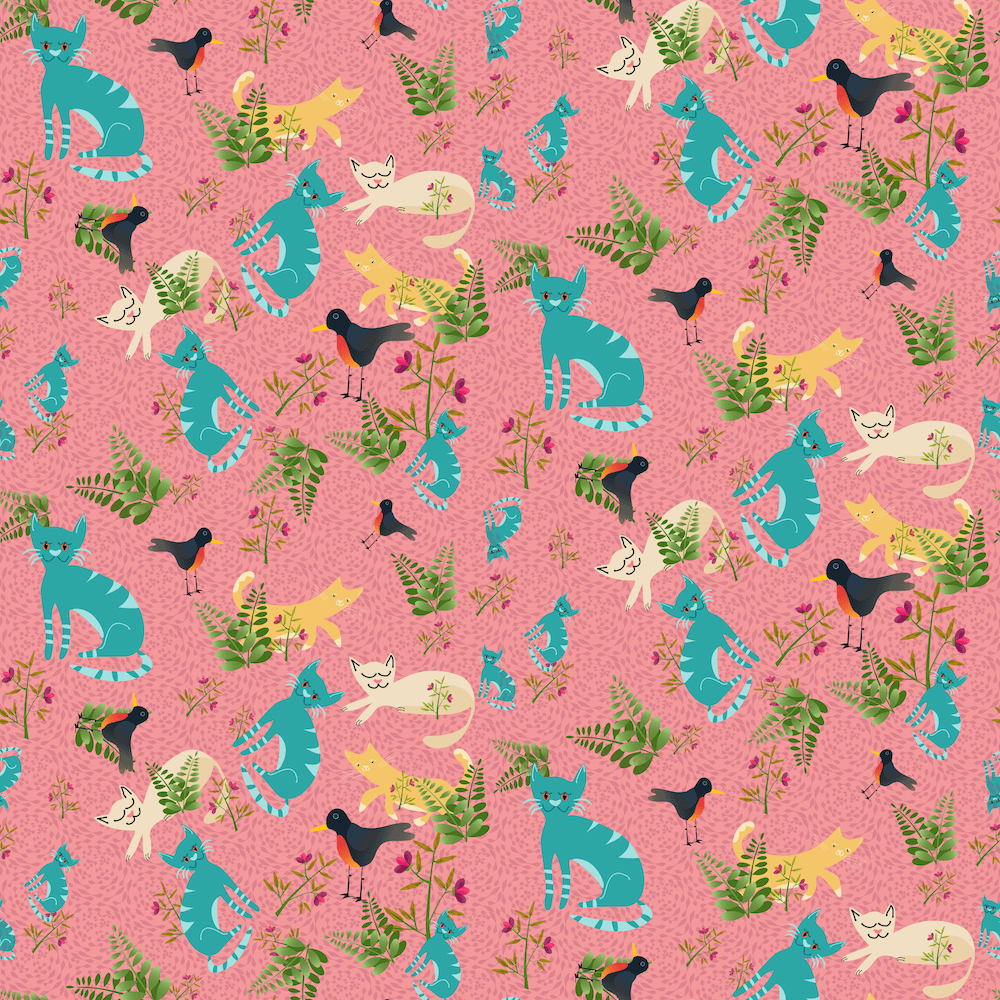
Wild Ones in Affinity
I started out learning and practicing with templates with symbols. Choose a motif for the symbol, plop into one place, and all the rest automatically fill in. Very nifty. One does need to adjust some symbols, and that can also be done without needing to adjust all the others.
Here are two “wild” pieces of my practice ones with my own motifs. Read more here: Wild Ones
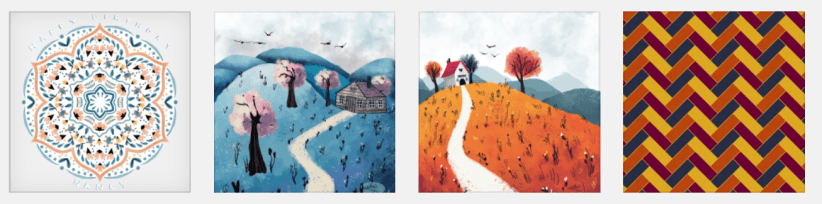
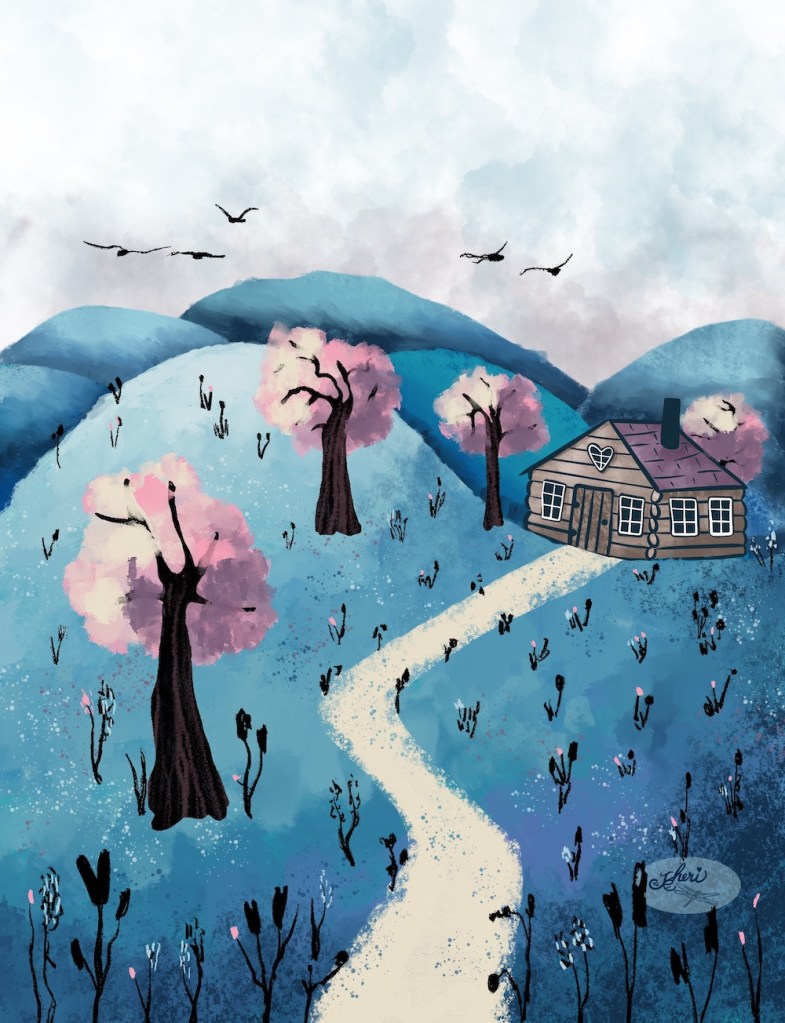
Homes on a Hill
Then I enjoyed a YouTube Video by Art with Flow called “House on a Hill.” I loved the look of it and took the class to create these. For more information, including brushes used and a color palette, see House on a Hill.

Watercolor Mandala
One of my friends had a birthday this week. She loves mandalas and turtles, so I followed Calvin of Drifter Studio Water Color Mandala lesson on YouTube to create this card for her. For a bit more info and larger view, see Mandala.

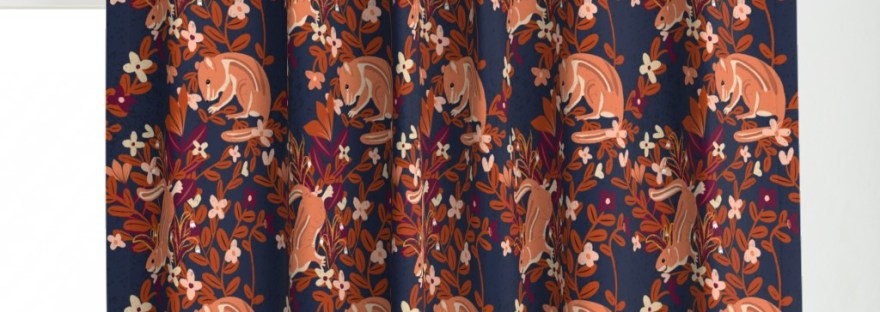
Crisp Morning Chipmunks and More in Affinity Designer and Procreate
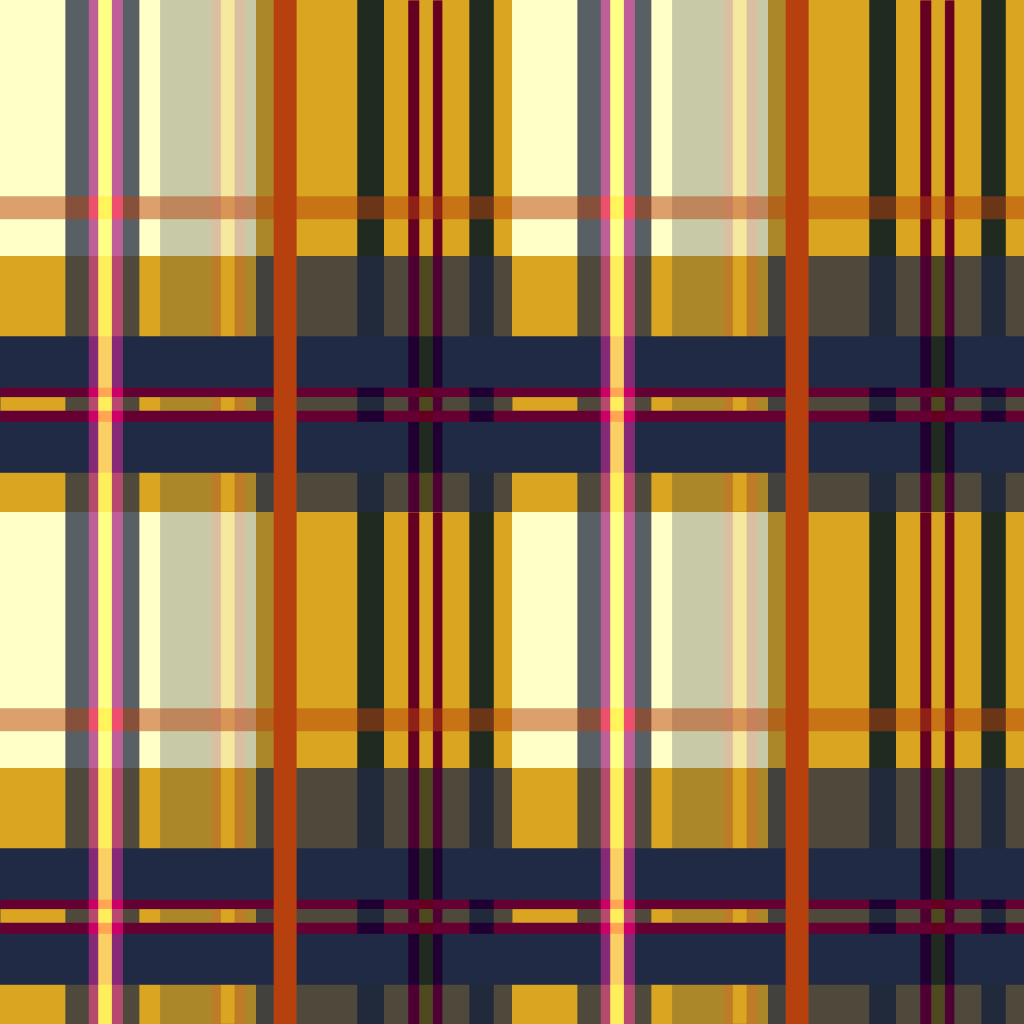
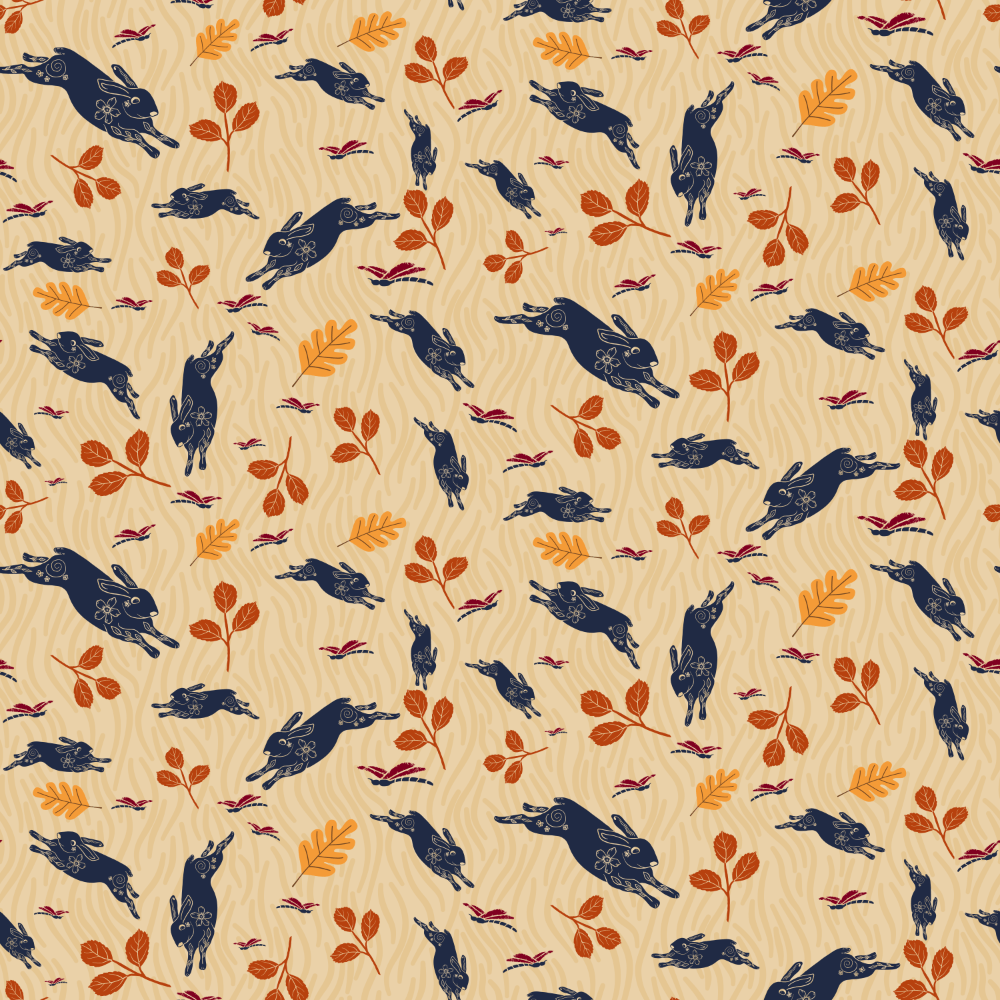
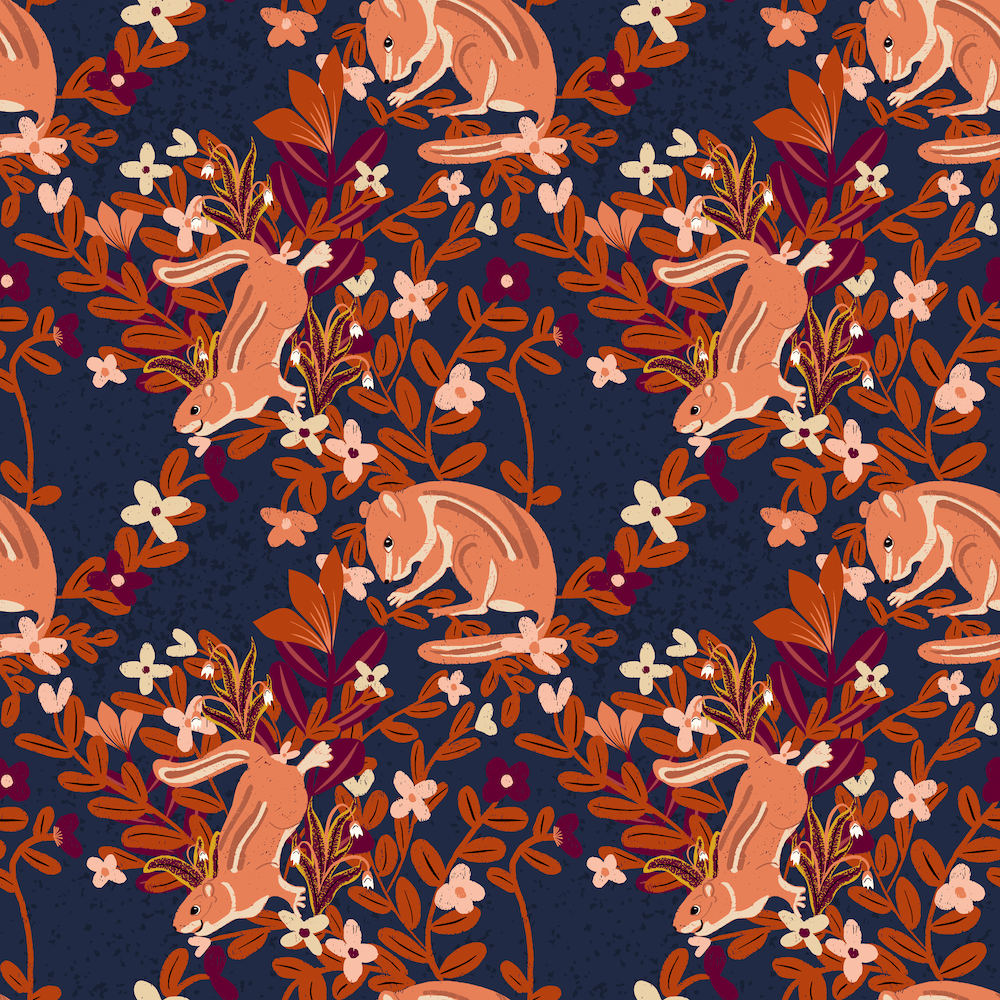
For a Spoonflower Design Challenge, I tried several different designs, using Procreate occasionally, like to create textured drawings to vectorize and use in illustrations created in Affinity Designer. That’s what I did for my entry into Spoonflower’s Autumn Hunt Club, after many different pattern tries.
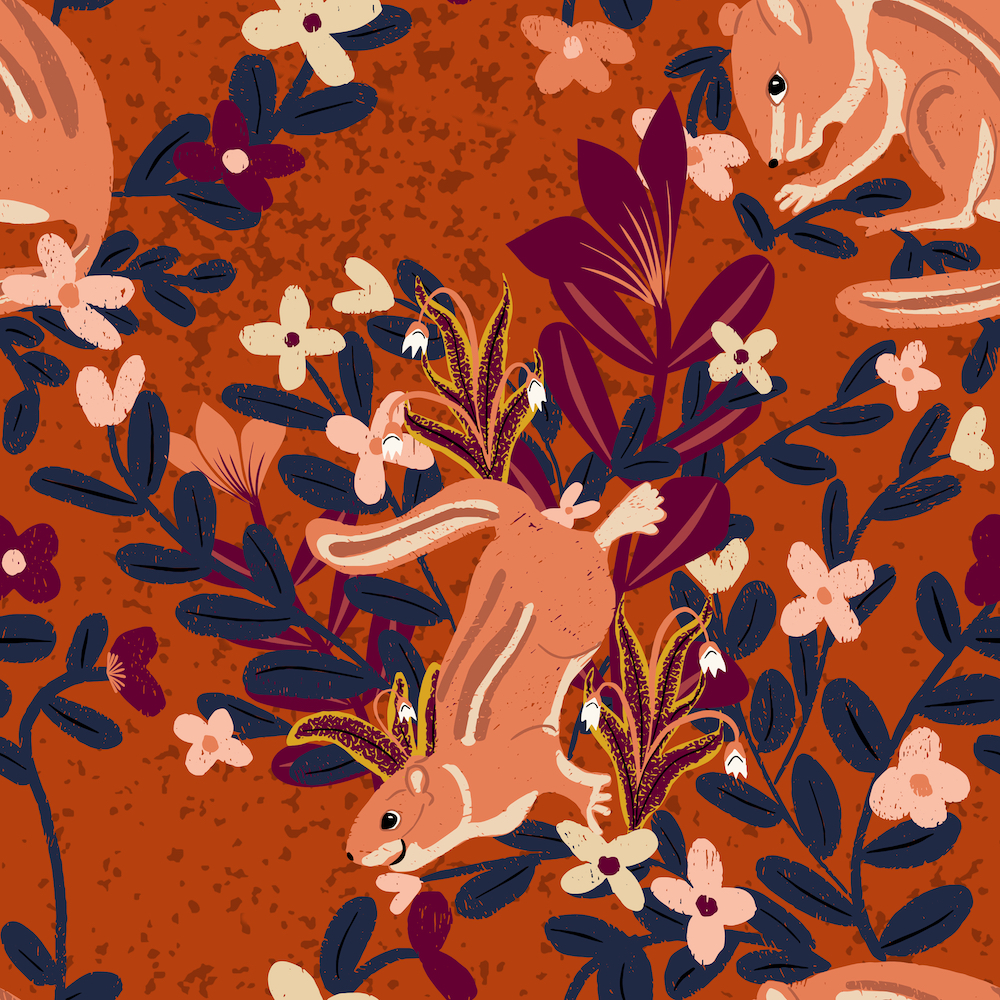
I chose the navy chipmunks:
Crisp Morning Chattering Chipmunks
Early morning, before the hunt, outside the window, chipmunks dance in the woods’ wildflowers. Imagine slipping into the library, pulling out a favorite book, and glancing out the window to the chatter of happy creatures. Perfect for den, library, kids.
Take a look at the progression here: Autumn Hunt Club

Thanks for stopping by!
Delores keeps us learning with her engaging Affinity Designer lessons in her MasterClass. I thank her and appreciate her specific and helpful tips, strategies, and organizational planning. I’m glad to know how to vectorize the motifs to upload into Affinity Designer, and the ability to create different pattern formats with Delores’ templates. It’s been a busy week!
You can find many helpful artists teachers on my Artist Resources page. Take a look at their IG and YouTube. Find one that fits your learning and art preferences and stick with them a while to develop your skills. Every day, another aha!
You’re welcome to follow this blog for art inspiration. We can share with #warmup4art to enjoy our work together! I look forward to your sharing and find me at @42Sheri, on Mastodon Sheri42, on Flickr teach.eagle Sheri 42.

 I wonder, if I draw a line...