


Inspiration
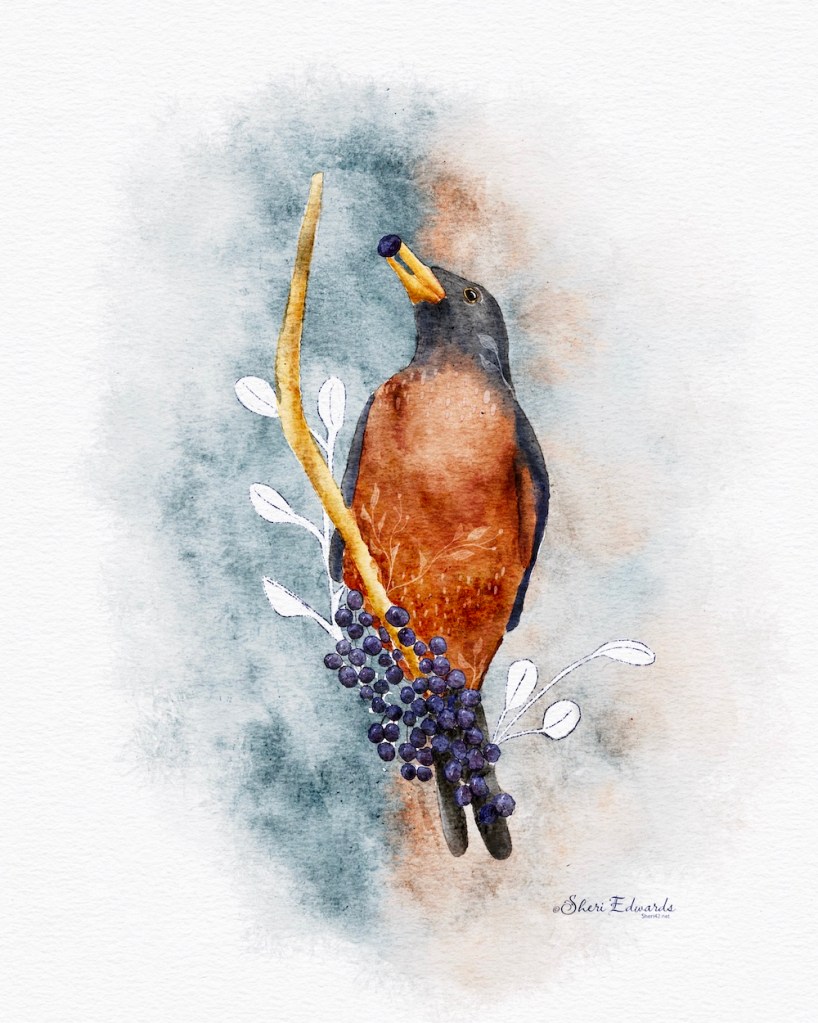
I created this illustration after following the wonderful Lisa Glanz‘s tutorial on Design Cuts to learn how to use her new brush set for Procreate, AquaReal2 Texture Edition Watercolor.
She provides brushes, palette, and canvases with the set of brushes, with a tutorial, tutorial canvas, and guide. It’s fantastic and the brushes are very watercolor-like. Excellent.
Robin
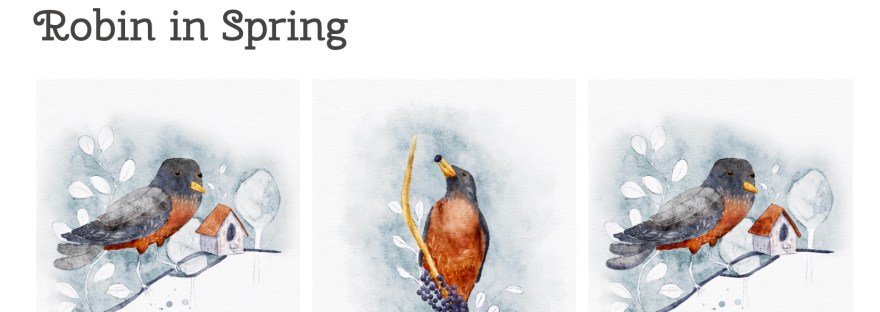
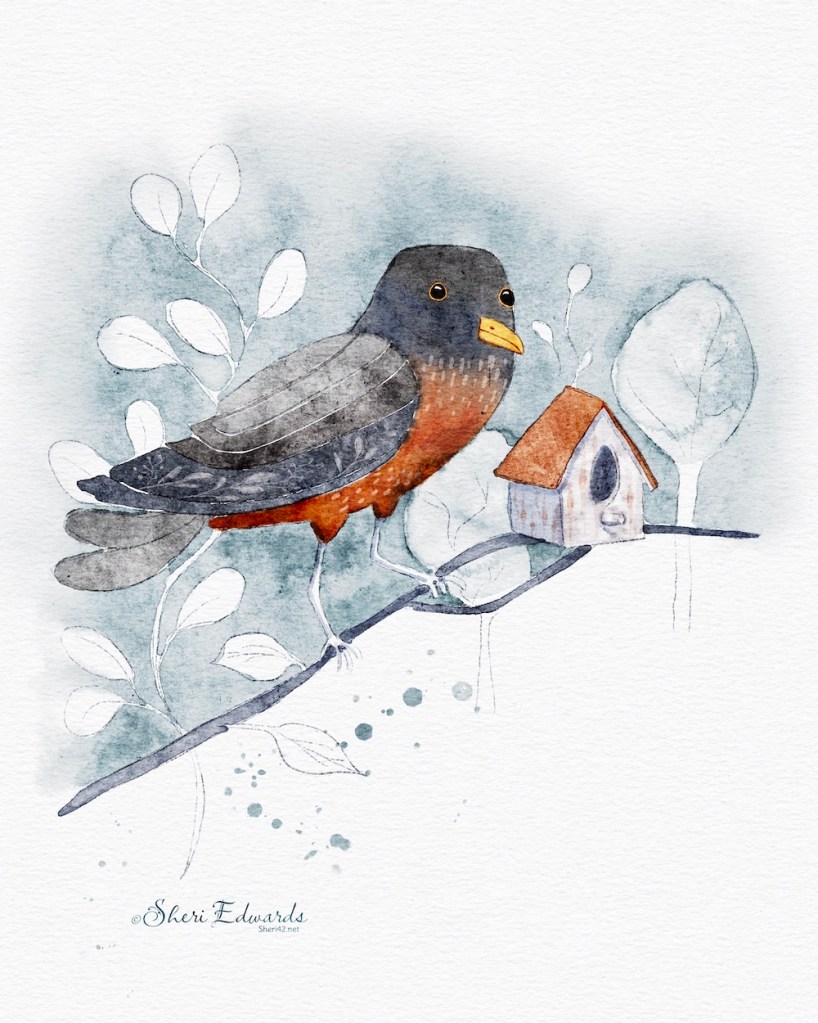
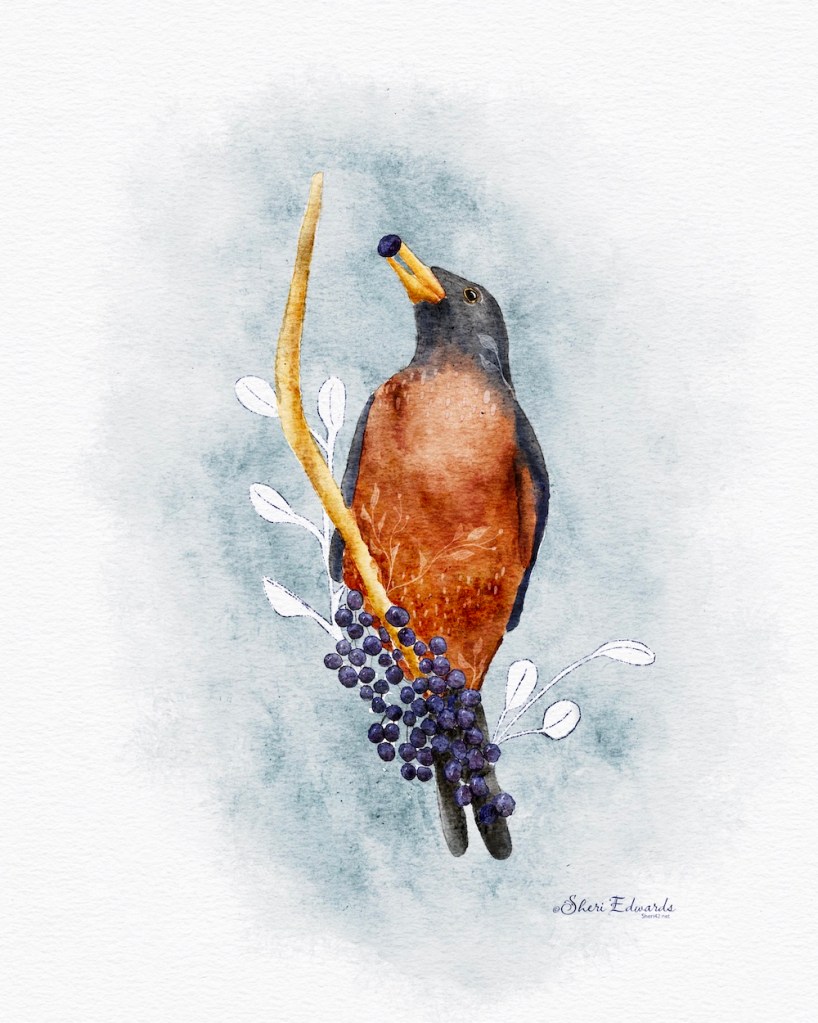
I changed up the robin a bit to make it my own, and completed the berry illustration afterwards to continue practicing. I’ll complete a few more so remember how to use the brushes. It’s such fun to learn to blend colors, add a bit of fun in the details, and learn a new strategy for backgrounds.
I think this is my favorite, and here are three strategies I applied:
- Blend colors: A spidery water brush to push and pull colors together to blend them, plus smudge water to smooth [neck]
- A light color with the detail water pencil adds whimsical leaves [neck, body]
- Paint around with sketched outline for a unique background style; blend it out with the all rounder blender brush to ease it into the canvas; add stamp in similar/opposing colors to add more color
Try It
Follow the links above to try it out. I love the new set of brushes, and as you can see, I was able to follow along and create my own illustration at the same time. Thank you, Lisa.
#watercolorart #digitalwatercolour #procreateart #procreatepainting #cldoodle24 #warmup4art #watercolor #glanzgraphics #aquareal2 #robin

 I wonder, if I draw a line...