

Welcome
On most Wednesdays, check this blog for a strategy, process, or reflection for illustration with the iPad app ProCreate or Affinity Designer. This week I share stationary, Renaissance art projects, Daily Creates, and a music venue poster.
Music on the Porch Poster
My little group of friends who strive to help our community grow together in democratic ways have organized a music and potluck community in one of the areas devastated by fire.
The event is international: Play Music on the Porch Day! We’ll have a modest set up as a free community event to bring some connective spirit and joy to our corner of the world. Perhaps you’ll join us on our porch.
I created the poster for this adventure. If you’re in the area, drop in! Here’s our event web page.

Something for You
In Liz Kohler Brown’s “Design a Skinny Strip Calendar Illustration Drawing Session,” I learned to create a skinny calendar header, which could also serve as the header for stationary. I applied a bit of symmetry and a block style art nouveau in a quaint floral design in two color versions:
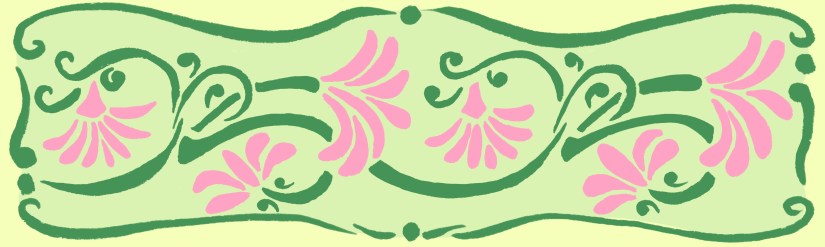
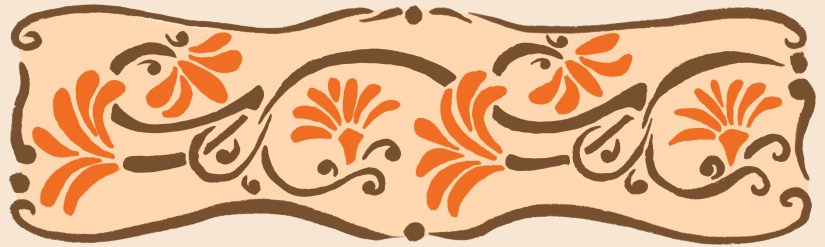
I’ve been writing REAL handwritten letters to one of my friends, so I applied these as headers for stationary.
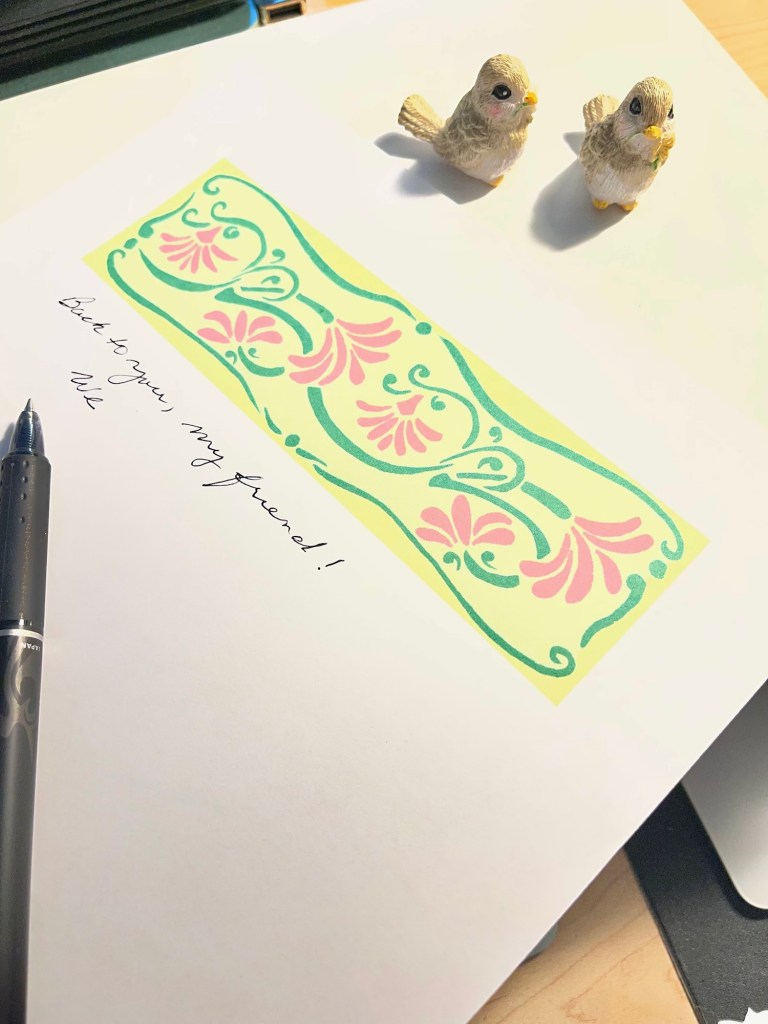
Here’s the download, if you’d like the stationary! Enjoy!
Liz also just shared a class called “The Renaissance Design Techniques Class.” In it she teaches Rinceau and Grotesque styles as well as Renaissance Versal Lettering for creating fonts with the font making program she built called Fontifier. I was able to create the alphabet letters for my own “soft stripe font” and learn to make the artistic letters of the past, which I have not made into a font yet.
Here are the drawings and outlines of the two styles and the inking of the Renaissance style with the versal font I created. You can see the scrolling and movement of each flowing style.

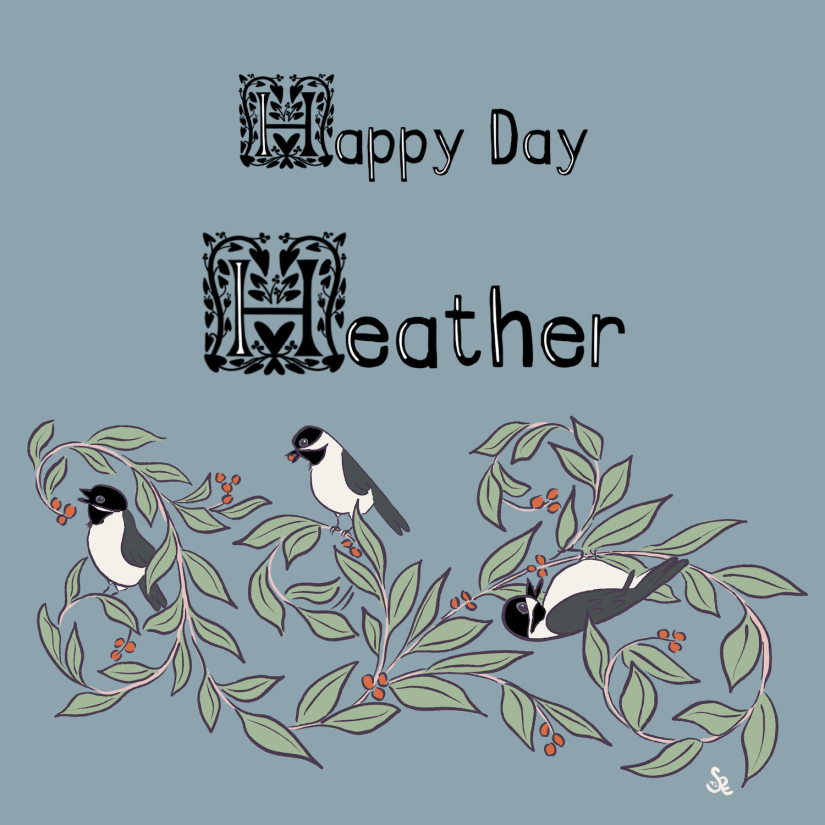
Here’s another look at “soft stripe” font I created. It doesn’t quite show in the web version the pile pink in the stripe. That tells me I need thicker letters and wider “soft’ stripe. I worried about that while creating it. In the pic above with larger letters, it works well.
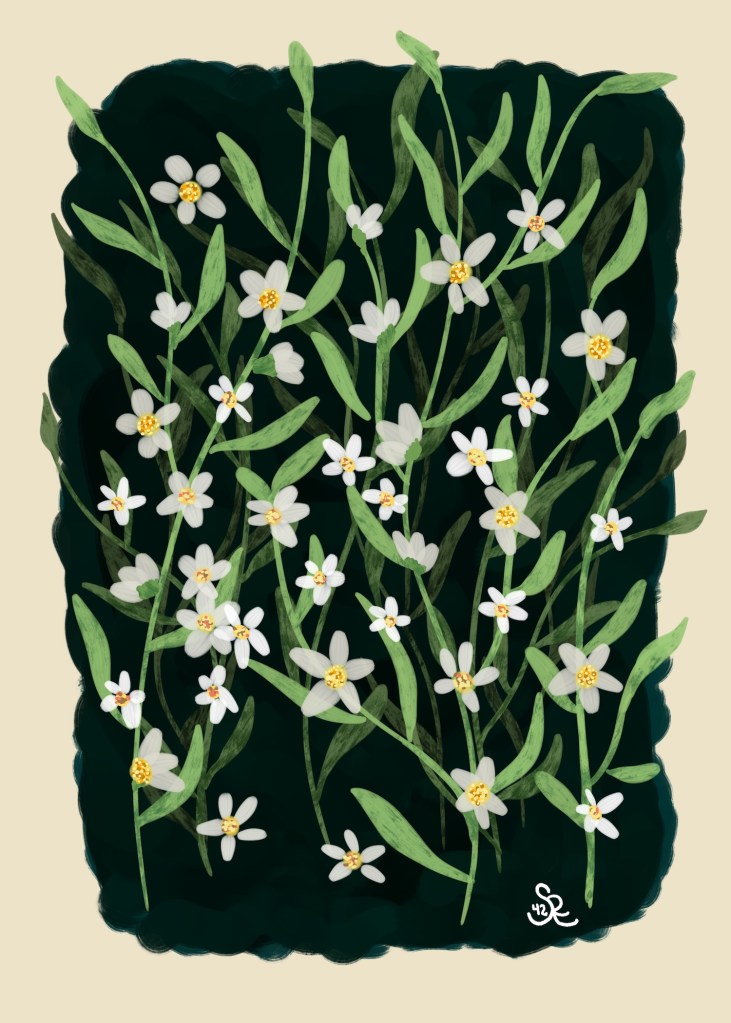
Gouache Florals with Jennifer Nichols
In Jennifer Nichols Creative Journey Community [Affiliate link], we chatted as we drew together under Jen’s guidance this lovely gouache floral painting — each one a bit different. A very relaxing lesson and visit. The dark background started us off, then we painted with her new petal brushes to easily swerve a brush stroke into a leaf. then we added in the light flowers, paying attention to scattered sunshine. That aspect will take a bit more time — adding in the shadows and highlights that appear in a sunlight filtered scene. I’ll work on that.
Daily Creates
I created three Daily Creates this week:
- 5331: Create a butterfly whose wings include motifs that share a bit about your day today; see the blog post here.
- 5330: looking for Dogtrax’s whereabouts through a friend’s art project, sharing a saxophone-themed public domain artwork and jazz slang; see the blog post here
- 5329: Give Mark Sample’s Sestetle generator a spin for a 6 line poetic stanza made of 5 letter words, generated Wordle style, then wrote a lofty sophisticated title for its appearance in some snobby journal. See the blog post here.
About Daily Create
If you’re looking for a quick way to unblock your creativity, the Daily Create is a website that suggests a daily prompt — or look around for one that fits your mood for the day. Enjoy the fun at https://daily.ds106.us


Thanks for stopping by!
Jennifer Nichols [affiliate link] community, newsletters, and blog provide the artistic techniques for Procreate and analog art for beginners to keep you improving day by day. I often use her brushes too. Check it out.
Another wonderful teacher and mentor is Liz Kohler Brown. She does live draws twice a month for members to watch and learn how she takes her Procreate inking, vectorizes it, and imports it into Affinity Designer. Her studio has an online vectorize that is neat and sweet. Love it, her classes, and her community.
You can find many helpful artists teachers on my Artist Resources page. Take a look at their IG and YouTube. Find one that fits your learning and art preferences and stick with them a while to develop your skills.
You’re welcome to follow this blog for art inspiration. We can share with #warmup4art to enjoy our work together! I look forward to your sharing and find me at @42Sheri, on Mastodon Sheri42, on Flickr teach.eagle Sheri 42. And, I’m so thankful you’ve been joining me with art this year! Take care!


