
Welcome
On most Wednesdays, check this blog for a strategy, process, or reflection for illustration with the iPad app ProCreate or Affinity Designer. This week I’m taking Liz Kohler Brown’s Sketch to Sellable using only Affinity Designer. In addition, I’ve a VIP ticket for the TwoTap Summit 2026 with Procreate. I’ve much to do and much done.
Sketch to Sellable with Liz
Liz Kohler Brown sponsored a free “Sketch to Sellable” workshop using only Affinity Designer 2. What’s amazing about Affinity is the ability to switch flawlessly from the vector to pixel personas and back again. In addition, you can watch your surface pattern develop, knowing intuitively and obviously where to create the next part of your pattern.
The first lesson was learning to use both the pixel and the vector personas. We drew in the pixel persona and exported the jpg, then entered that into Liz’s free vectorizer tool to create the svg to create the vector design. which is when we learned the vector tools.
Here’s the first project I completed with pixel / vector work:
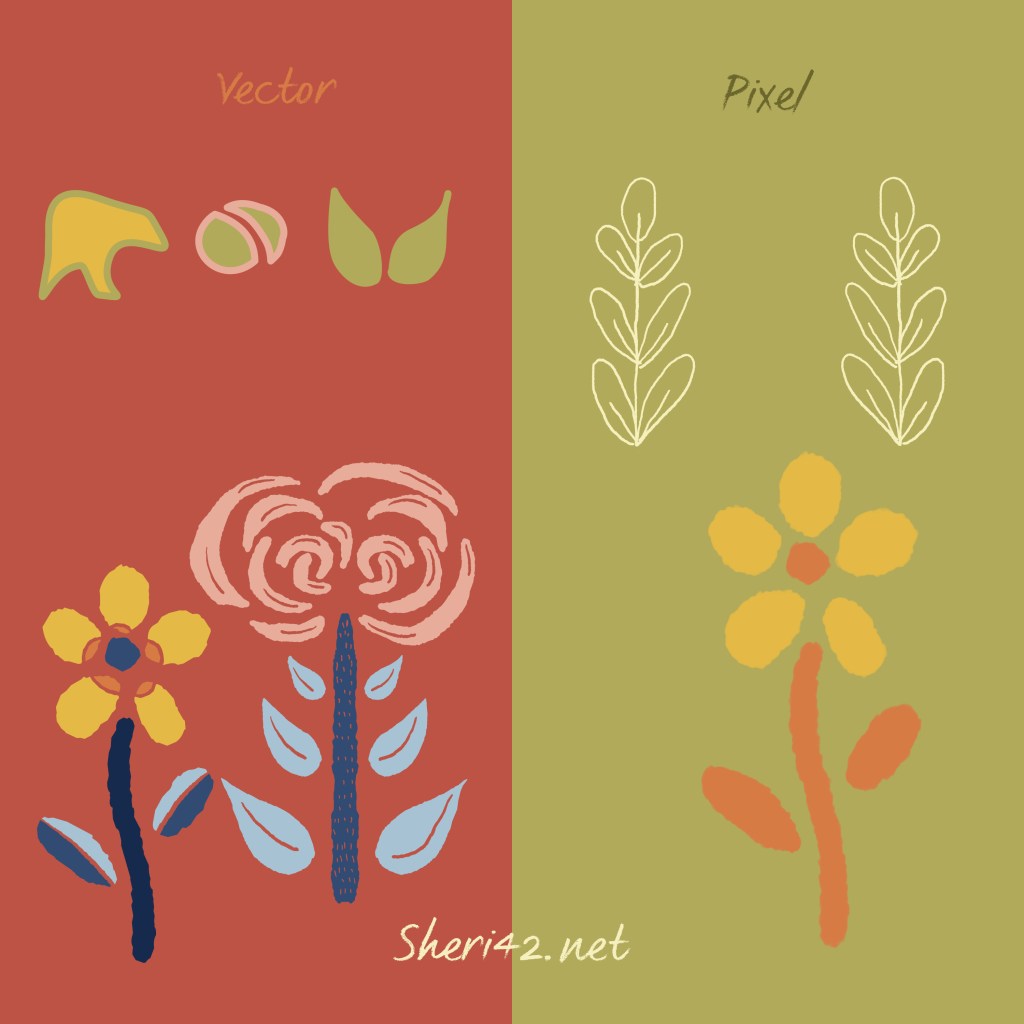
In the pixel area we learned to sketch and outline or just draw the filled shape. We exported a shape as a jpg and created the svg with her special vectorizing tool. We imported that into Affinity and played with the vector tools to learn to create shapes, add shapes together, and slice shapes as well as add or change color. Then we worked with our imported svg to organize and color the shapes to create a motif. I created practiced making a second one.
The next lesson was a live lesson, recorded so we could watch again. For this lesson, we opened a diamond template Liz provided and used the symmetry tool to draw a design of our own while she explained the process drawing her own.
What you see below is the whole template, complete with the repeating diamonds. All we needed to do was the initial sketch, the one at the top. But it was so much fun I started the inking outlines, then continued to ink the motifs in color. There will be corrections needed, but I was delighted with the result.
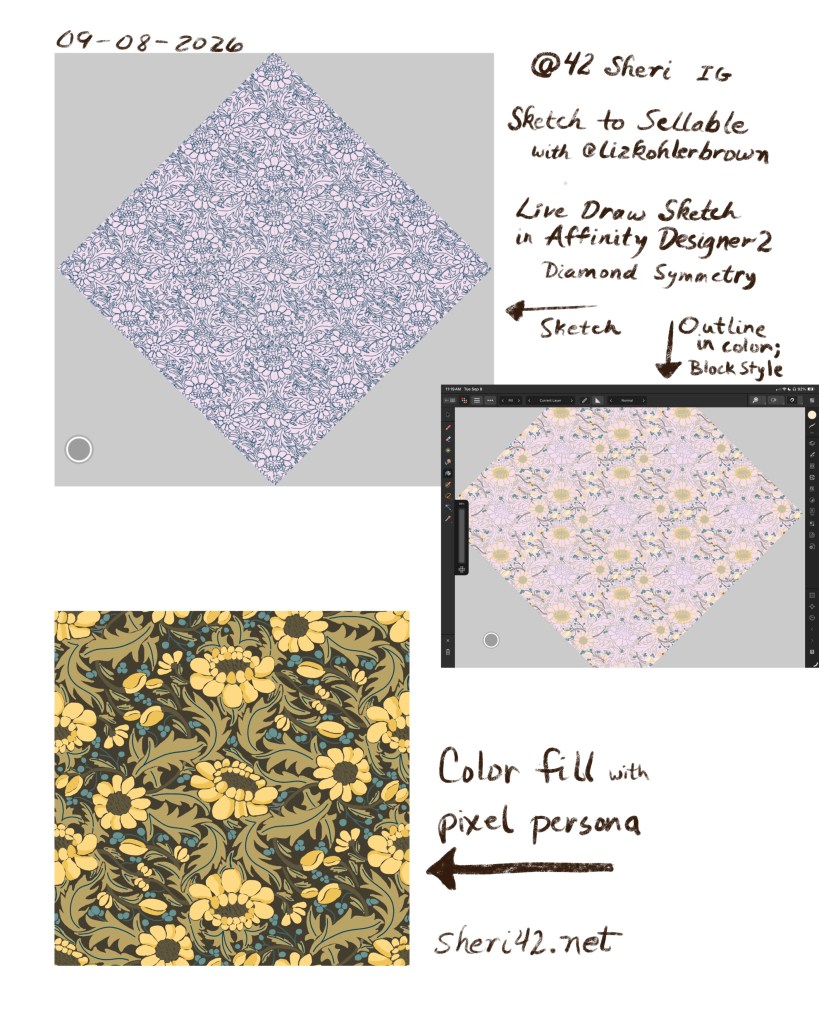
Here’s the whole template diamond, with the pattern diamond bounded in blue:
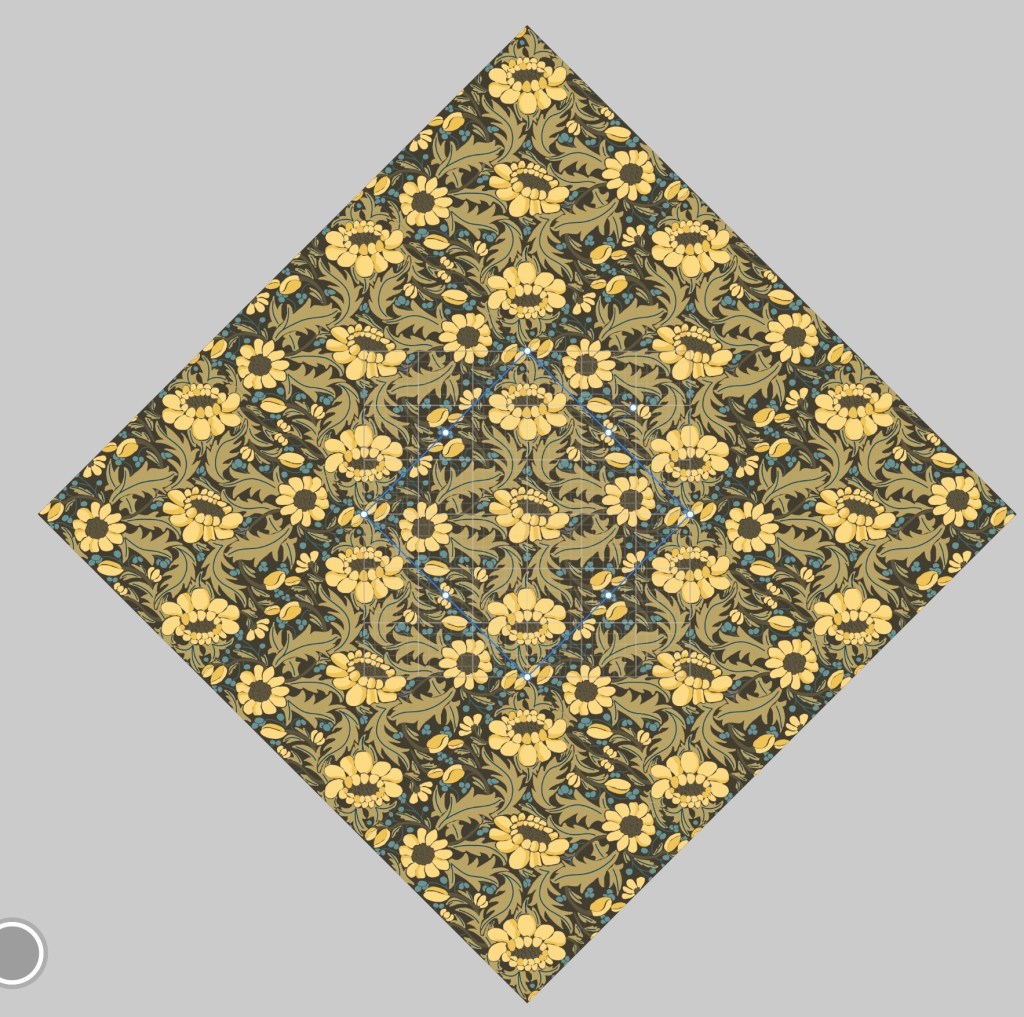
Above is the shot of the whole template– the template with the original diamond design inside, which is the only place actually inked: all the rest fills in as I ink the motifs. Very cool to watch the pattern take shape in real time.
As noted already, I will need to watch the next lesson to learn how to ink at the edges. It’s a great workshop to learn how to create surface pattern designs in one app, Affinity Designer, with a little help from a vectorizing tool.
I’m excited for tomorrow’s lesson. I think you can still join in! Check it out.
Two Tap Summit 2026
Floral Wreath
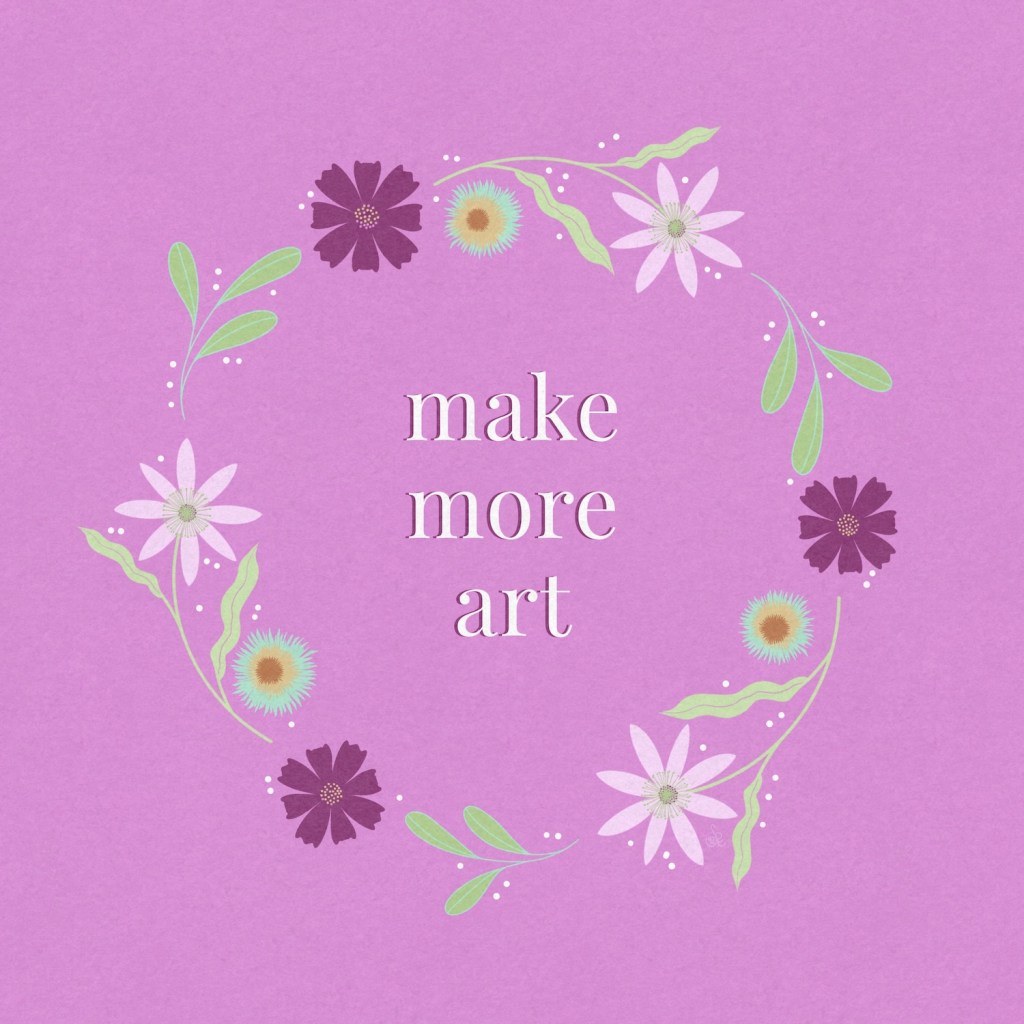
From Kelley Burke @kelleybrenburke and her Botanical Silhouettes in Procreate in the TwoTapSummit2026 I created this floral wreath — using my own palette with her floral brush set. I was able to receive the whole botanical kit at a discount. Isn’t this a fun and lovely design — for a quick message to a friend or a social media message? Yes. Check out Kelley’s IG and website.
Draw anything with values — @ArtMother
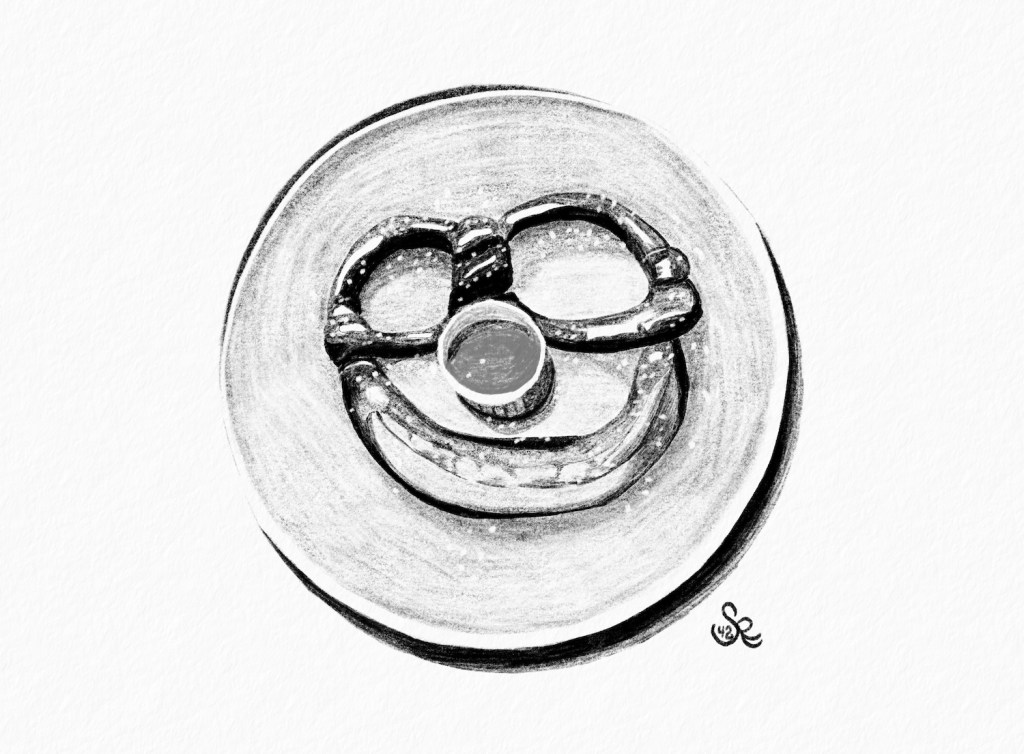
Alexandra Fintová @theartmother demonstrated how to sketch anything with a values based approach: Find the dark and medium tones to sketch and the highlights take care of themselves or just erase a bit to create the highlights. Alexandra sketched a cresant / crescent while describing her process. I listened and watched while drawing this smile face pretzel.
Animation in 2 Frames with Stefan Kunz

Stefan Kunz @stefankunz walked us through the process of creating an animated gif starting with just two basic frames. Wow! That was fun!
Drawing Hair with Hradini Parikh
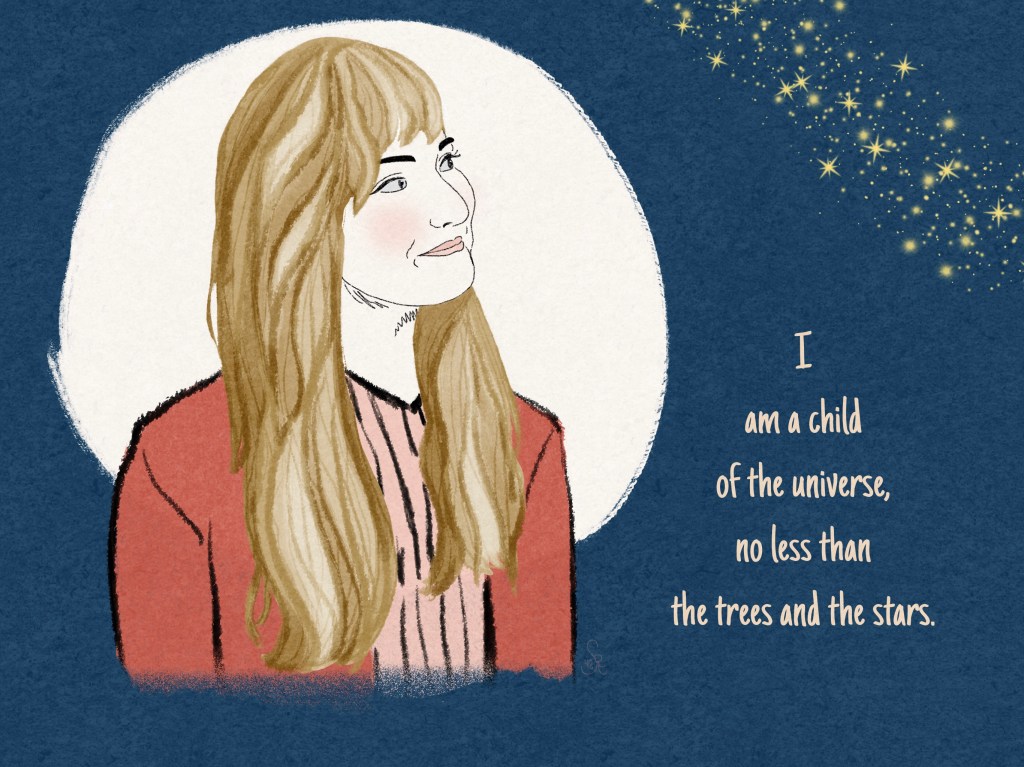
Hradini Parikh @hradiniparikh_art demonstrated step by step a process for drawing hair. I watched the whole thing then tried on my own here. I will watch parts again to get the whole process right. I like how the process works in “chunks.” I think you’ll get the idea. But I need to improve and will after watching the last part again. [my granddaughter]
Design Your Style with Hannah Pearlman
How many times have thought, “What’s my style?” or “How can I develop my own style?” Well, Hannah Pearlman @palindromeart designed a guide and a process for DESIGNing your own style– making a style happen through the art styles you like to draw– refining the “rules” so you choose the consistency that fits what you already like and do.
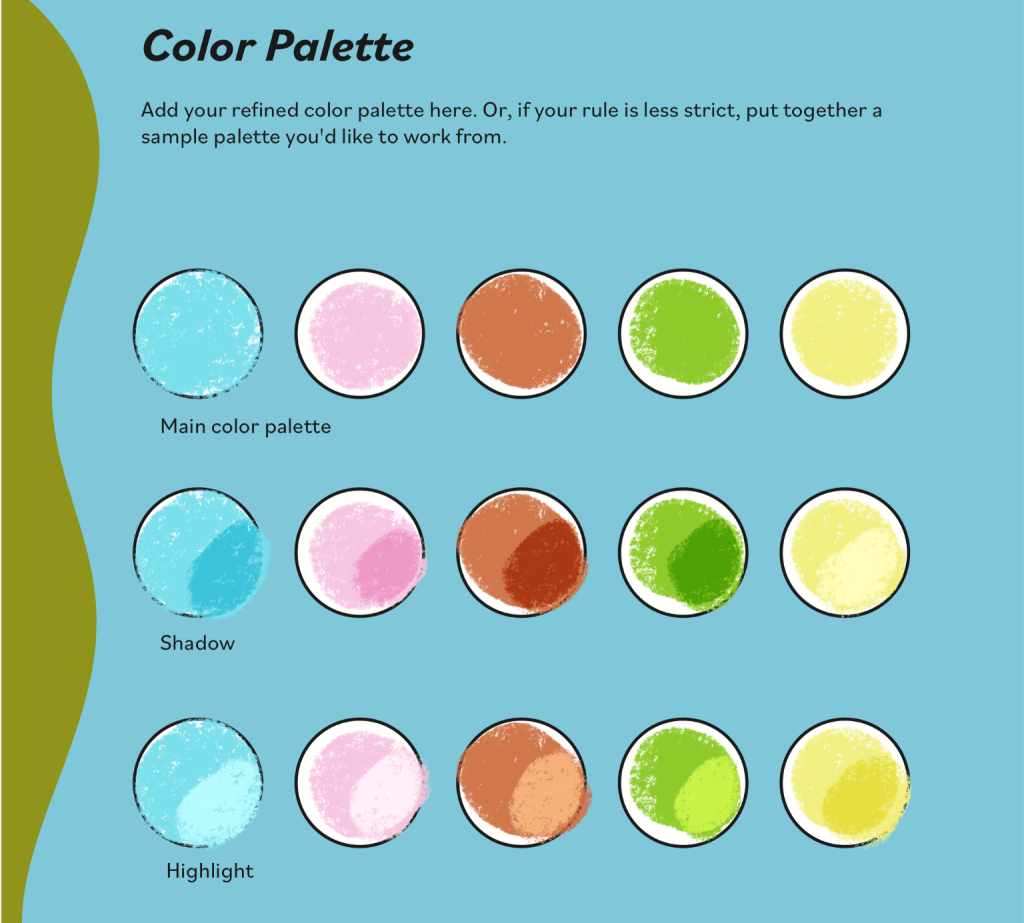
I’m still working through the workbook, but here’s the palette I chose and refined through her process. As I continue through the process, I’ll share the final result, which will include style choices in line work, spacing, shapes, values, textures, and brush choices. It’s quite a thoughtful and engaging set of activities. I’m enjoying thinking through the workbook inspiration.
Thanks for stopping by!
It’s been a fun week; I love learning Affinity Designer for my pattern work, and the Two Tap Summit is filled with great lessons; I’m glad I purchased the VIP so I can take my time.
Click TwoTapSummit2026 for more info on the engaging lessons and opportunities.
Check out Liz’s tools and community area [links above]– a great place to learn not only art techniques in Procreate and Affinity Designer, but also many brushes and her special tools that make creating multiple color versions easy as well as a vectorizing tool that turns the pixel side of Affinity into vectors for more versatile use of one’s art.
You can find many helpful artists teachers, including Liz, on my Artist Resources page. Take a look at their IG and YouTube. Find one that fits your learning and art preferences and stick with them a while to develop your skills.
You’re welcome to follow this blog for art inspiration. We can share with #warmup4art to enjoy our work together! I look forward to your sharing and find me at @42Sheri, on Mastodon Sheri42, on Flickr teach.eagle Sheri 42. And, I’m so thankful you’ve been joining me with art this year! Take care!

 I wonder, if I draw a line...