
Welcome
On most Wednesdays, check this blog for a strategy, process, or reflection for illustration with the iPad app ProCreate or Affinity Designer. This week I’m taking Liz Kohler Brown’s Sketch to Sellable using only Affinity Designer. In addition, with my VIP ticket for the TwoTap Summit 2026 with Procreate, I have other classes to take as well.
Sketch to Sellable with Liz
Liz Kohler Brown sponsored a free “Sketch to Sellable” workshop using only Affinity Designer 2. What’s amazing about Affinity is the ability to switch flawlessly from the vector to pixel personas and back again. In addition, you can watch your surface pattern develop, knowing intuitively and obviously where to create the next part of your pattern.
Last week I shared the first two projects in the Weekly WrapUP.
The third project is to create our own “live” preview templates that allow us to work in both pixel and vector person to easily create designs since the template provides the overview of the pattern to see where the edges meet to continue the pattern correctly.
Here’s a template I made with the process of creating symbols out of the main pattern that are then repeated around the center original symbol in order to easily see the complete pattern. I made this template 1800 x 3600 px to make stripes for wallpaper.
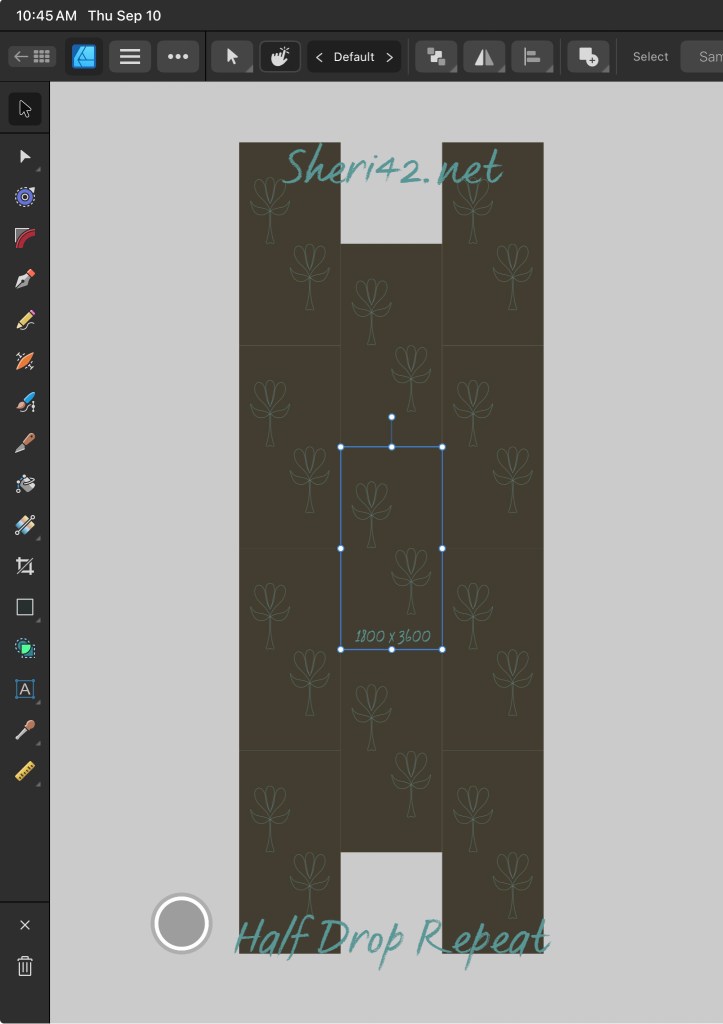
In the two tap section below I’ll share a pattern made from this template.
In last week’s wrap-up, I shared sketching in such a template with Liz’s diamond template:
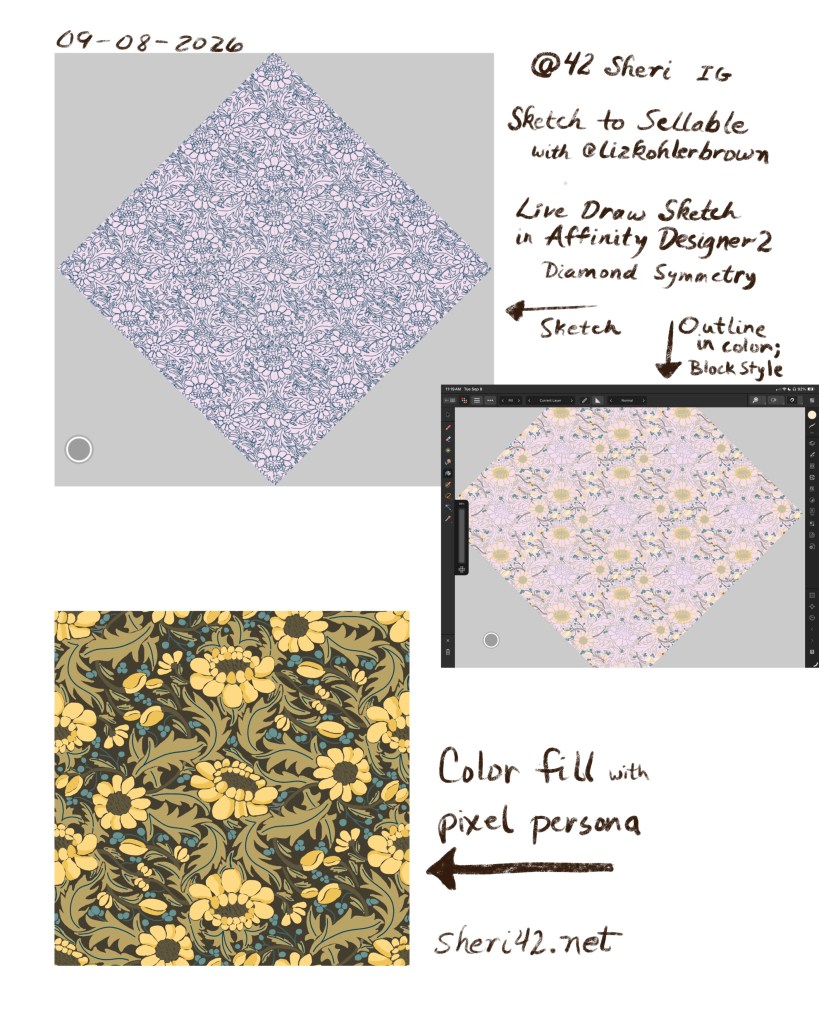
This week I revised that sketch and created a slightly different pattern using vertical symmetry through out, and inking in three different color ways:
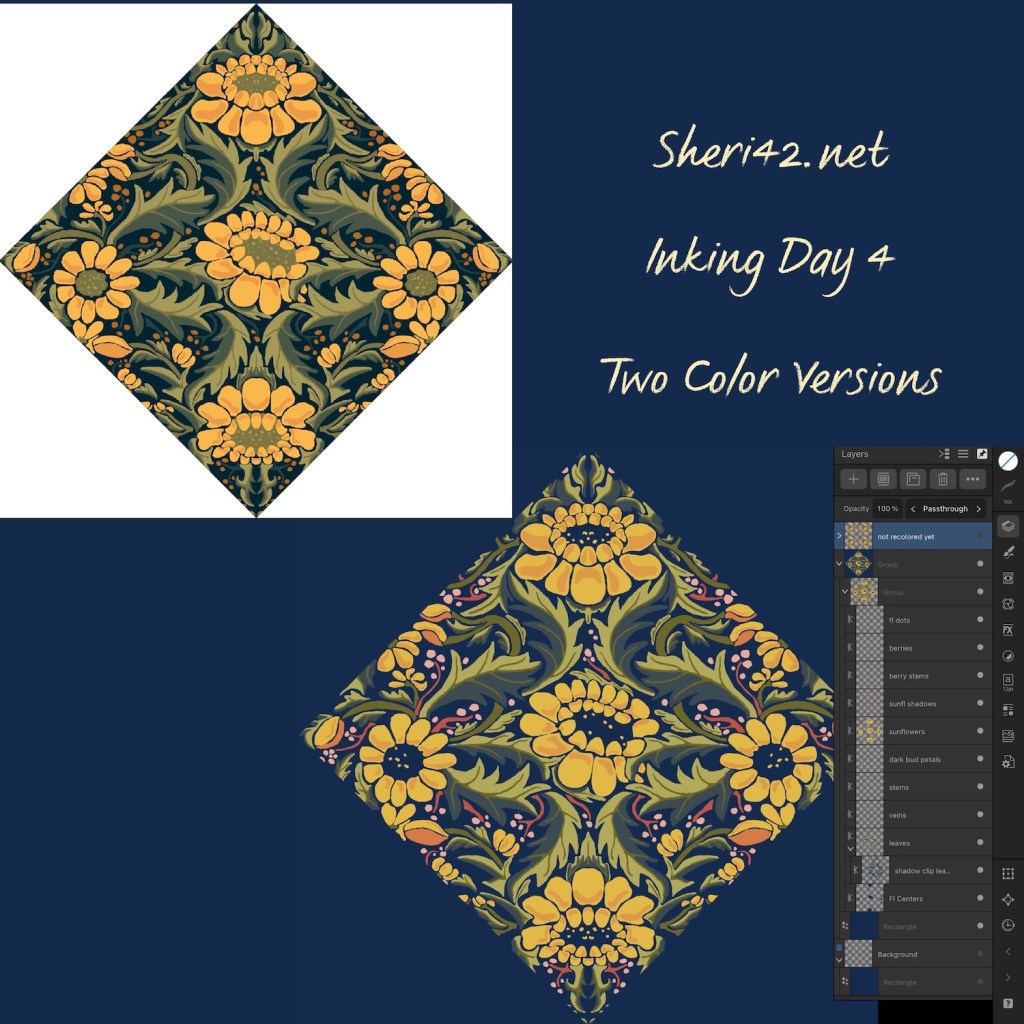
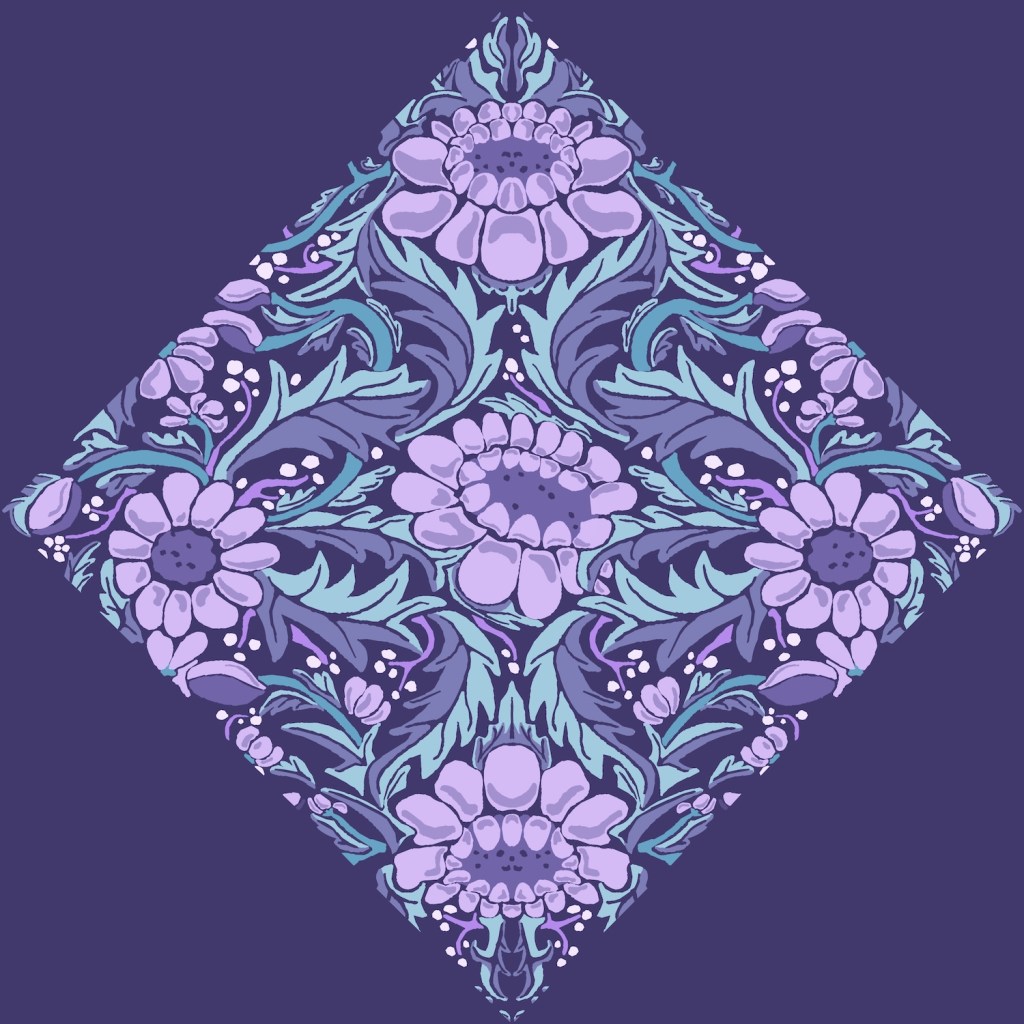
The two inked patterns at left are the fourth project for the workshop. Today I also created the purple design using colors from a palette created in the Two Tap summit, also shared in last week’s wrap-up.
Two Tap Summit: Design Your Style
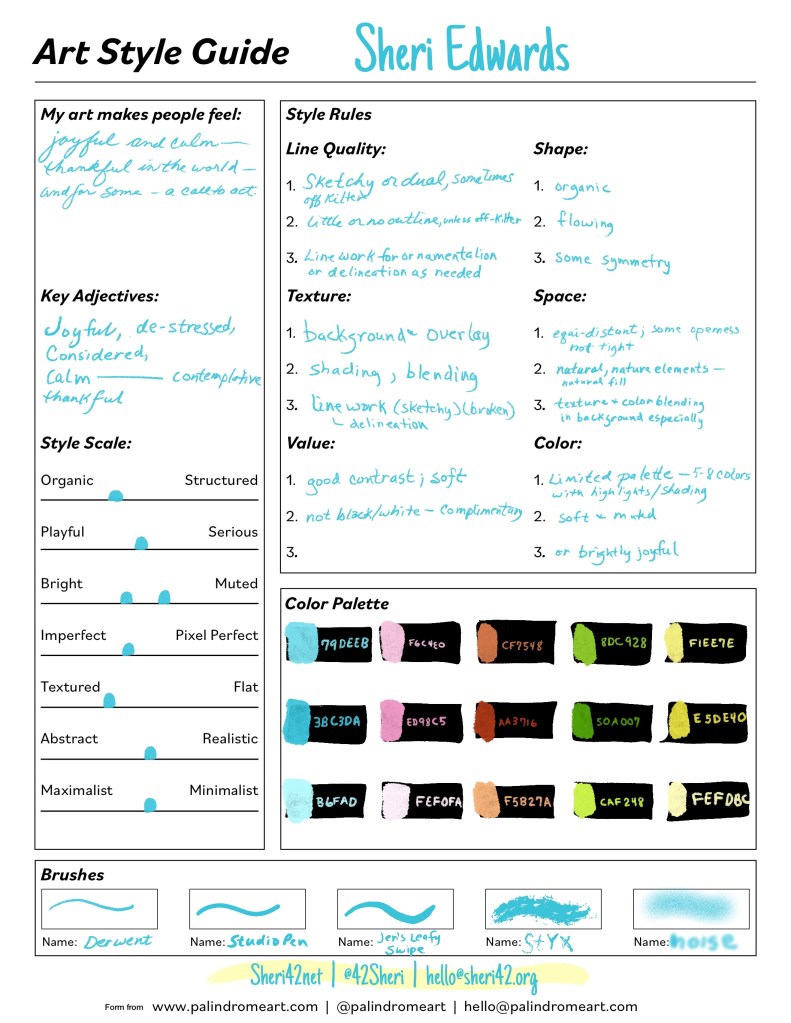
Hannah Pearlman @palindromeart designed a guide and a process for DESIGNing your own style– making a style happen through the art styles you like to draw– refining the “rules” so you choose the consistency that fits what you already like and do. She provided a workbook that I completed and a one-page summary document for all the information. Below is my response and a new color way using the created palette. To create the palette, all the colors were placed on each other and the values adapted to be compatible on most of the colors. One way to check that is to create the comparison swatches and then apply a black overlay in “color” blend mode, which displays all colors in grey tones.
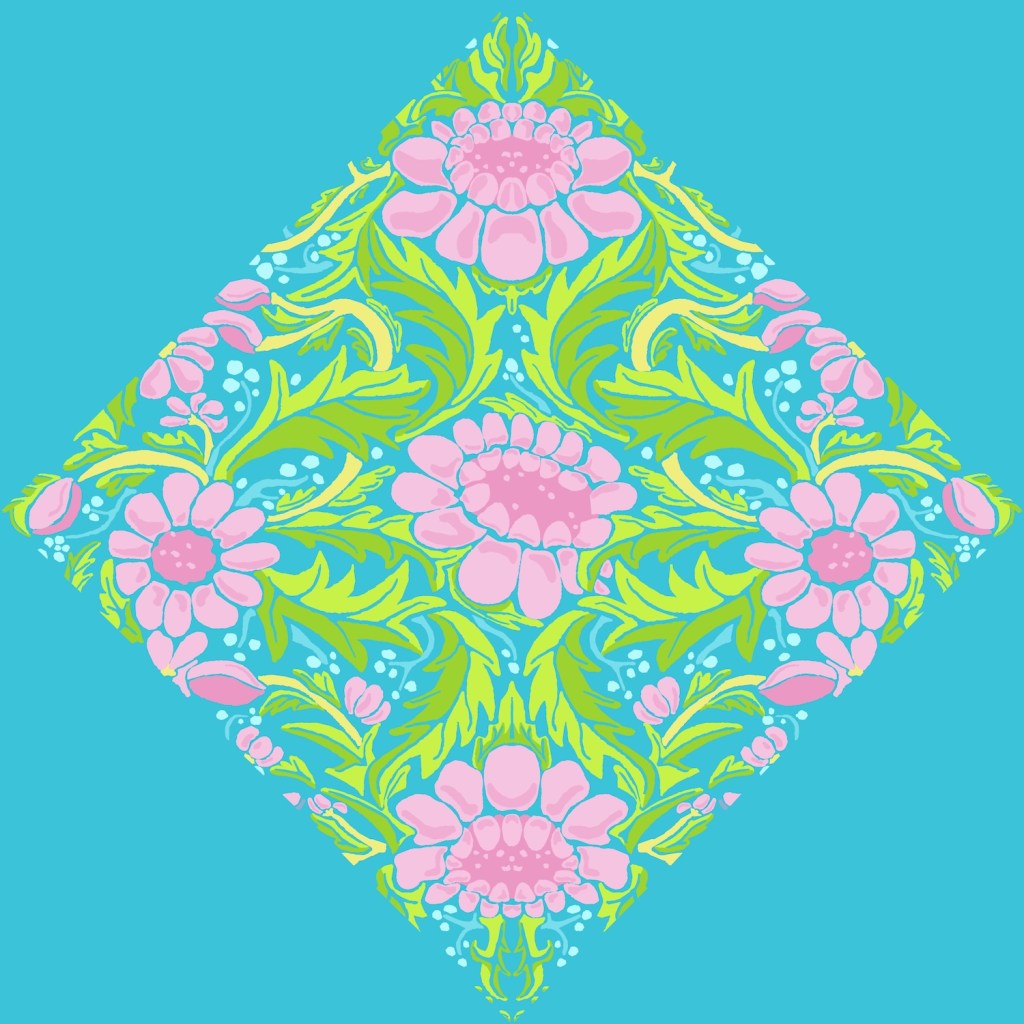
I applied the same palette to a sketch using the striped preview palette I created in Liz’s class [see section above].
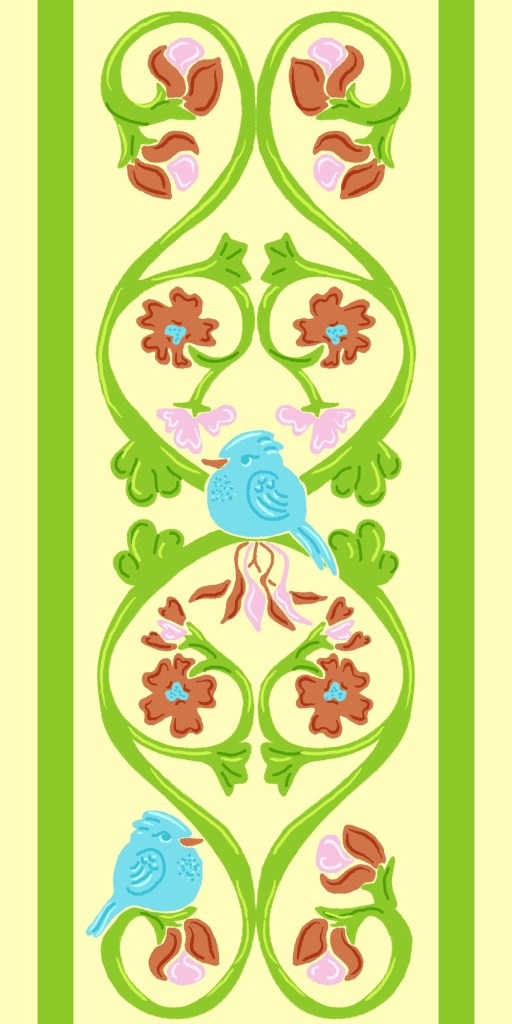
All my classes seem to work together. The pattern above is for another of Liz’s challenges, which you can see here: Build a Mini Collection. I have a larger square pattern I’ve designed that includes the part above. This stripe will be one of the supporting patterns for the collection. I’m not sure which color way I will use, but the process will allow me to change colors easily.
Jenn’s Forest Scene Class
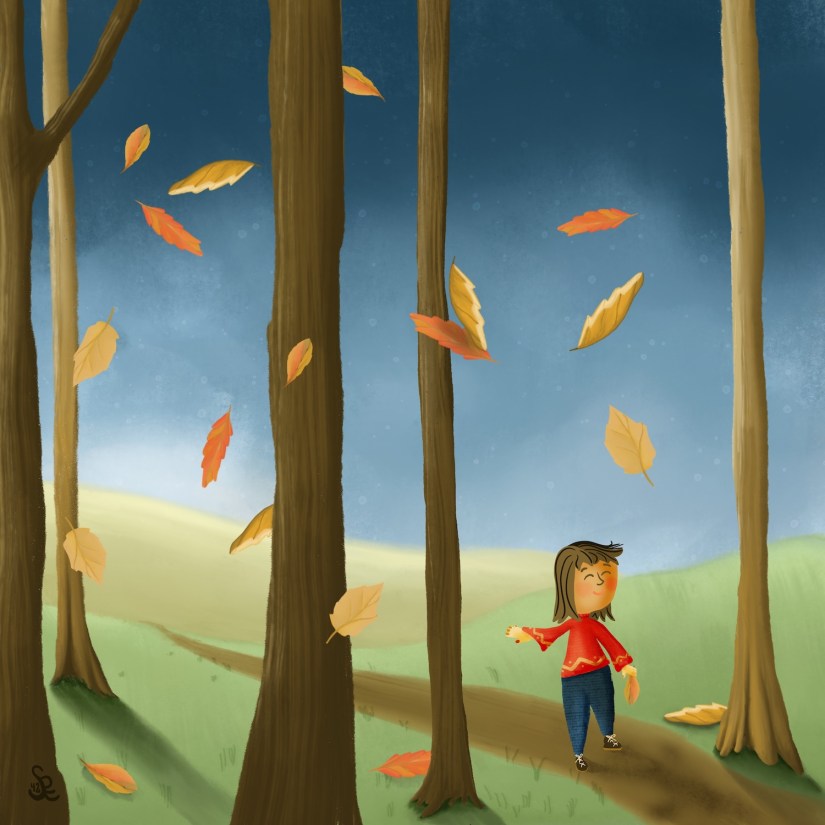
Another project I have in mind is an alphabet and detective book about unique animals on earth for my great-grandchildren. I started it in August with Lisa Bardot’s Alphabet Month. I should say I started the PLAN. I have it all lined up, but not even one sketch yet. Today Jennifer Nichols [affiliate link] shared a very helpful lesson on creating scenes– using layers and building in foregrounds and backgrounds: Autumn Forest Scene on YouTube. This will be so helpful in this next project– the alphabet book. It will take a while to complete!
Thanks for stopping by!
It’s been a busy week; I love learning Affinity Designer for my pattern work, and the Two Tap Summit is filled with great lessons to help with sketching, color, values, animation; I’m glad I purchased the VIP so I can take my time. Click TwoTapSummit2026 for more info on the engaging lessons and opportunities.
Check out Liz’s tools and community area [links above]– a great place to learn not only art techniques in Procreate and Affinity Designer, but also many brushes and her special tools that make creating multiple color versions easy as well as a vectorizing tool that turns the pixel side of Affinity into vectors for more versatile use of one’s art.
You can find many helpful artists teachers, including Liz and Jennifer, on my Artist Resources page. Take a look at their IG and YouTube. Find one that fits your learning and art preferences and stick with them a while to develop your skills.
You’re welcome to follow this blog for art inspiration. We can share with #warmup4art to enjoy our work together! I look forward to your sharing and find me at @42Sheri, on Mastodon Sheri42, on Flickr teach.eagle Sheri 42. And, I’m so thankful you’ve been joining me with art this year! Take care!