
Welcome
On most Wednesdays, check this blog for a strategy, process, or reflection for illustration with the iPad app ProCreate or Affinity Designer. This week I finish Liz Kohler Brown’s Sketch to Sellable using only Affinity Designer. I created a wreath with Kelley’s class from TwoTap Summit 2026 with Procreate, completed a Spoonflower challenge, and started the 5 Cards in 5 Day challenge with Delores Nascent. I’ll also share a recent ladybug challenge from CatCoq. A busy week.
Wreath
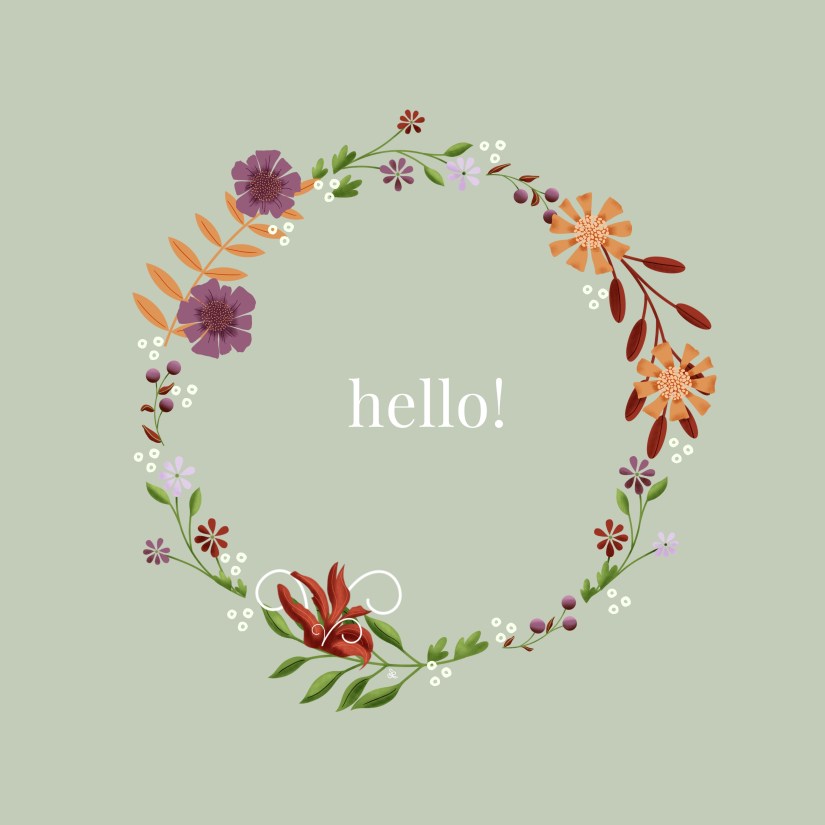
From Kelley Burke @kelleybrenburke and her Botanical Silhouettes in Procreate in the TwoTapSummit2026, I created another floral wreath — using my own palette with her floral brush set. A good hello to you!
Spoonflower Modern Toile
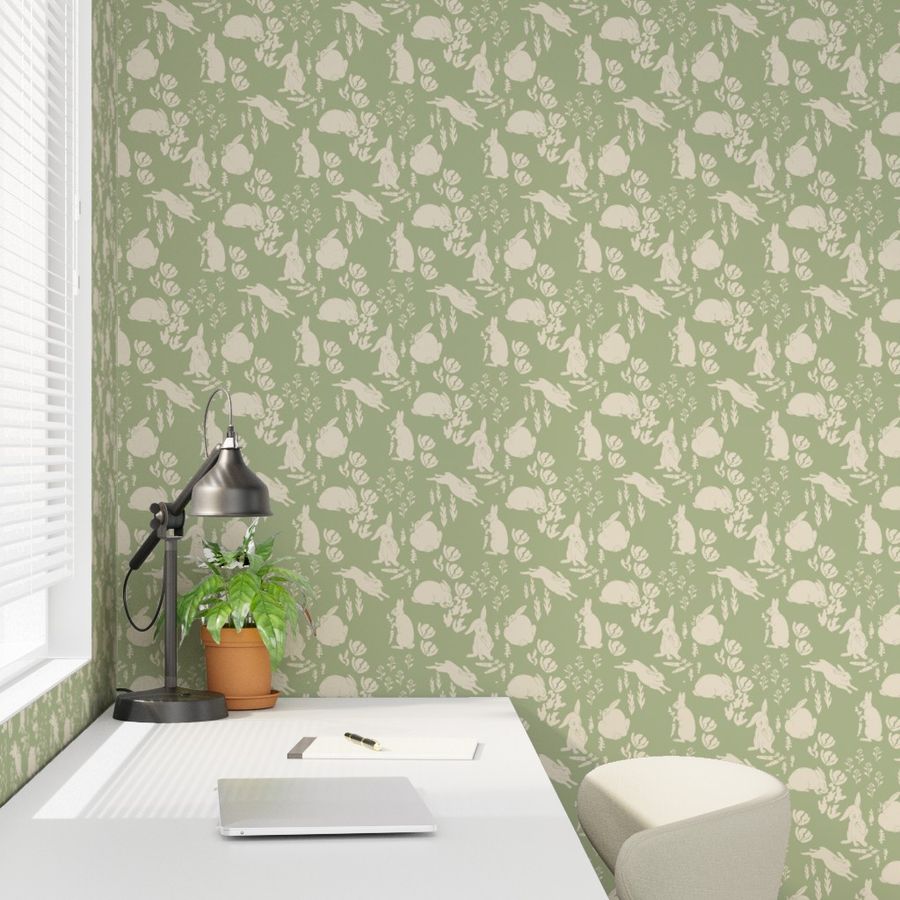
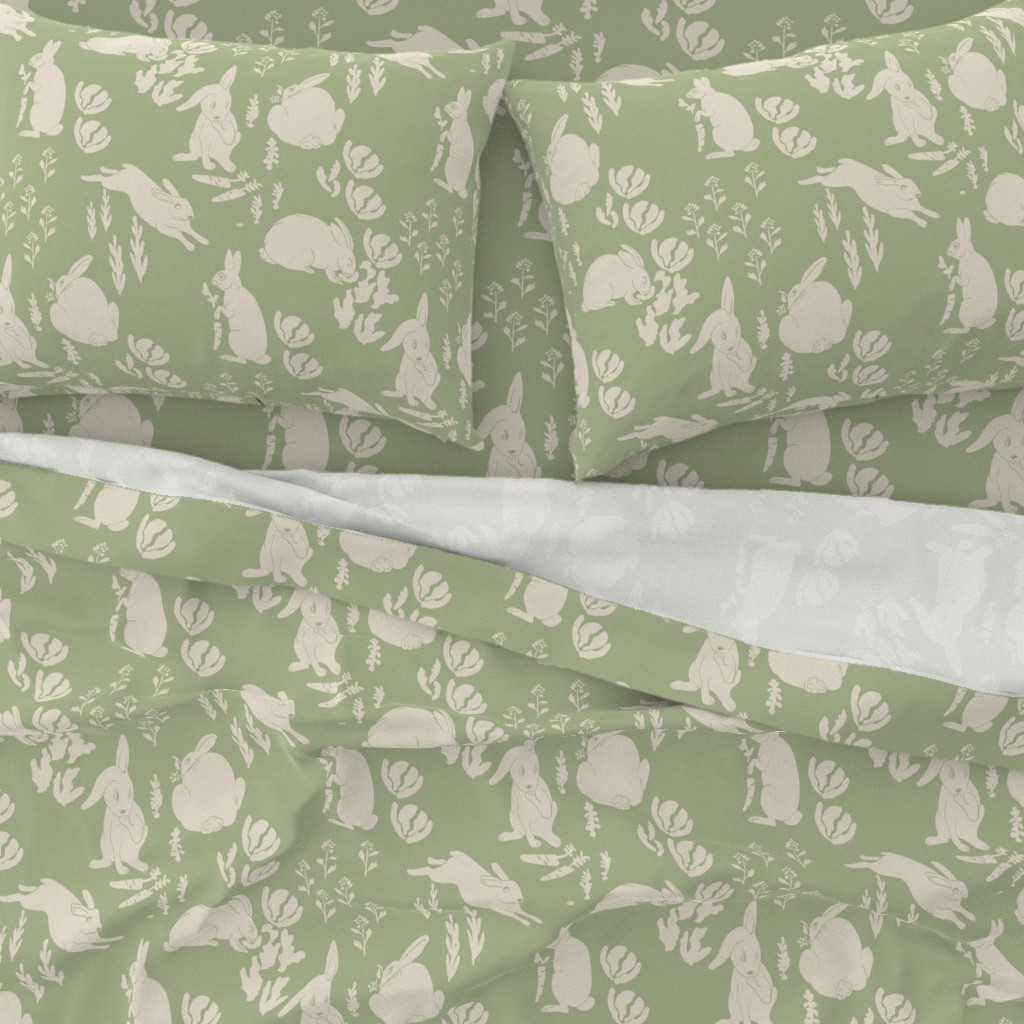
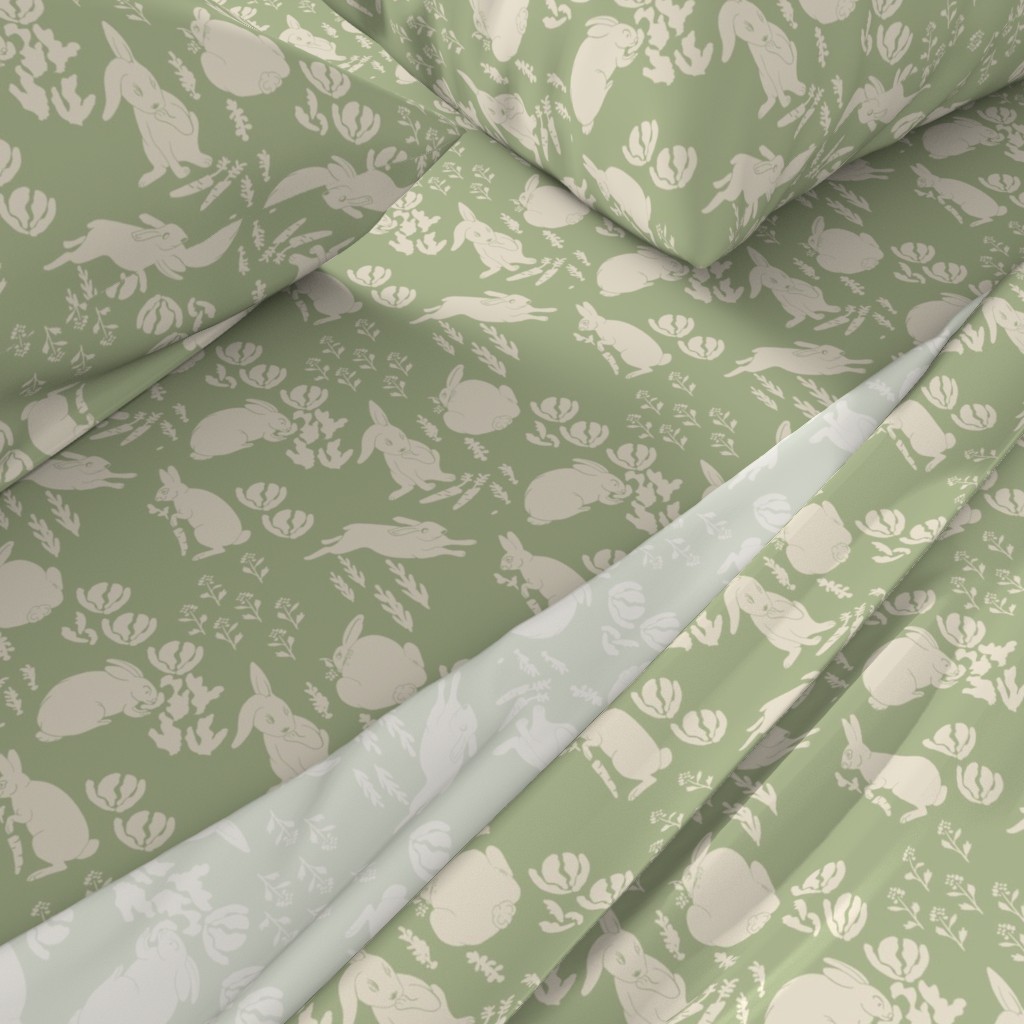
The Spoonflower Design Challenge this week was Modern Toile. I knew exactly what I wanted to create and already had the motifs ready in Procreate from other projects: Garden Rabbit Shenanigans.
Garden Toile Shenanigans
Morning surprises in the garden: the rabbits enjoy your hard work; a story of many gardens and gardeners.
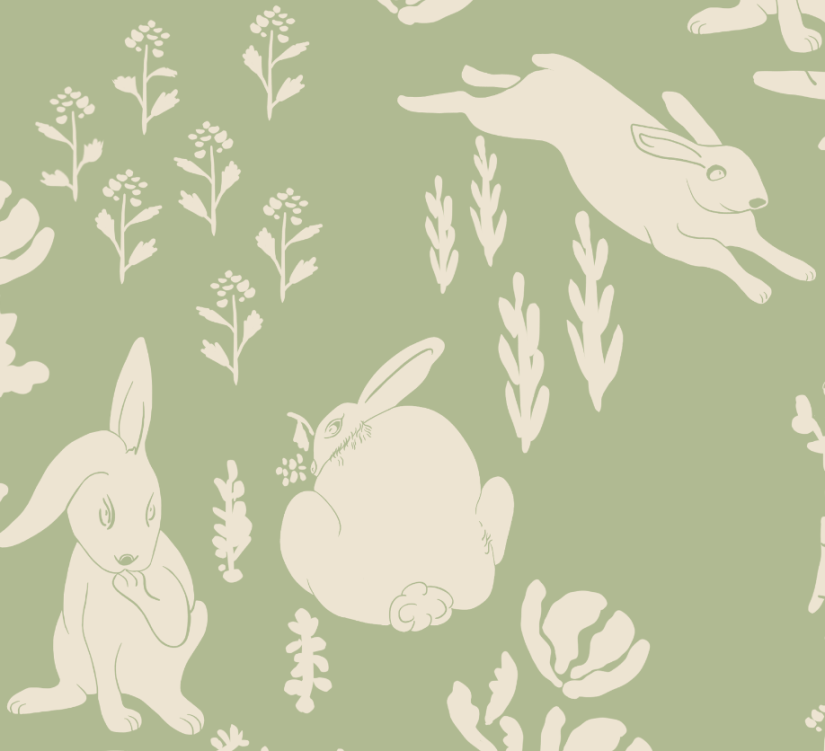
I entered the large version for wallpaper and a smaller scale for home decor. Click any image to view on Spoonflower. I’m thinking of getting the sheet set for great-grandkids.
Greeting Cards
Spring and Fall I am inspired with Delores Naskrent’s 5 Cards in 5 Days Course and Challenge. Each one includes new guest speakers and more assets for both Procreate and Affinity Designer. I am using the same process I use for designing patterns, which is the process learned with Liz Kohler Brown, which she explained in her “Sketch to Sellable” workshop and in her community, The Studio, to which I belong. Sketch, Ink in pixel persona layers, vectorize, complete in Affinity / Vector.
Delores starts us off with drawing our own sketches:
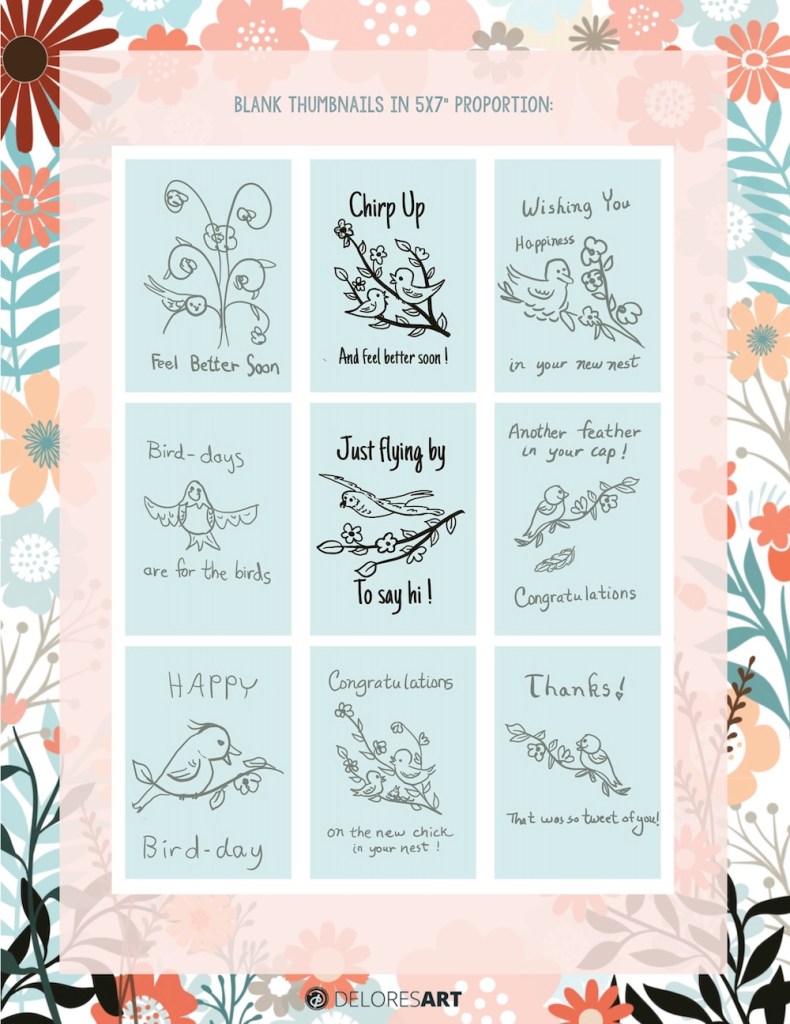
I open that image in Affinity and enlarge to the sketch for that card. 1500 x 2100 [5 x 7 in]. I then ink over the design in a flowing, vintage style– hand drawn in pixel personal. I export the jpg layers to vectorize with Liz’s app . Then I import the svg into Affinity to organize the layers and colorize.
I also work right in vector in Affinity for some cards. Here are two from vector tools — the blue bouquet one is a template from Delores, and both with my motifs. They do look digital.
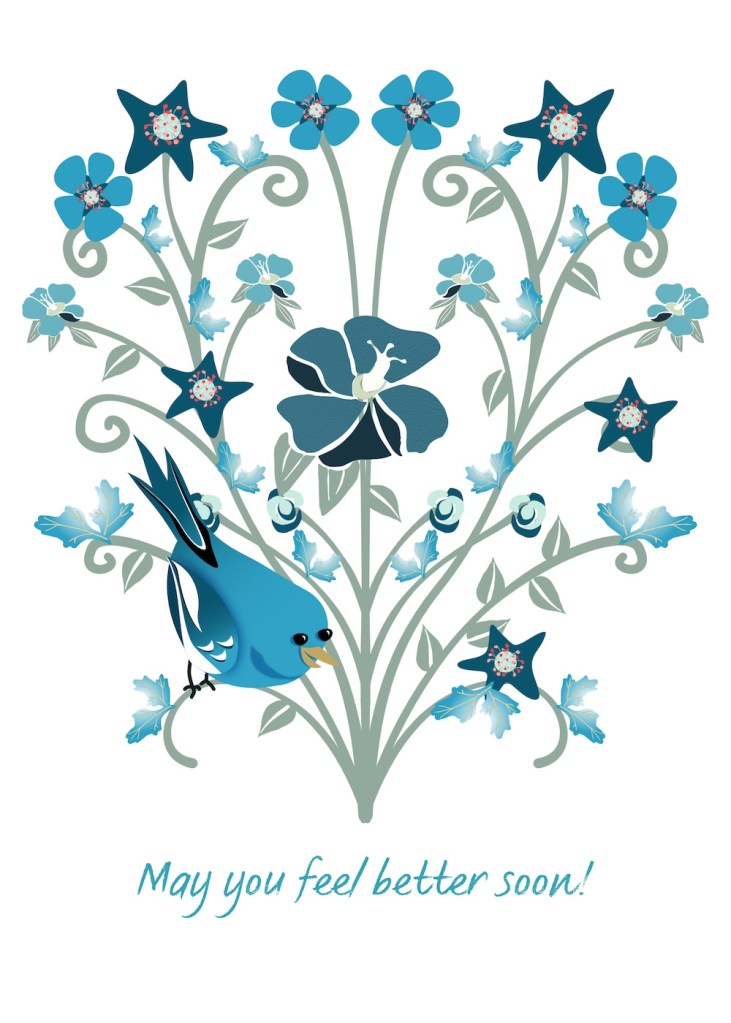
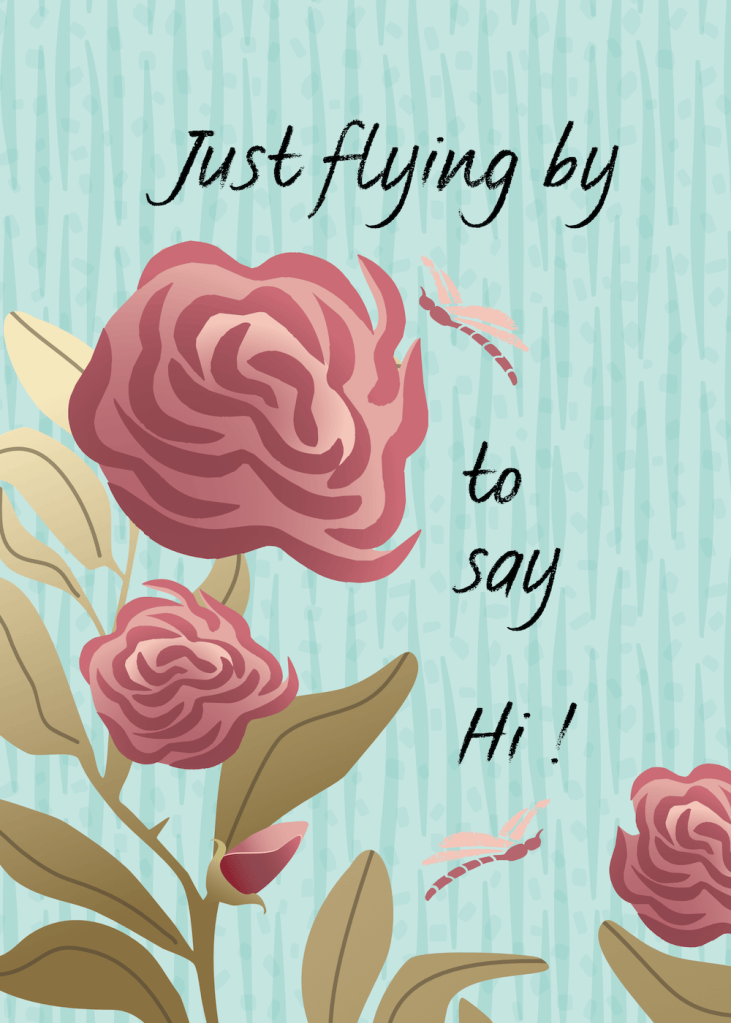
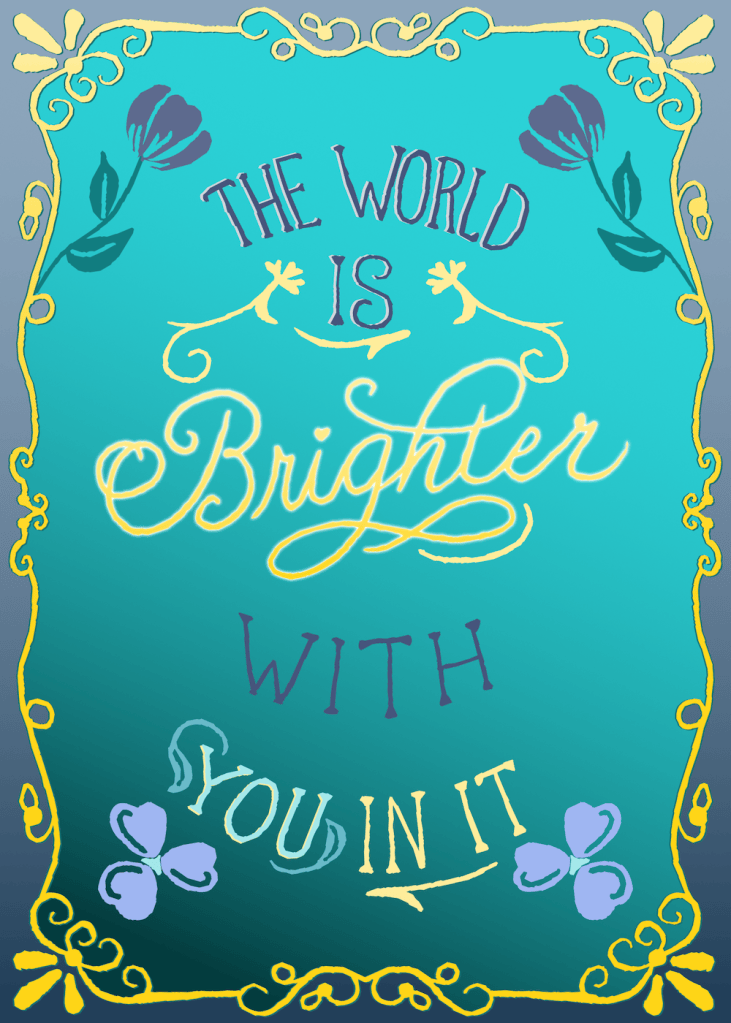
The images below follow the process above, a hand drawn to vector process in a vintage style. I’m going to change the “chirp up” text color to the pale yellow of the “Congratulations” card. I am learning even more this time around — with a 70 page guide and a new learning video each day. Today we learned about calligraphy, and I like how my “Brighter” turned out! Yes, that card is hand written text. The congrats card I gave to my granddaughter for their second child born on Sunday. 🙂
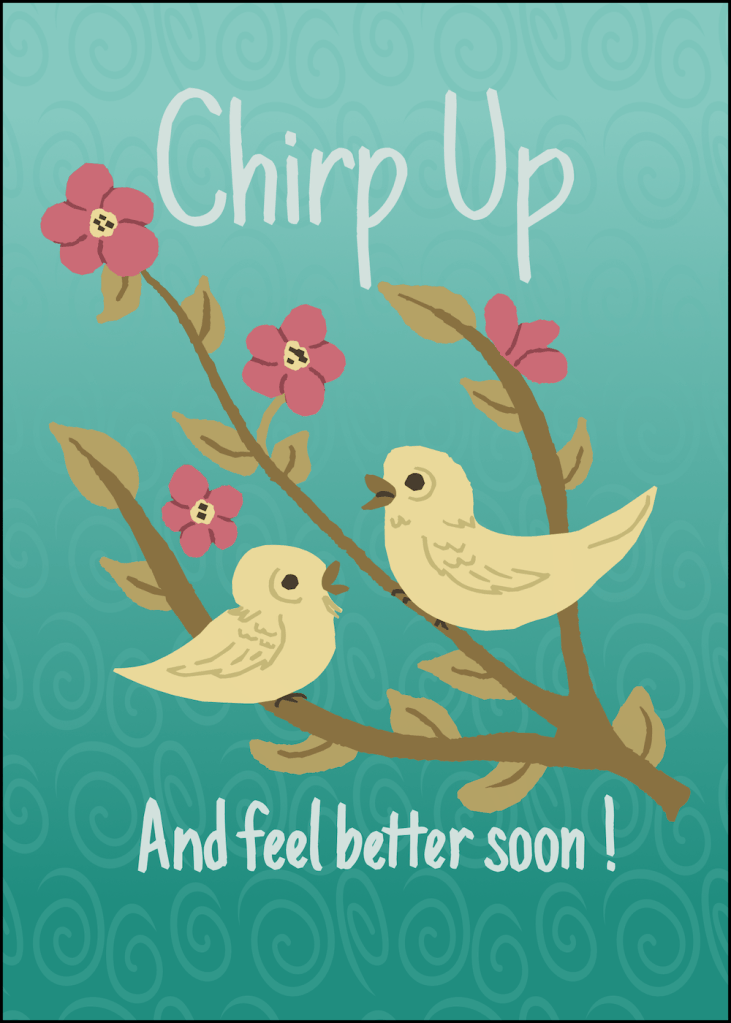
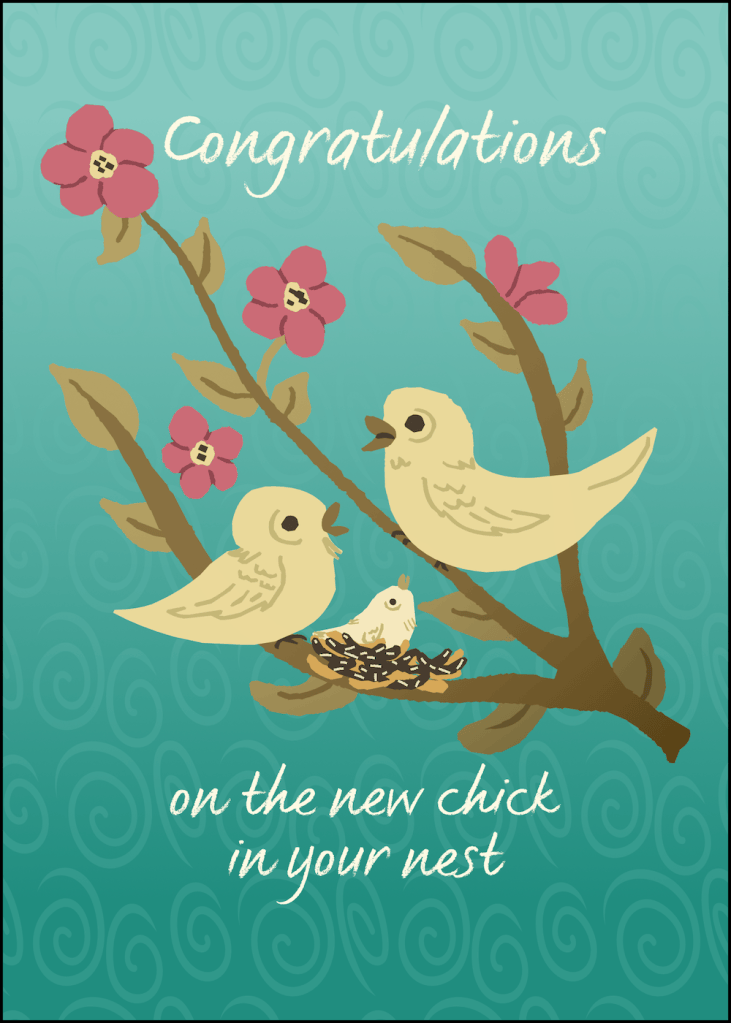
Final Project Sketch to Sellable
Liz Kohler Brown sponsored a free “Sketch to Sellable” workshop using only Affinity Designer 2. As I’ve noted before, Affinity is great because of the ability to switch flawlessly from the vector to pixel personas and back again. In addition, you can watch your surface pattern develop, knowing intuitively and obviously where to create the next part of your pattern.
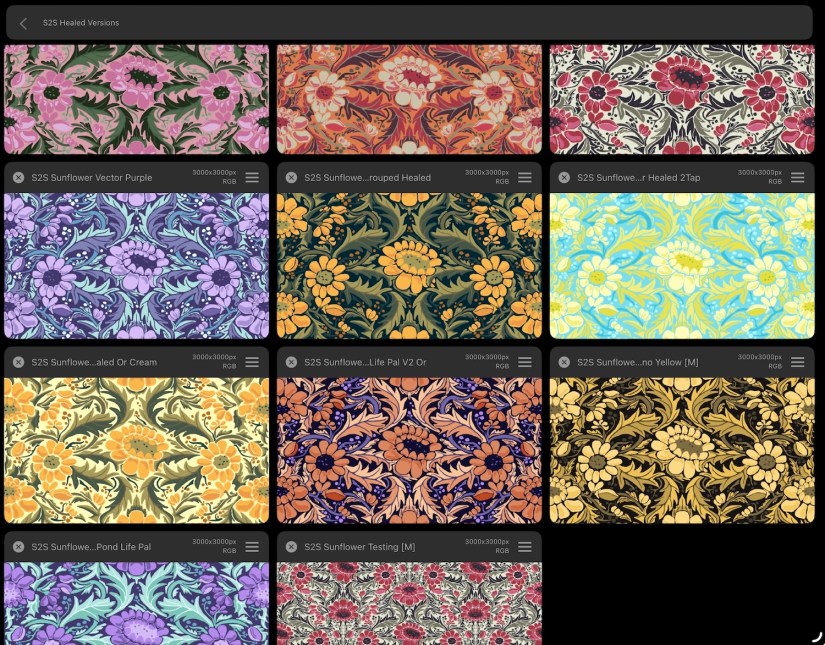
Two weeks ago I shared the first two projects in the Weekly WrapUP and last week more. The final project was to create our chosen pattern in different color ways once we get the vectors ready. Liz has an app for that too, which I used after applying some of my own favorite palettes to the design. Next week those of us who finished all five projects will join Liz for final discussions and next steps. I can hardly wait.
LadyBug Challenge
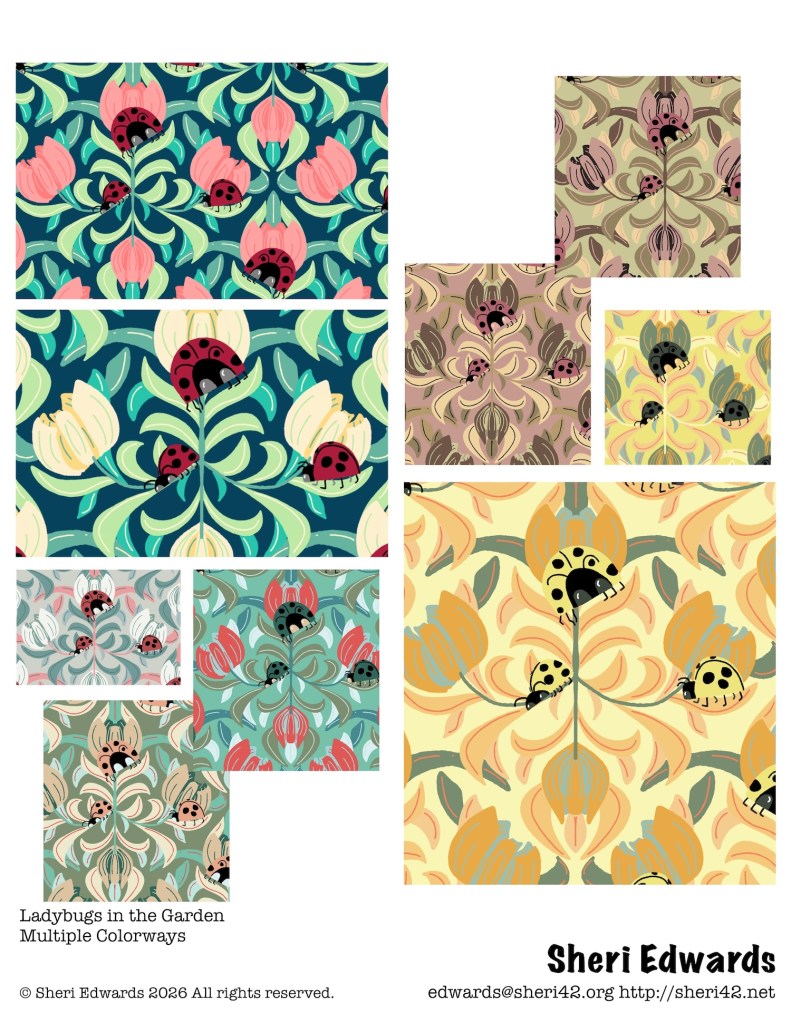
CatCoq usually challenges each week in her newsletter. I don’t always get to them. A few weeks ago the challenge was “LadyBugs,” which I love. I wanted to create something fun and quick and try out Liz’s color ways app. So in vector in Affinity, I designed this quickly with vector symmetry tools for the foliage and three of the ladybugs. Then I added in more ladybugs, not symmetrically. It was fun to create and to learn to use Liz’s color way app.
Thanks for stopping by!
It’s been a busy week; I love learning Affinity Designer for my pattern work, and now I’m applying the process to greeting cards. One thing I will do is go through the pixel brushes in Affinity to find a smooth one.
As always, if you have any questions, please ask in the comments.
You can find many helpful artists teachers, including Liz and Jennifer, on my Artist Resources page. Take a look at their IG and YouTube. Find one that fits your learning and art preferences and stick with them a while to develop your skills.
You’re welcome to follow this blog for art inspiration. We can share with #warmup4art to enjoy our work together! I look forward to your sharing and find me at @42Sheri, on Mastodon Sheri42, on Flickr teach.eagle Sheri 42. And, I’m so thankful you’ve been joining me with art this year! Take care!